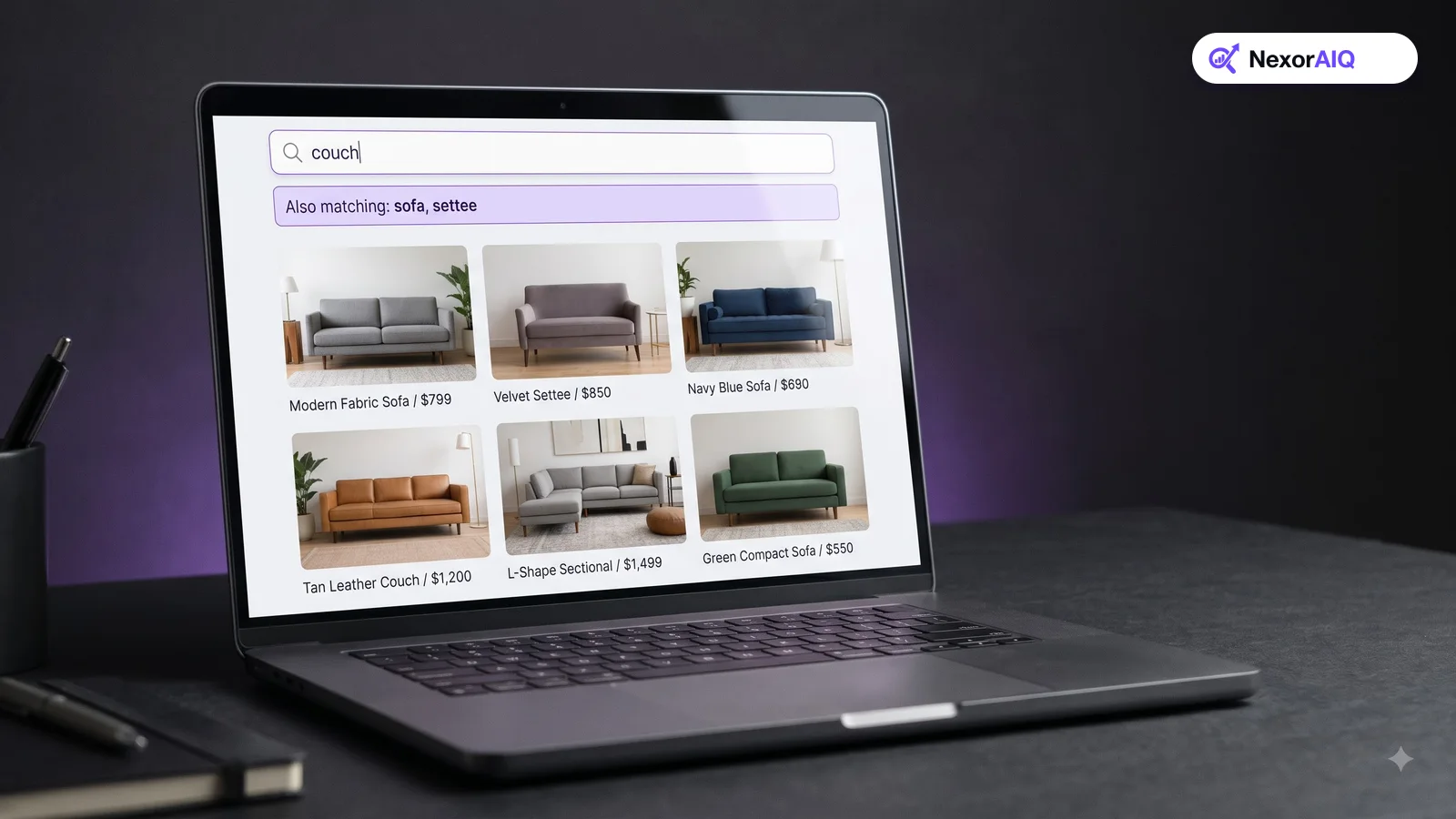
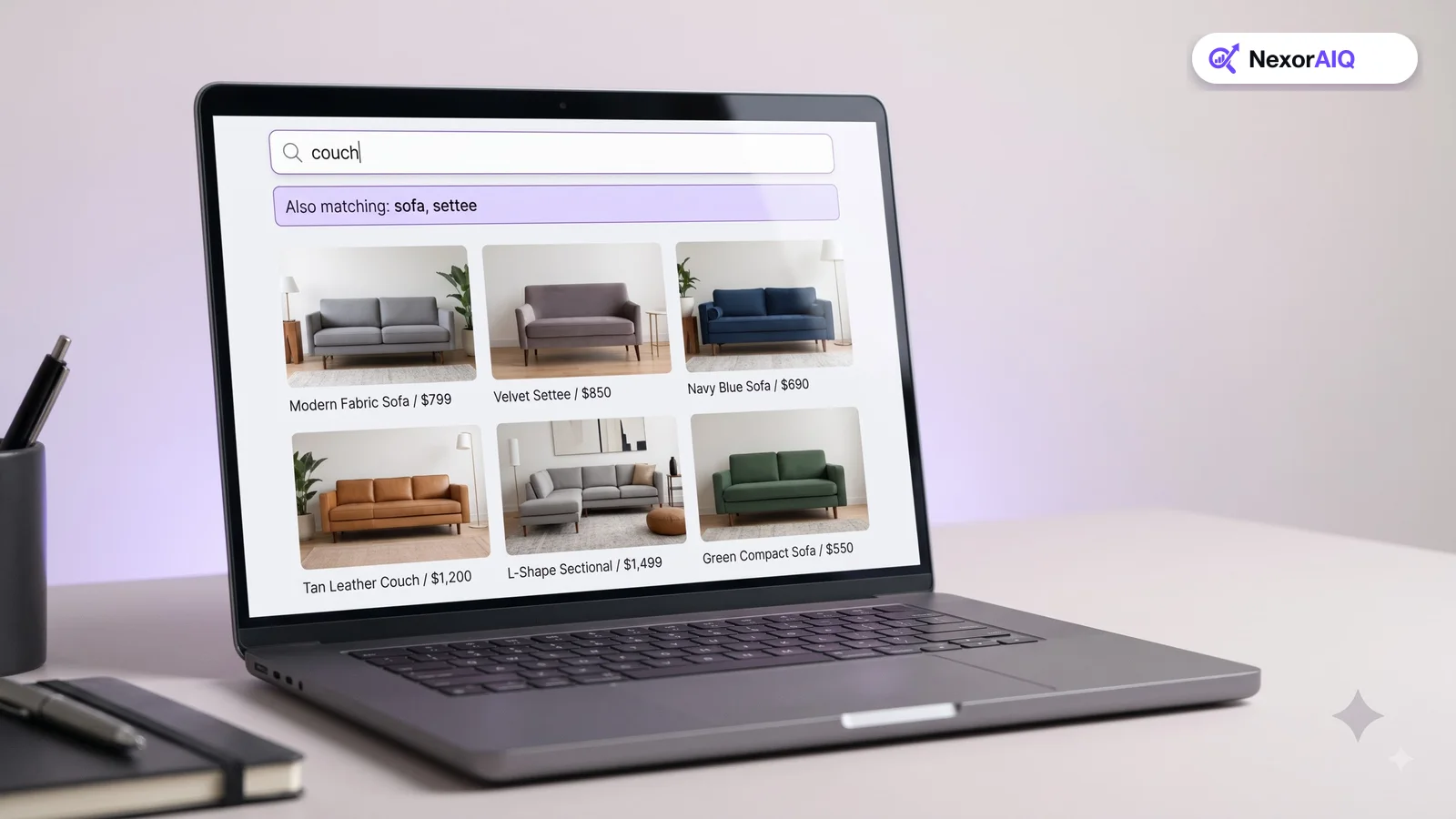
Your catalog says "sofa". Your shoppers type "couch", "settee", "sofabed" and "soffa". Every one of those mismatches can become an empty results page. In an earlier Baymard benchmark of large US stores, 18% returned no useful results when a shopper made a single-character typo in a product name, and 60% didn't support common symbols and abbreviations such as "in" for inch. A search dictionary, meaning your synonyms, spelling rules and term mappings, is how you close that gap. Here's how to build one that helps instead of hurts.
Find the gaps in your own search log
Don't start with a generic synonym list. Start with what your shoppers actually type.
- Export your zero-result queries for the last 90 days.
- Export queries with high exit or refinement rates. They return results, but the wrong ones.
- Look for pairs of searches in the same session, such as "couch" followed by "sofa". These are synonym gaps that shoppers are fixing themselves.
Group what you find into the categories below. Most stores find that a few hundred entries cover most of the problem.
Two-way synonyms: words that mean the same thing
Two-way (equivalent) synonyms treat a set of words as interchangeable: "sofa, couch, settee". A search for any of them returns products containing any of them.
Use them only when the words truly mean the same thing to your shoppers. "Sneakers, trainers, running shoes" may look equivalent, but in some stores "running shoes" is a narrower category. If in doubt, use a one-way synonym instead.
One-way synonyms: broad terms that include narrower ones
One-way synonyms expand a broad term without expanding the narrow one. "Footwear" should include boots, sneakers and sandals. But a search for "boots" shouldn't return sandals.
This is where many stores go wrong. A two-way rule between "boots" and "footwear" makes "boots" return everything. Use one-way rules for category words, and keep two-way rules for true equivalents.
Typo tolerance: fix mistakes without inventing matches
Most search engines allow a small number of character edits, so "jakcet" still finds "jacket". Tune it carefully:
- Short words need stricter rules. Allowing one edit on a three-letter word turns "hat" into "cat" or "mat".
- Don't apply typo tolerance to SKUs and model numbers. "ZX-450" and "ZX-460" are different products.
- Add phonetic corrections for words people only hear, such as brand names from ads or podcasts.
- Add your common misspellings explicitly. If thousands of shoppers type "bluetooh", map it directly rather than relying on fuzzy matching.
Units, symbols and abbreviations
Shoppers write measurements in many ways. Your dictionary should treat these as the same:
- "55 inch", "55in", "55″", "55-inch".
- "1tb", "1 TB", "1000gb".
- "&" and "and"; "t-shirt", "tshirt", "tee".
- Size formats such as "XL", "extra large" and "x-large".
Normalize these both when indexing products and when processing queries, so matches work in both directions.
Slang, regional words and non-product queries
- Regional words: "jumper" and "sweater", "trousers" and "pants", "trainers" and "sneakers" vary by market. Scope these synonyms to the right store view or language.
- Slang and trend words: new terms appear constantly. Review your zero-result log monthly for them.
- Non-product queries: "returns", "delivery", "size guide" and "discount code" should redirect to help pages rather than return random products.
Avoid the mistakes that break relevance
A bad dictionary can do more damage than none.
- Don't chain synonyms. If "jumper" is linked to "sweater", and "sweater" to "cardigan", "jumper" may start returning cardigans.
- Watch for words with two meanings. "Case" can mean a phone case or a storage case. Scope synonyms by category where possible.
- Test before publishing. Run your top queries before and after a batch of changes, and check that results didn't get worse.
- Keep an owner and a log. Note who added each rule and why, so the dictionary stays clean as the team changes.
Where AI fits in
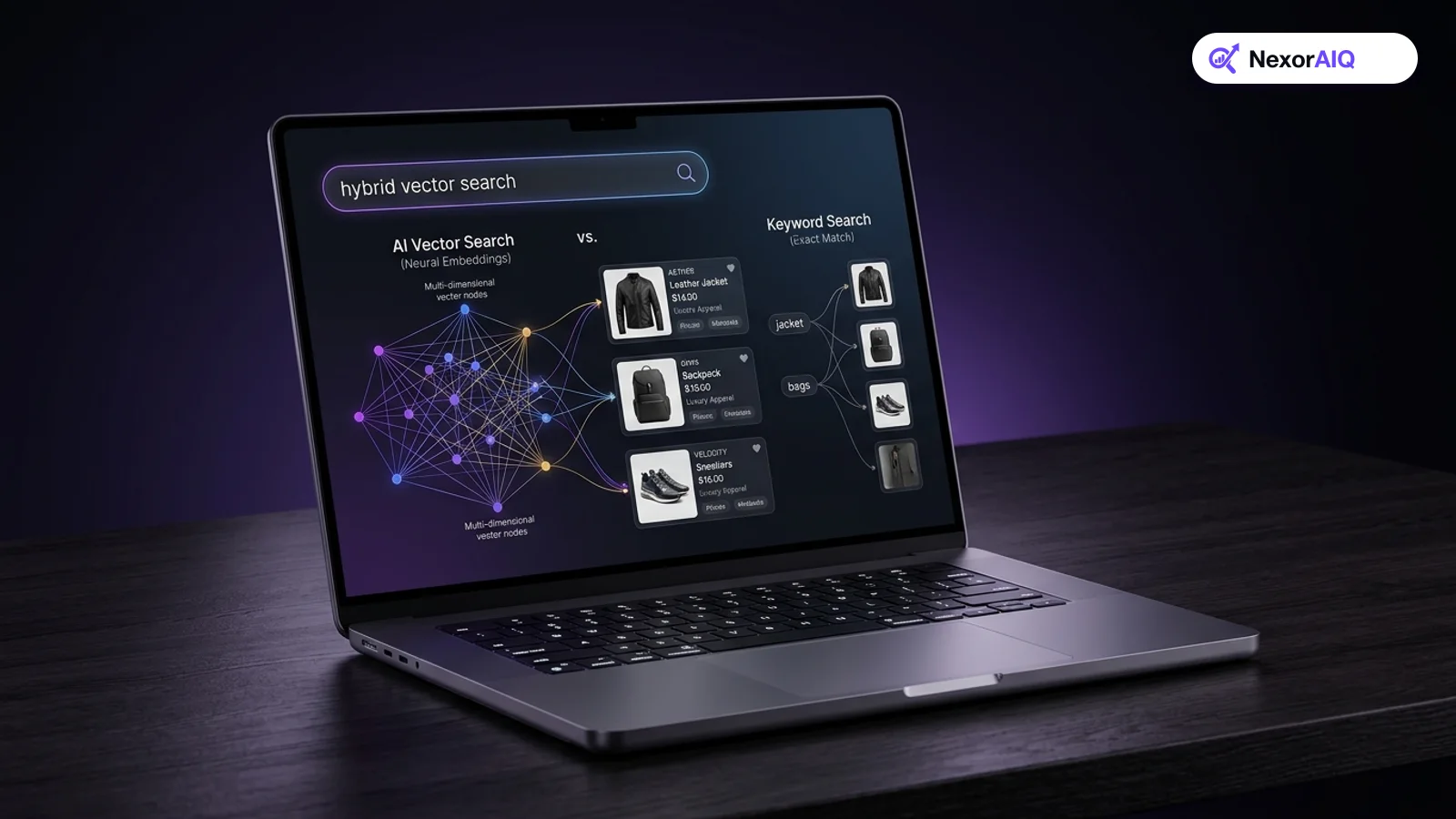
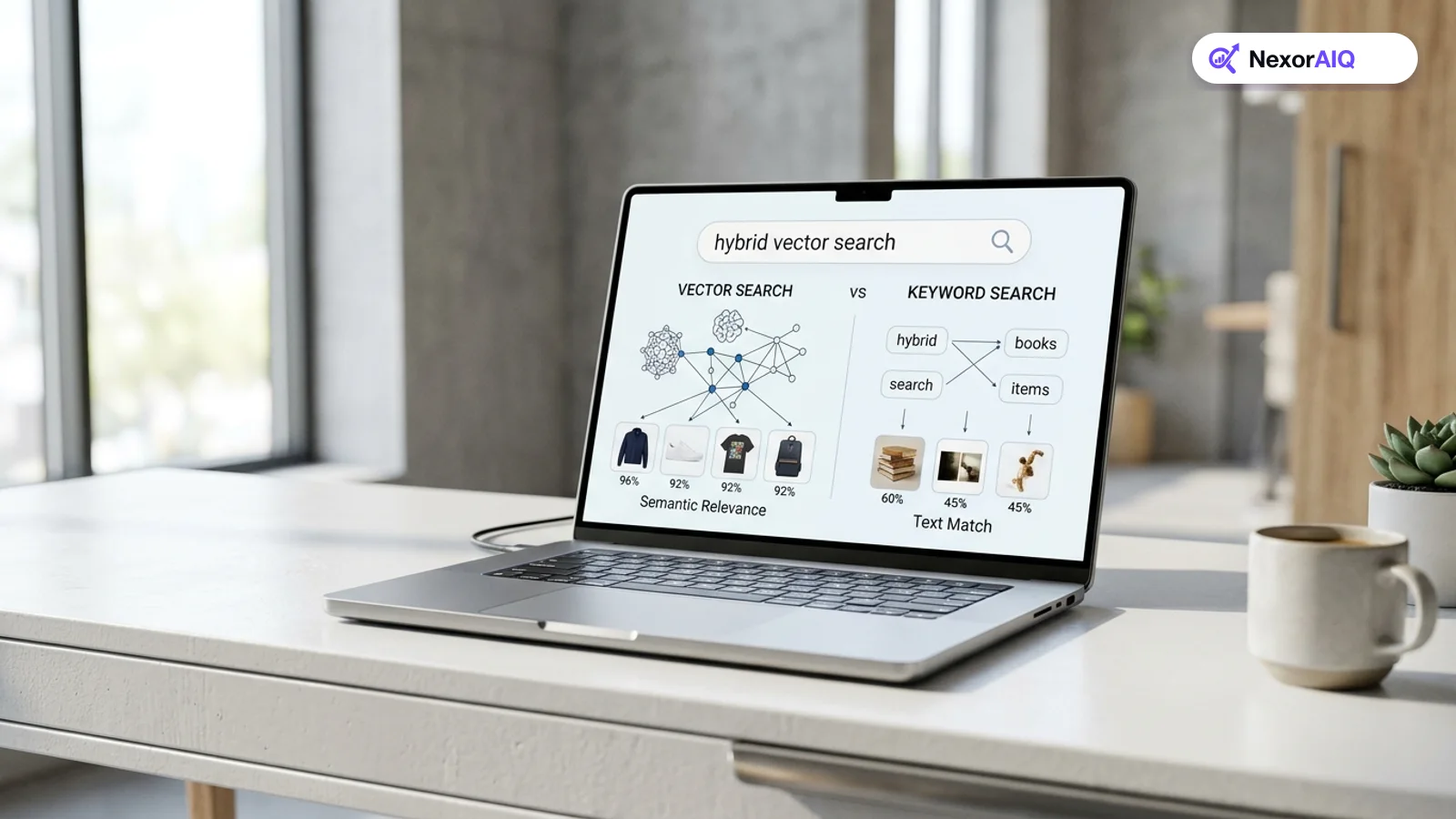
Semantic search handles many synonyms automatically: it knows "couch" and "sofa" are close in meaning, as we explain in what is AI product search. You still need a dictionary for brand terms, store-specific vocabulary, regional words and exact-match exceptions. NexorAIQ's search dictionary combines both: it suggests synonyms from shopper behavior and lets merchandisers approve, scope and test them. It's available now for Magento 2 and Adobe Commerce.
Search dictionary entry types
| Type | Example | Use when |
|---|---|---|
| Two-way synonym | sofa ⇄ couch ⇄ settee | Words truly mean the same |
| One-way synonym | footwear → boots, sneakers, sandals | Broad term should include narrower ones |
| Spelling correction | bluetooh → bluetooth | Frequent known misspelling |
| Unit normalization | 55in = 55 inch = 55" | Measurements and sizes |
| Regional term | jumper ⇄ sweater (UK store) | Words differ by market |
| Redirect | returns → /returns | Non-product queries |
Frequently Asked Questions & Architecture Insights
What is the difference between one-way and two-way synonyms?
Two-way synonyms make words interchangeable in both directions. One-way synonyms expand a broad term to include narrower ones without the reverse, so "footwear" finds boots but "boots" doesn't find all footwear.
Should typo tolerance apply to SKUs?
No. Model numbers and SKUs that differ by one character are usually different products. Keep exact matching for codes and apply typo tolerance to words.
Do I still need synonyms if I use AI search?
Yes, but far fewer. Semantic search handles common synonyms automatically, but brand terms, store-specific vocabulary, regional words and exceptions still need explicit rules.
Key Takeaway
A good search dictionary is built from your own search log, uses one-way and two-way synonyms carefully, keeps typo tolerance away from SKUs, normalizes units, and is tested before every change. Review it monthly, and it will steadily cut your zero-result rate.