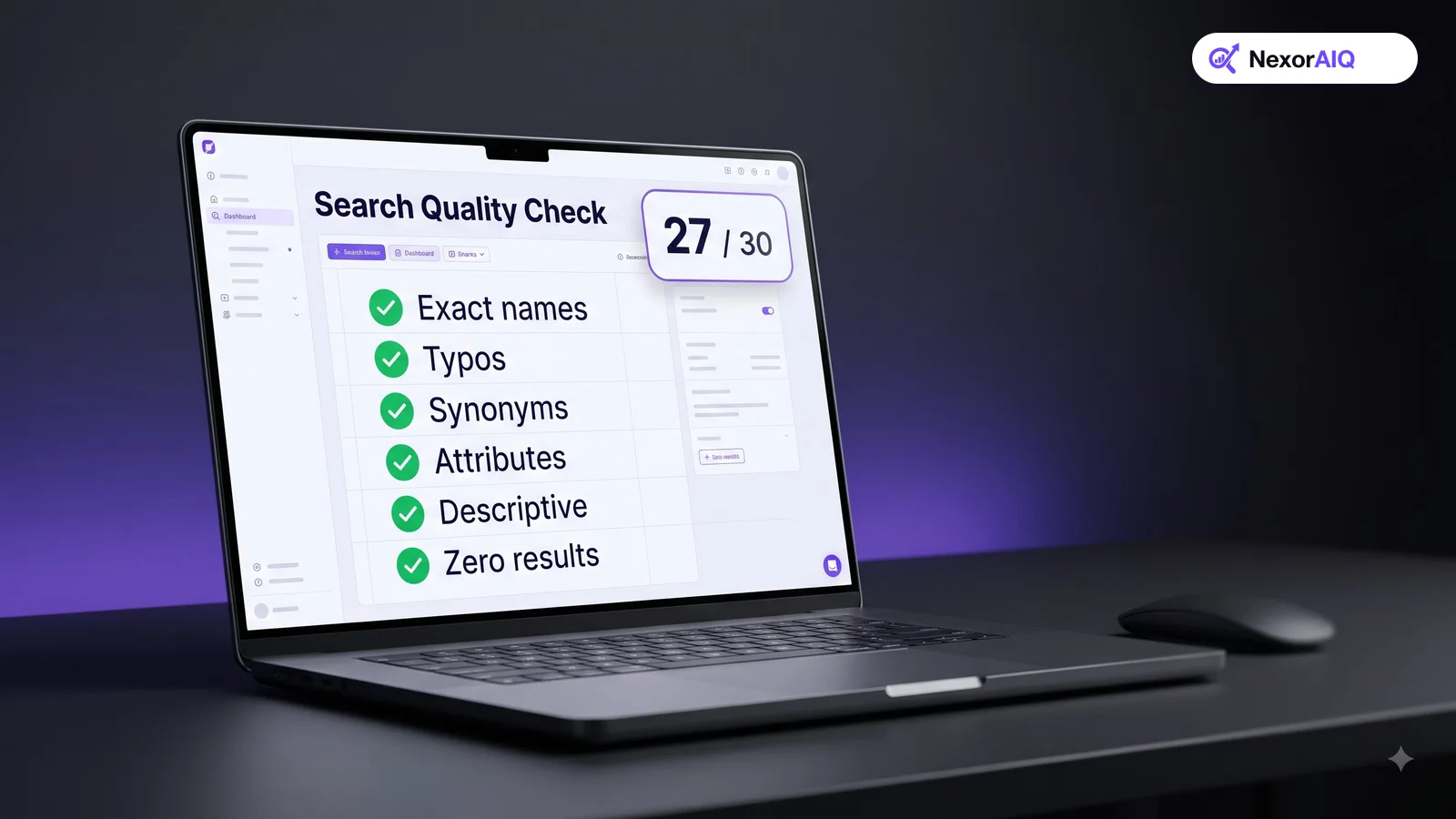
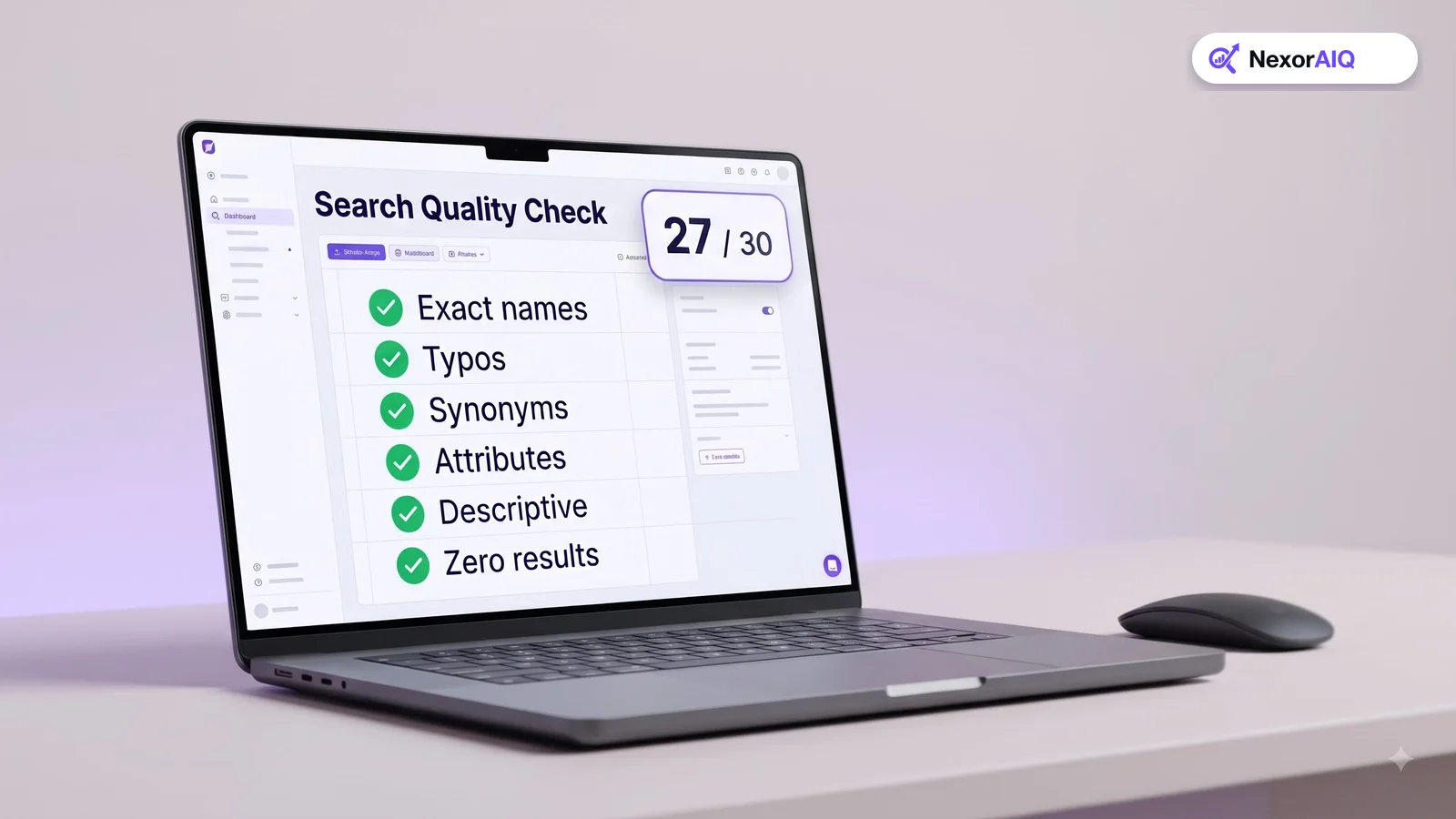
Most store owners only find out search is broken when a customer complains or a sales report looks odd. You can catch most problems much earlier with a simple check: type 30 carefully chosen queries into your own search box and write down what happens. It takes about an hour, needs no tools, and usually produces a clear list of fixes. This guide gives you the 30 queries to use, grouped into six tests, and explains what a pass and a fail look like for each.
Before you start
Open your store in a private browser window so personal history doesn't change the results, and test on a phone as well as a desktop. Most store traffic is mobile, and some search problems only show up on a small screen.
Make a simple sheet with four columns: query, what you expected, what you got, pass or fail. Pull real queries from your search log where you can. The groups below tell you which kinds to pick. If your store has no search log yet, use the product names and words your customers use in emails and reviews.
Test 1: Exact product names and SKUs (5 queries)
Search for five products by their exact name, and two or three by SKU or model number.
- Pass: the exact product is the first result.
- Fail: the product appears lower down, or not at all.
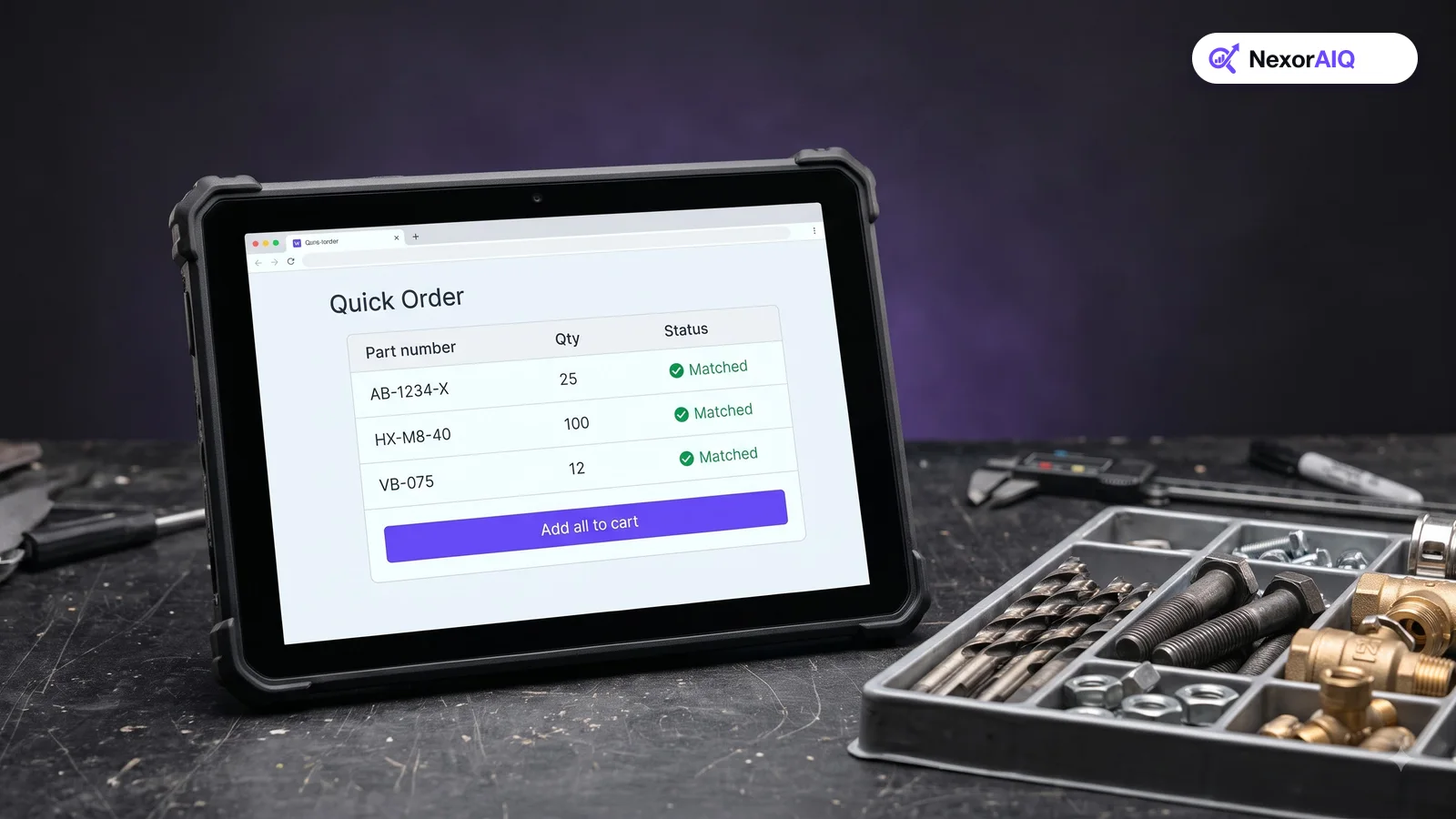
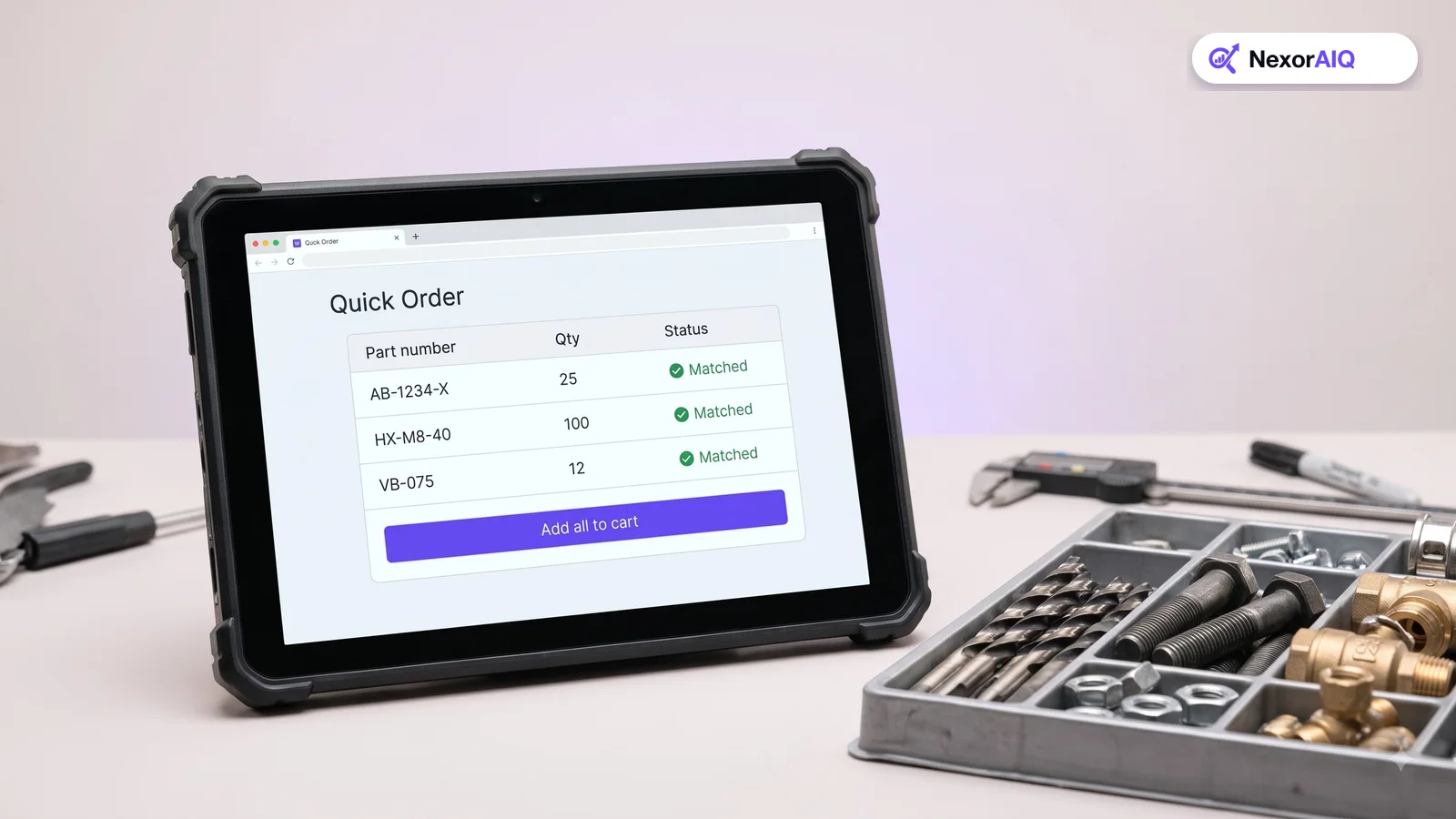
This is the easiest test, and failing it is serious. A shopper who types an exact name already knows what they want to buy. If search can't find it, they assume you don't sell it. SKU failures are especially common in B2B stores, where buyers search by part number all day.
Test 2: Typos and spelling variants (5 queries)
Misspell five popular searches the way people really do: a missing letter ("sneakrs"), swapped letters ("jakcet"), a phonetic spelling ("hoodi"), and British or American spelling ("colour" vs "color").
- Pass: results are the same as, or close to, the correct spelling. A "Did you mean" suggestion is fine.
- Fail: zero results or unrelated products.
About one in ten searches contains a typo, and on phones the share is higher. Our synonyms and typos guide explains how to fix failures here.
Test 3: Synonyms and customer words (5 queries)
Pick five products and search for them using the words customers use instead of your catalog's words: "couch" for sofa, "trainers" for sneakers, "tee" for t-shirt, "laptop bag" for notebook case.
- Pass: the same products appear as for the catalog term.
- Fail: zero results, or only products that happen to use the customer's word.
Failures here are vocabulary gaps. Each one becomes a synonym entry or a reason to add semantic search, which matches meaning rather than exact words.
Test 4: Attributes and filters (5 queries)
Search for a product type with one or two attributes: "red dress", "waterproof jacket", "size 10 boots", "cotton bedsheets queen", "leather wallet under $50".
- Pass: every result in the top ten has the attributes you typed.
- Fail: wrong colors, sizes or materials mixed in, or the price limit ignored.
Then open the filters on a broad query such as "jackets". Check that the filter list makes sense for that category, that counts are correct, and that filters still work on mobile. Our filters guide covers what good looks like.
Test 5: Descriptive and problem queries (5 queries)
Type five searches the way a shopper describes a need rather than a product: "gift for a coffee lover", "something warm for winter hiking", "desk setup for small room", "shoes for standing all day", "anti-frizz for curly hair".
- Pass: most of the top results are sensible answers, even if none contain those exact words.
- Fail: zero results, or products that match one word ("coffee") but not the need.
Keyword-only search almost always fails this test. These queries are a small share of volume but often come from shoppers with high intent and no specific product in mind.
Test 6: Zero results and the empty search box (5 checks)
Finish with five checks on what happens around the results:
- Search for something you really don't sell. Does the page suggest alternatives, popular categories or a contact option, or is it a dead end?
- Search for a product that is out of stock. Is it shown with a clear label, hidden, or ranked above available products?
- Tap the search box without typing. Do you see trending searches or recent searches?
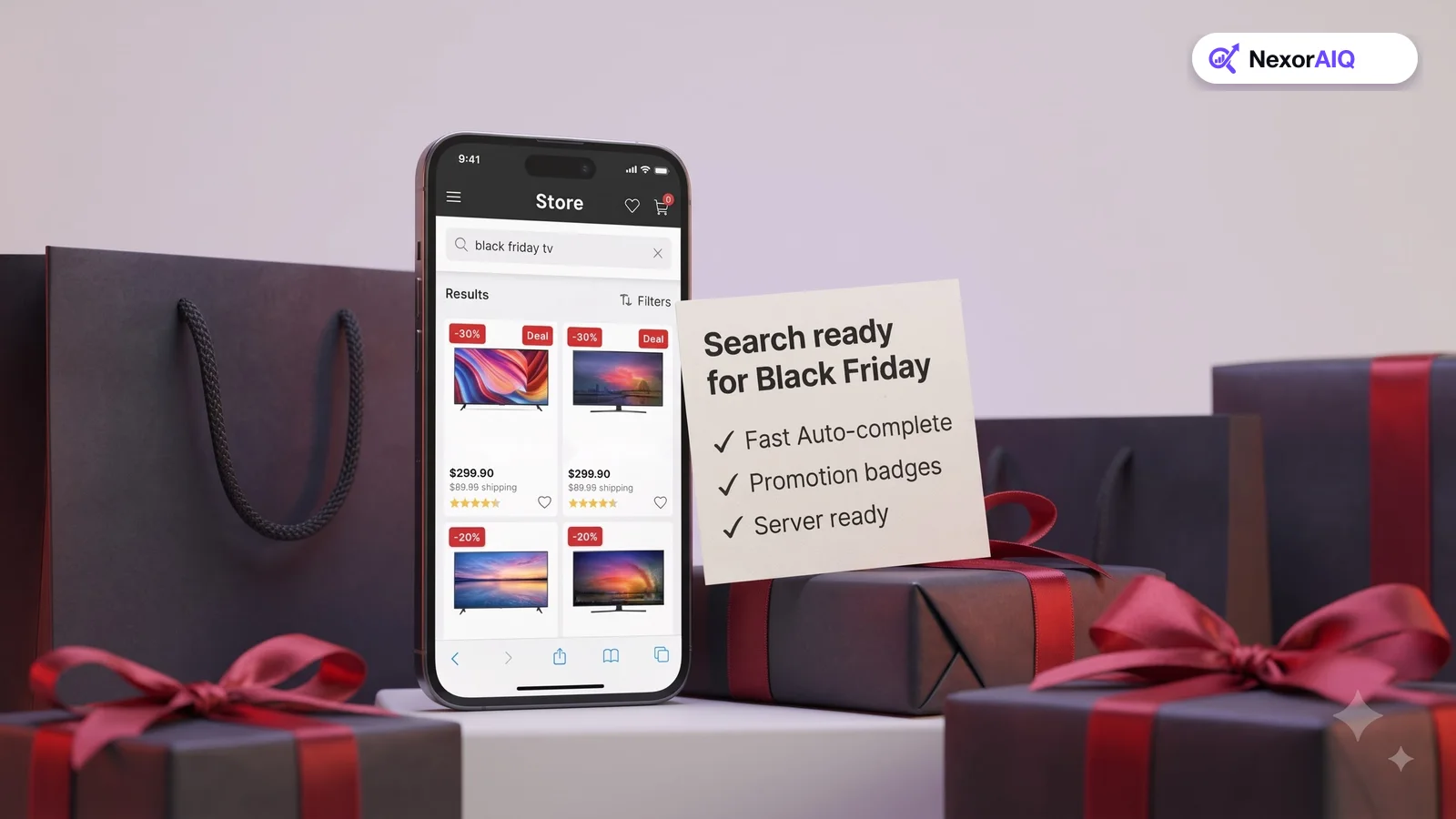
- Type the first three letters of a popular product. Do autocomplete suggestions appear quickly, and do they include products?
- Run one search and press back. Are your filters and scroll position kept?
A good zero-result page keeps a shopper who would otherwise leave.
Turn the results into a fix list
Count the passes. As a rough guide, 26 or more out of 30 is healthy, 20 to 25 needs work, and under 20 means search is costing you sales every day.
Group the failures by cause rather than by query. Five typo failures are one problem (no typo tolerance), not five. Fix the groups in this order: exact names and SKUs first, then typos and synonyms, then attributes, then descriptive queries. Earlier fixes are cheaper and help more searches.
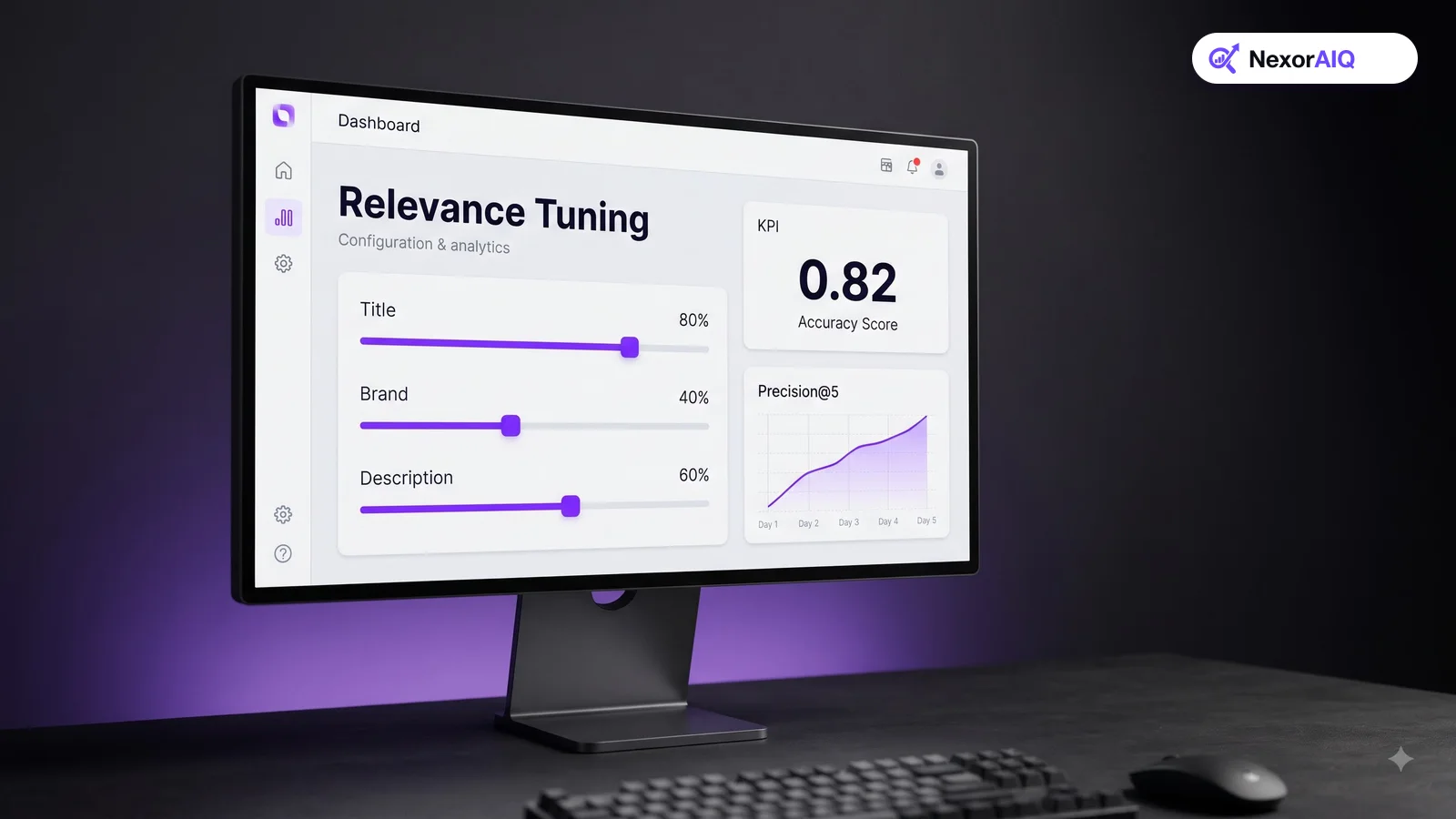
Save the sheet and run the same 30 queries again after each change and once a month. Once you are ready for more detail, move to a larger scored test set as described in our relevance tuning guide.
Where NexorAIQ fits
NexorAIQ is built to pass these tests out of the box: AI vector search for descriptive queries, a search dictionary for typos and synonyms, dynamic filters that understand attributes, and no-result recovery so no search ends at a blank page.
NexorAIQ is available now for Magento 2 and Adobe Commerce. Book a demo and we'll run this 30-query check on your store with you.
The 30-query search quality check at a glance
| Test | Example query | Pass looks like |
|---|---|---|
| Exact names and SKUs | "Trailblazer 2 hiking boot", "SKU 44-1093" | Exact product is result #1 |
| Typos and variants | "jakcet", "colour" | Same results as the correct spelling |
| Synonyms | "couch", "trainers" | Same products as the catalog term |
| Attributes | "red dress", "under $50" | Every top-10 result has the attribute |
| Descriptive | "gift for a coffee lover" | Sensible products without exact words |
| Around the results | Empty box, zero results, back button | Suggestions, recovery, state kept |
Frequently Asked Questions & Architecture Insights
How do I test my ecommerce site search?
Run a fixed set of about 30 real queries covering exact product names, typos, synonyms, attributes and descriptive searches, record whether each returns the right products, and group the failures by cause.
How often should I check site search quality?
Run the same set after every search change and at least once a month, and add new queries from your search log as seasons and product ranges change.
What is a good score on a search quality check?
As a rough guide, passing 26 or more of 30 queries is healthy, 20 to 25 needs work, and fewer than 20 means search is losing sales.
Which search problems should I fix first?
Fix exact product name and SKU failures first, then typos and synonyms, then attribute handling, then descriptive queries. Earlier fixes are cheaper and affect more searches.
Key Takeaway
You don't need a consultant or a new tool to find out how good your search is. Thirty queries, an hour and a simple sheet will show you exactly where shoppers get stuck. Fix the failures in groups, re-run the check after every change, and search quality stops being a guess.