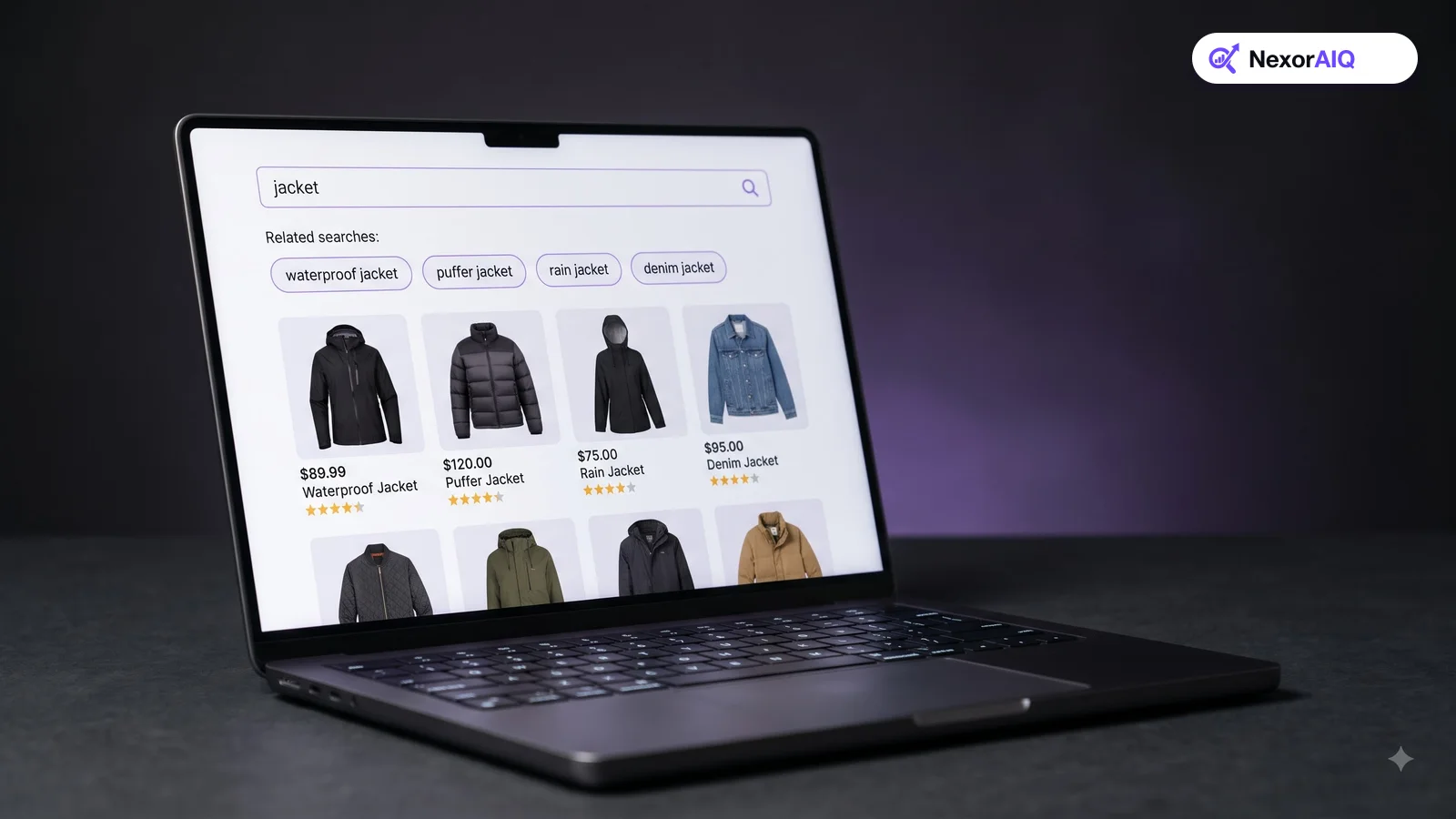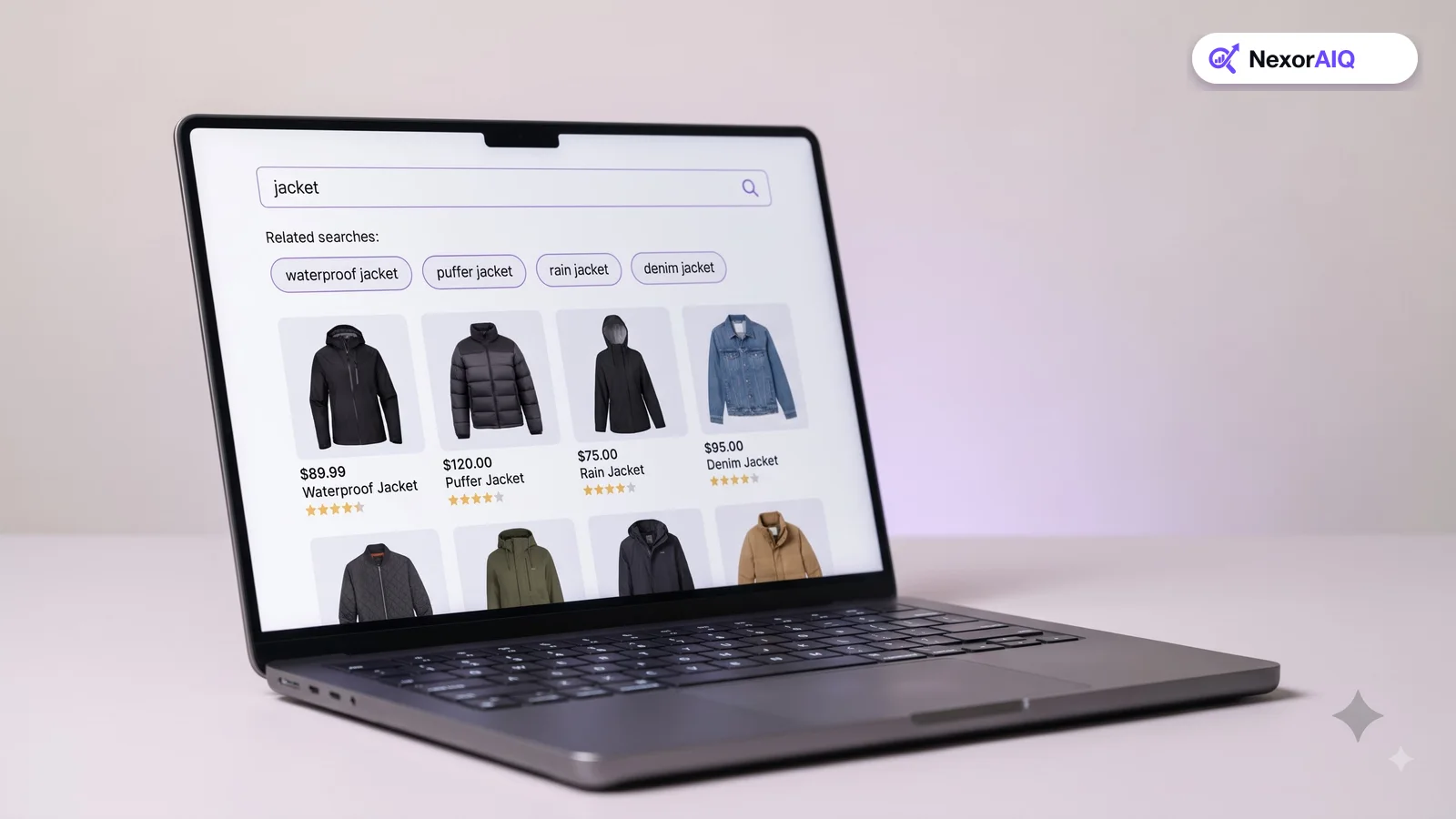
Your search results are a storefront that rearranges itself for every shopper. Search merchandising is how your team decides what goes in the window. Relevance gets the right products into the results; merchandising decides their order, based on stock, margin, launches and campaigns. This playbook covers where to start, which rules to use, how to avoid hurting relevance, and how to run it week to week.
What search merchandising is
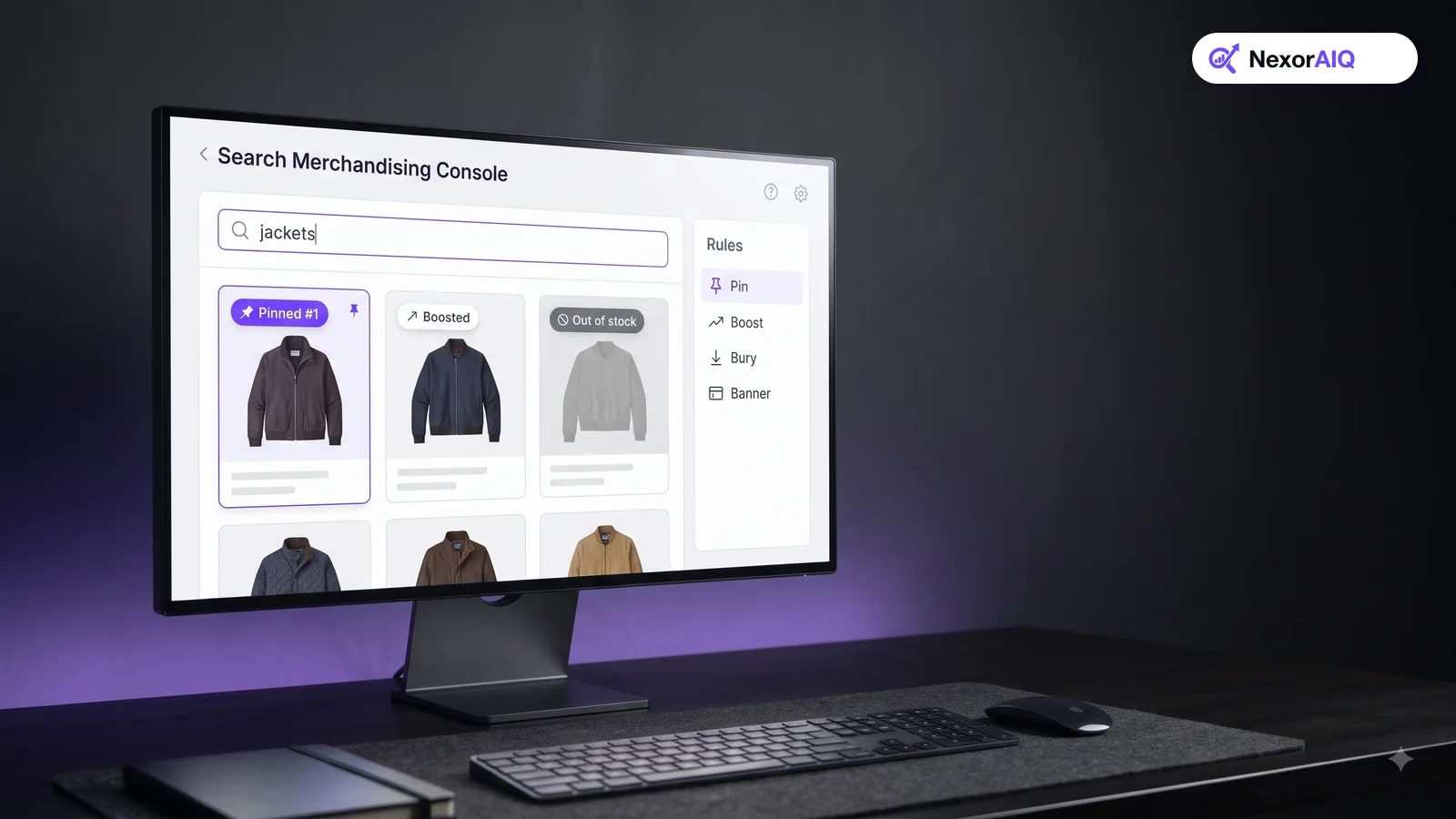
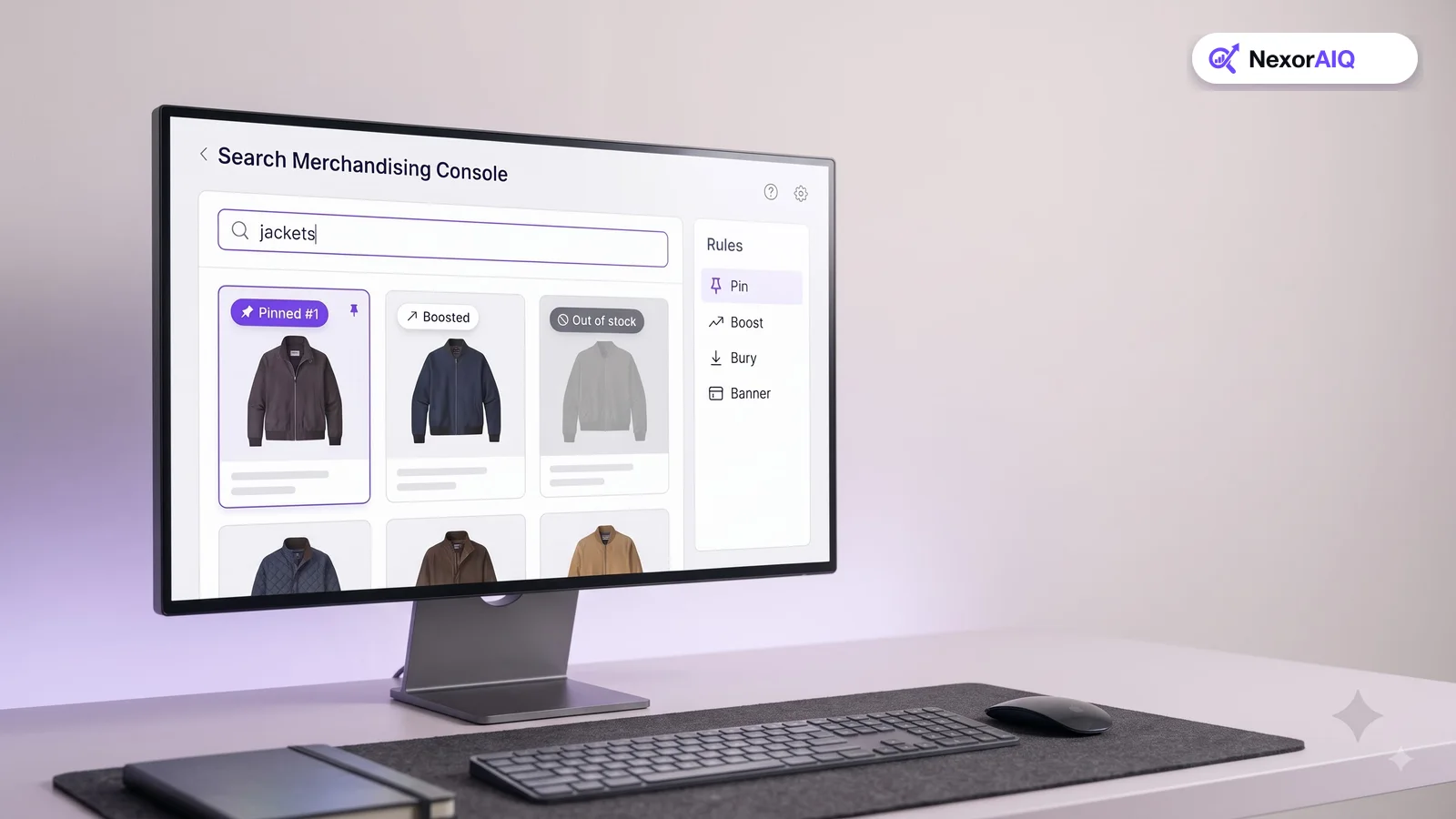
Search merchandising means adjusting search results to meet business goals while keeping them relevant. The main tools are:
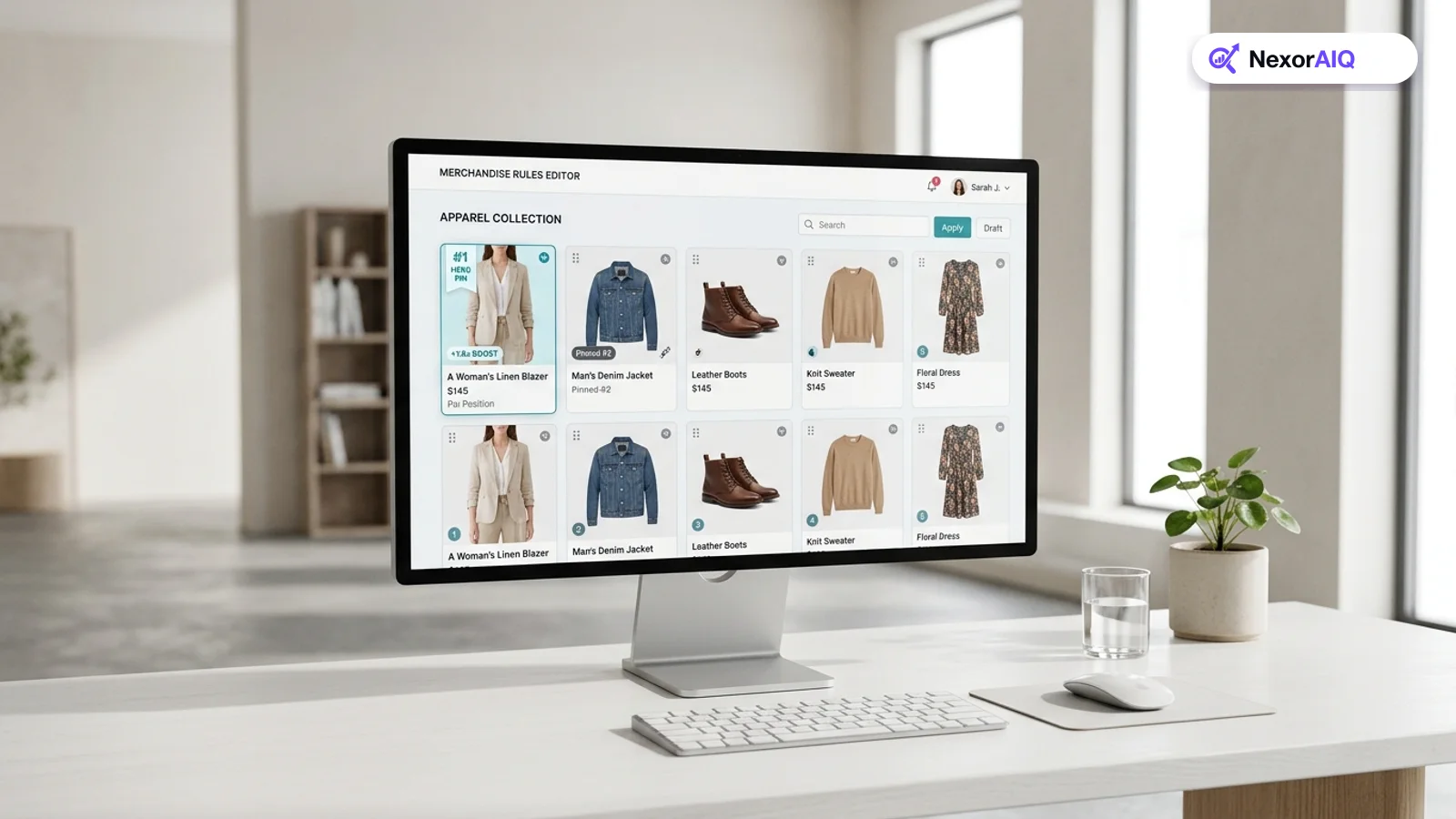
- Pins: fix a specific product in a specific position for a query.
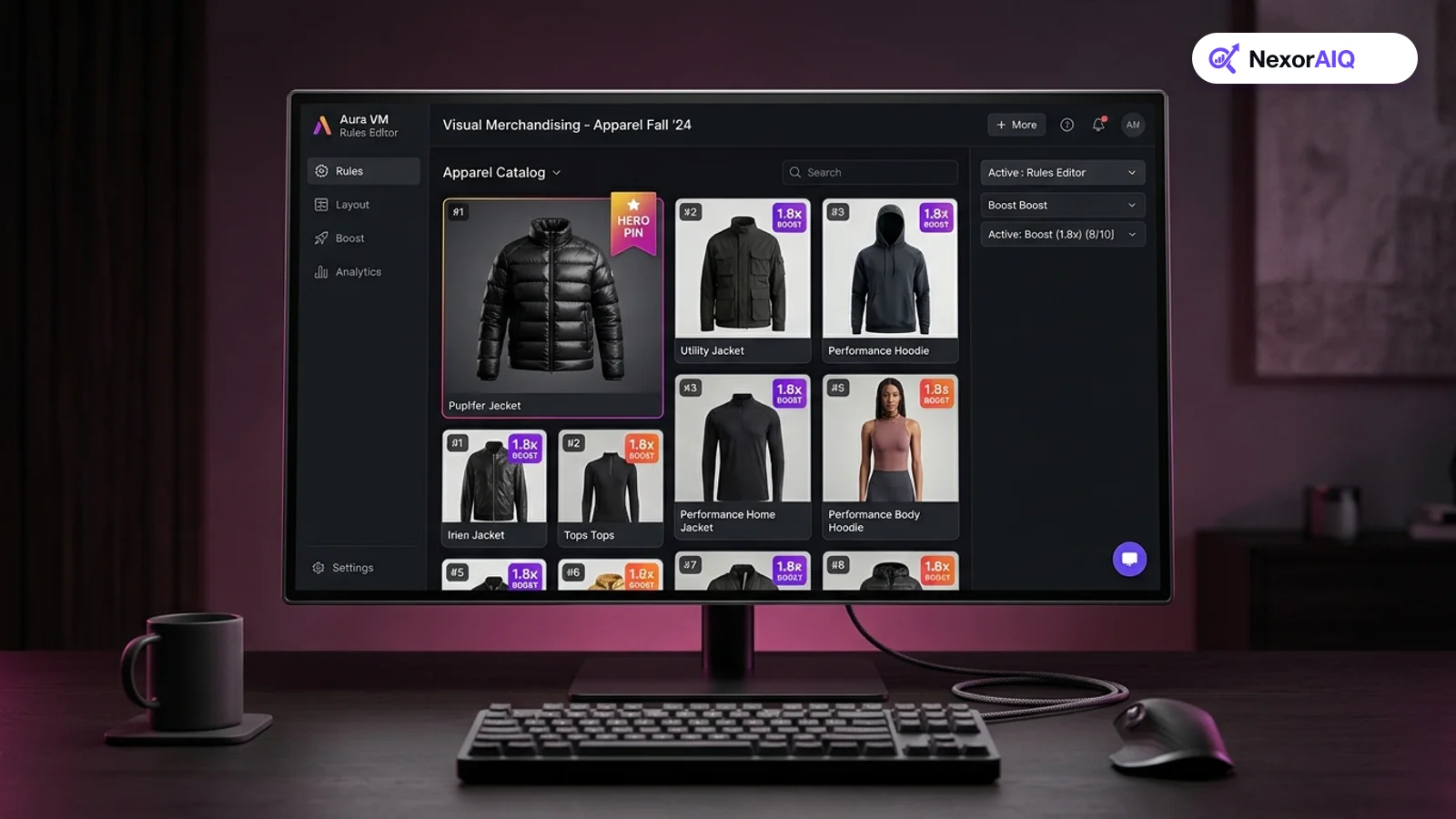
- Boosts and buries: move products up or down based on attributes such as brand, margin, stock or newness.
- Filters and exclusions: hide products from certain queries, such as accessories from "laptop".
- Banners: show a campaign or guide for a query, such as a size guide for "running shoes".
- Redirects: send queries like "returns" or "gift card" straight to the right page.
The goal isn't to override the engine. It's to add knowledge the engine doesn't have: what's launching, what's overstocked, and what matters to your business this week.
Start with the queries that matter most
Don't try to merchandise everything. Pick three groups of queries:
- Your top 50 queries by volume. They usually make up a large share of all searches, so small gains add up.
- Your top revenue categories. Broad terms like "dresses" or "laptops" where ordering decides what sells.
- Campaign queries. Terms tied to upcoming launches, sales or seasons.
Leave the long tail to the relevance engine. Manual rules on rare queries rarely pay back the time.
Five rules almost every store should have
- Bury out-of-stock products. Push sold-out items to the end of results, or hide them. Showing them first wastes the best positions.
- Boost new arrivals on broad queries. For category-level queries, give new products a modest boost so shoppers see what's fresh.
- Pin best-sellers for top queries. For your top 10 queries, pin one or two proven best-sellers to the first row, and leave the rest to the engine.
- Exclude accessories from main-product queries. "Phone" should show phones first, not cases. Use a category rule or a demotion.
- Redirect service queries. "Shipping", "returns", "track order" and "contact" should go straight to help pages.
NexorAIQ's search rules and boosts and product pinning cover all five, with start and end dates for campaigns.
Guardrails that protect relevance
Merchandising can backfire. A boost that's too strong can put a loosely related product above the obvious match. Use these guardrails:
- Boost within relevance, not over it. Boosts should reorder products that already match well, not pull in weak matches.
- Limit pins. One or two pinned products per query is usually enough. Pinning a full row turns search into an ad slot.
- Always set end dates. Campaign rules that never expire are the main cause of strange results months later.
- Check pinned products' stock. A pinned product that sells out should give up its slot automatically.
- Review rules monthly. Delete rules that no longer have a reason to exist.
Use visual tools, not spreadsheets
Merchandisers should see the results grid as a shopper sees it, on desktop and mobile, and drag products into place. Rules written blind in a spreadsheet are easy to get wrong and hard to review. A visual merchandising console lets the team preview a rule before it goes live and see exactly which rules affect a query.
Test rules instead of guessing
Every significant rule is a hypothesis: "Boosting new arrivals for 'dresses' will increase revenue per search." Test it.
- Pick one metric, usually revenue per search or conversion rate for the affected queries.
- Run the rule against the unmerchandised baseline with a share of traffic.
- Let it run long enough to cover weekday and weekend patterns.
- Keep the winners, remove the losers, and write down what you learned.
Our earlier post on visual merchandising rules goes deeper on testing pins and boosts.
A weekly merchandising routine
A one-hour weekly routine keeps search results sharp:
- Monday: review last week's top queries and revenue per search. Note any query that dropped.
- Tuesday: fix zero-result queries with synonyms or redirects (see search dictionary tips).
- Wednesday: set up rules and banners for next week's campaigns, with end dates.
- Thursday: check stock on pinned products and update pins.
- Friday: delete expired or pointless rules and log the results of running tests.
Which merchandising tool to use
| Goal | Tool | Example |
|---|---|---|
| Feature a launch | Boost by "new" attribute + banner | New collection first for "jackets" |
| Sell through overstock | Moderate boost with end date | Boost last season's coats for 2 weeks |
| Protect the top row | Pin 1–2 best-sellers | Best-selling blender first for "blender" |
| Avoid wasted slots | Bury out-of-stock | Sold-out sizes to the end |
| Answer service queries | Redirect | "returns" → returns page |
Frequently Asked Questions & Architecture Insights
What is search merchandising?
Search merchandising is the practice of adjusting search results with pins, boosts, buries, banners and redirects to meet business goals while keeping results relevant to the shopper's query.
Does merchandising hurt search relevance?
It can if boosts are too strong or pins are overused. Keep boosts within relevant results, limit pins to one or two per query, and test rules before rolling them out.
Which queries should I merchandise first?
Start with your top 50 queries by volume, broad queries in your top revenue categories, and queries tied to upcoming campaigns.
Key Takeaway
Search merchandising turns your search results into a revenue channel your team can steer. Focus on top queries, use a handful of proven rules, protect relevance with guardrails, test what you change, and keep a weekly routine. Over a few months, those small decisions add up.