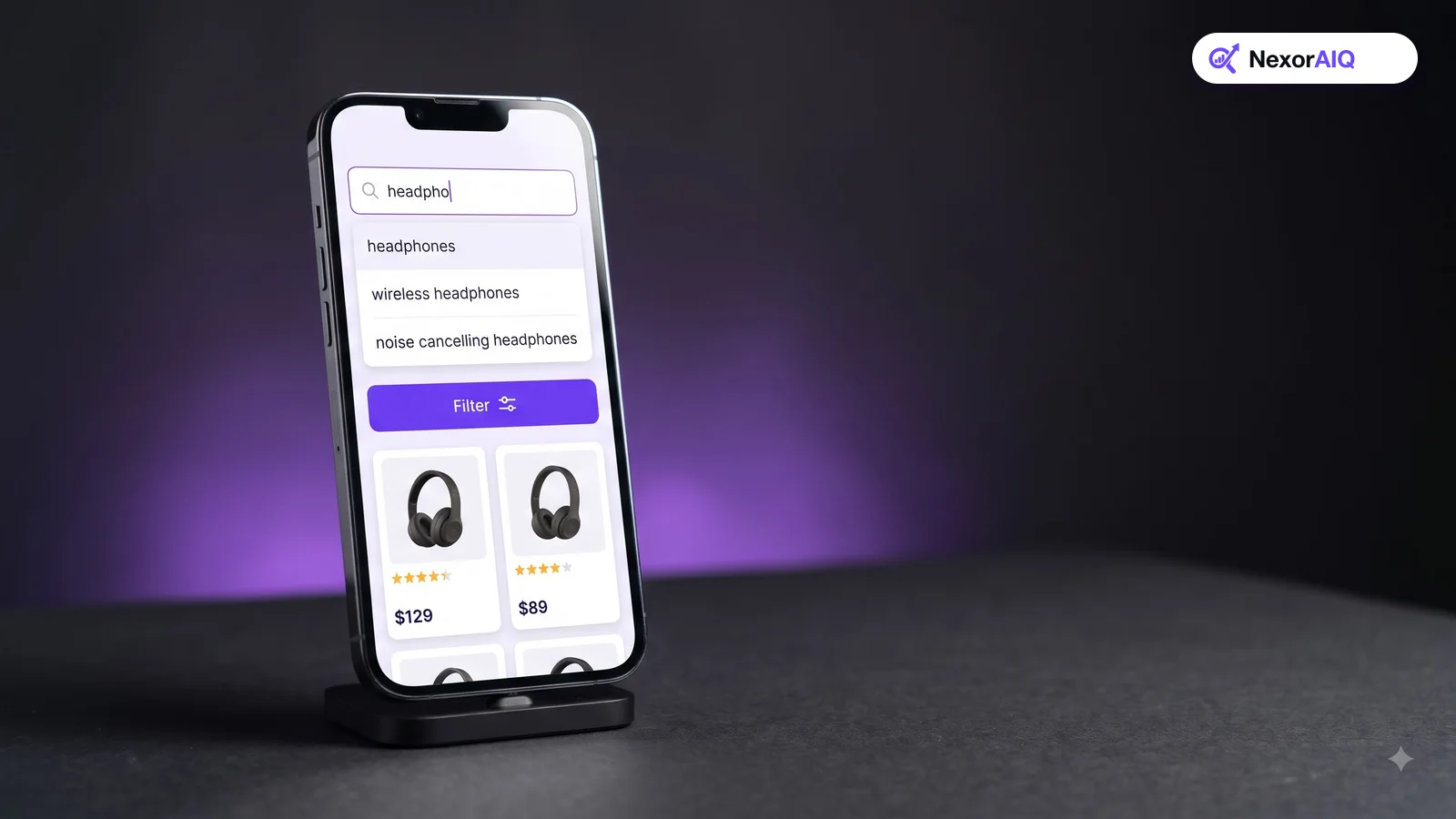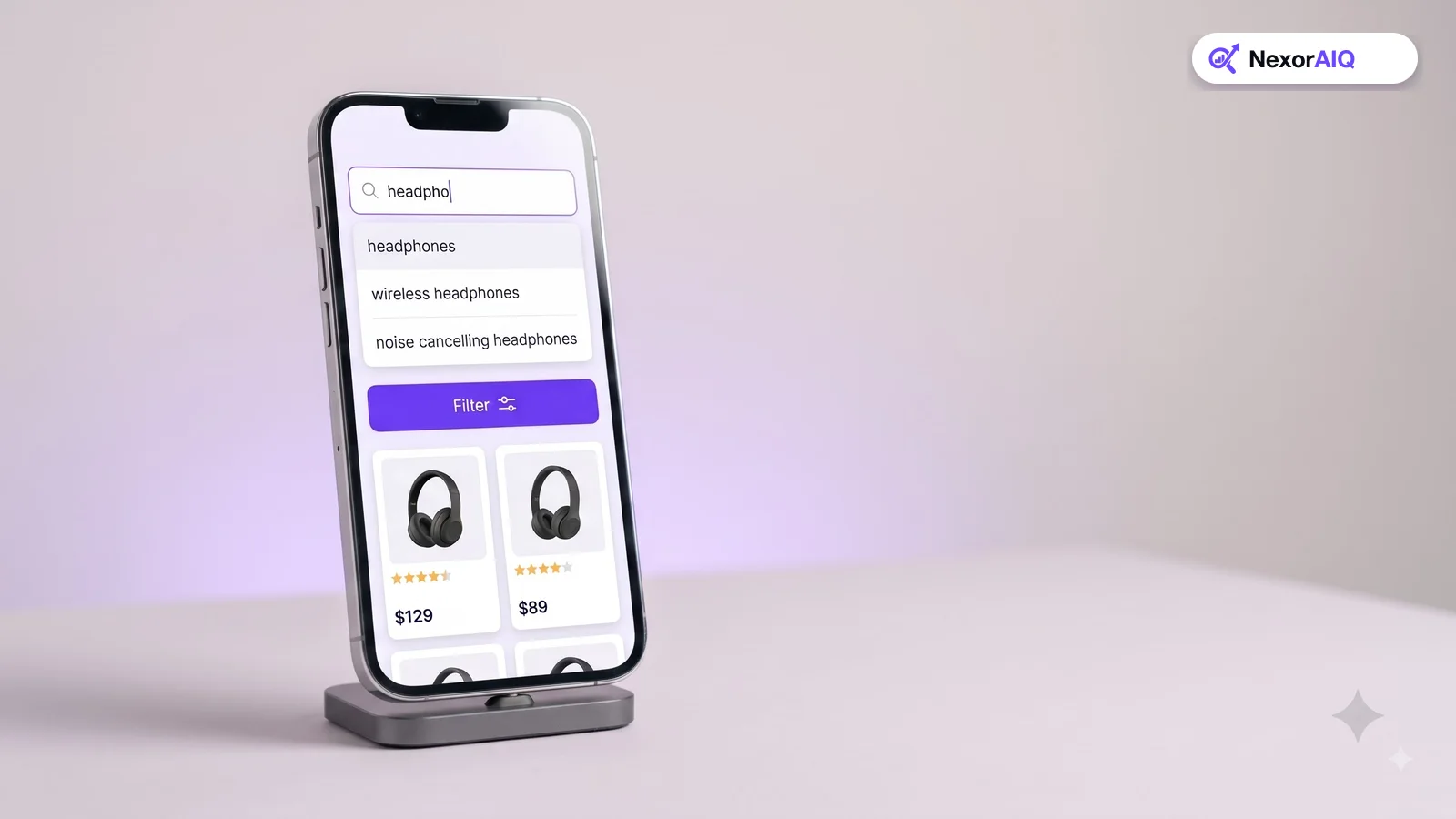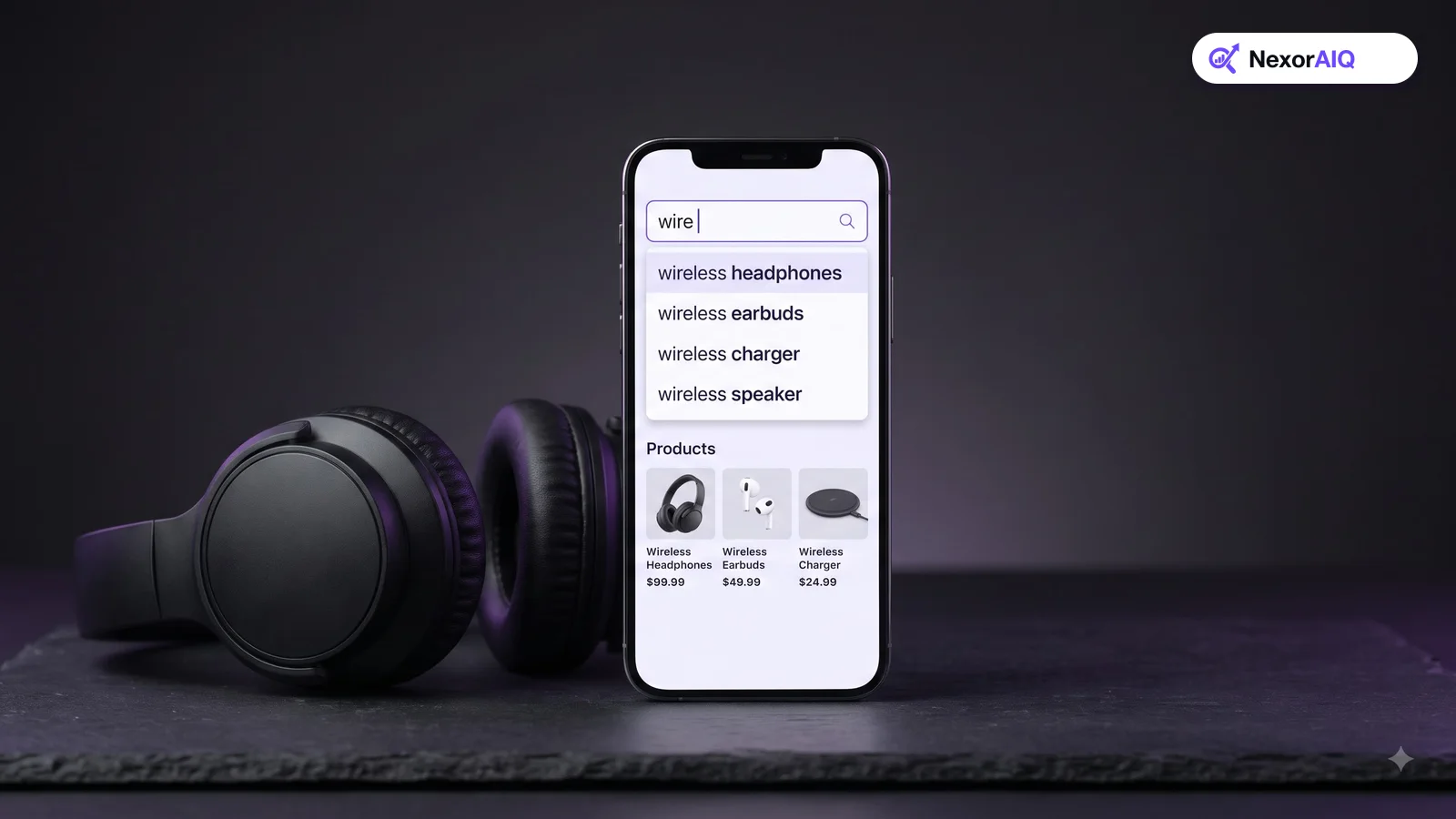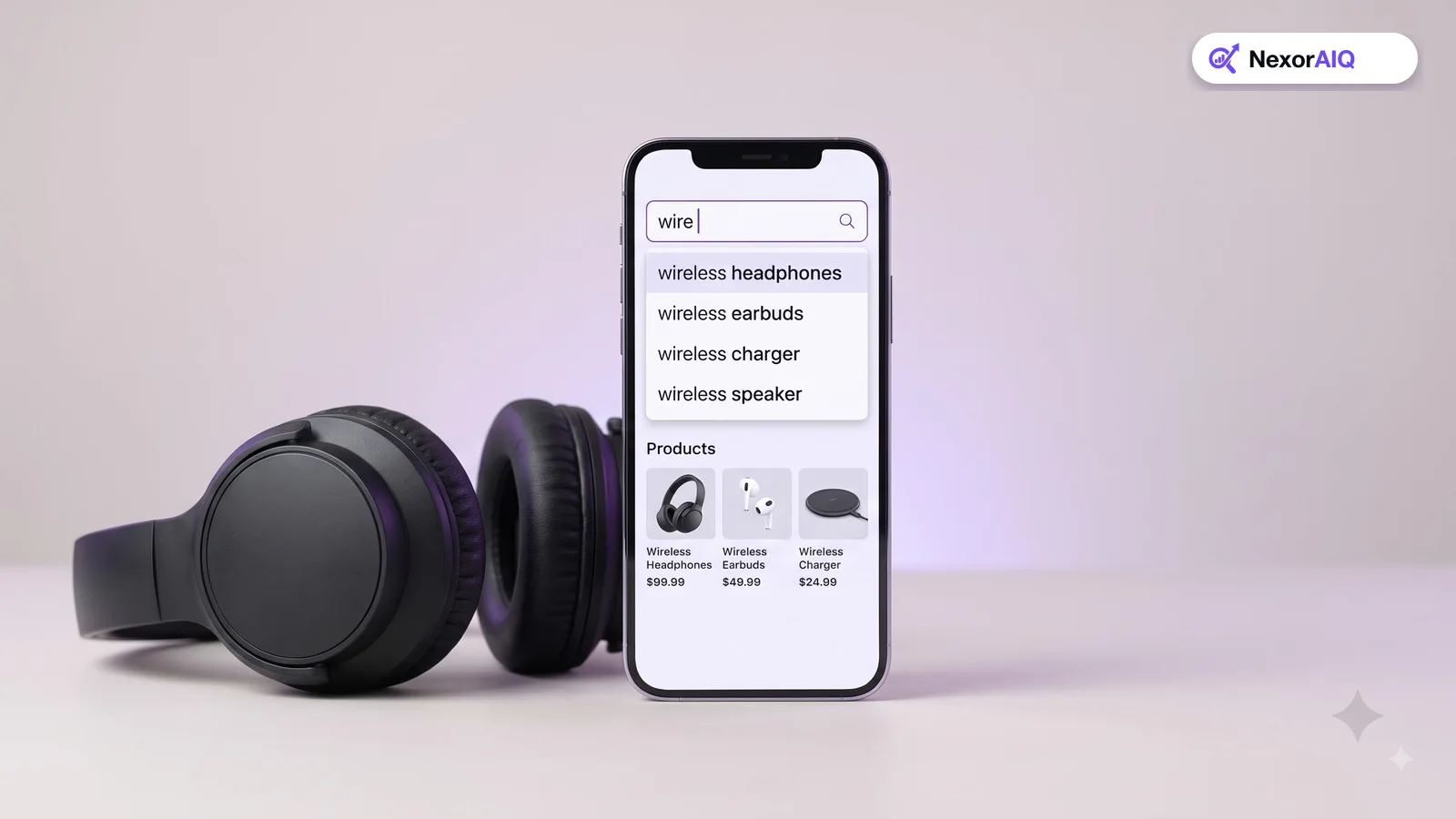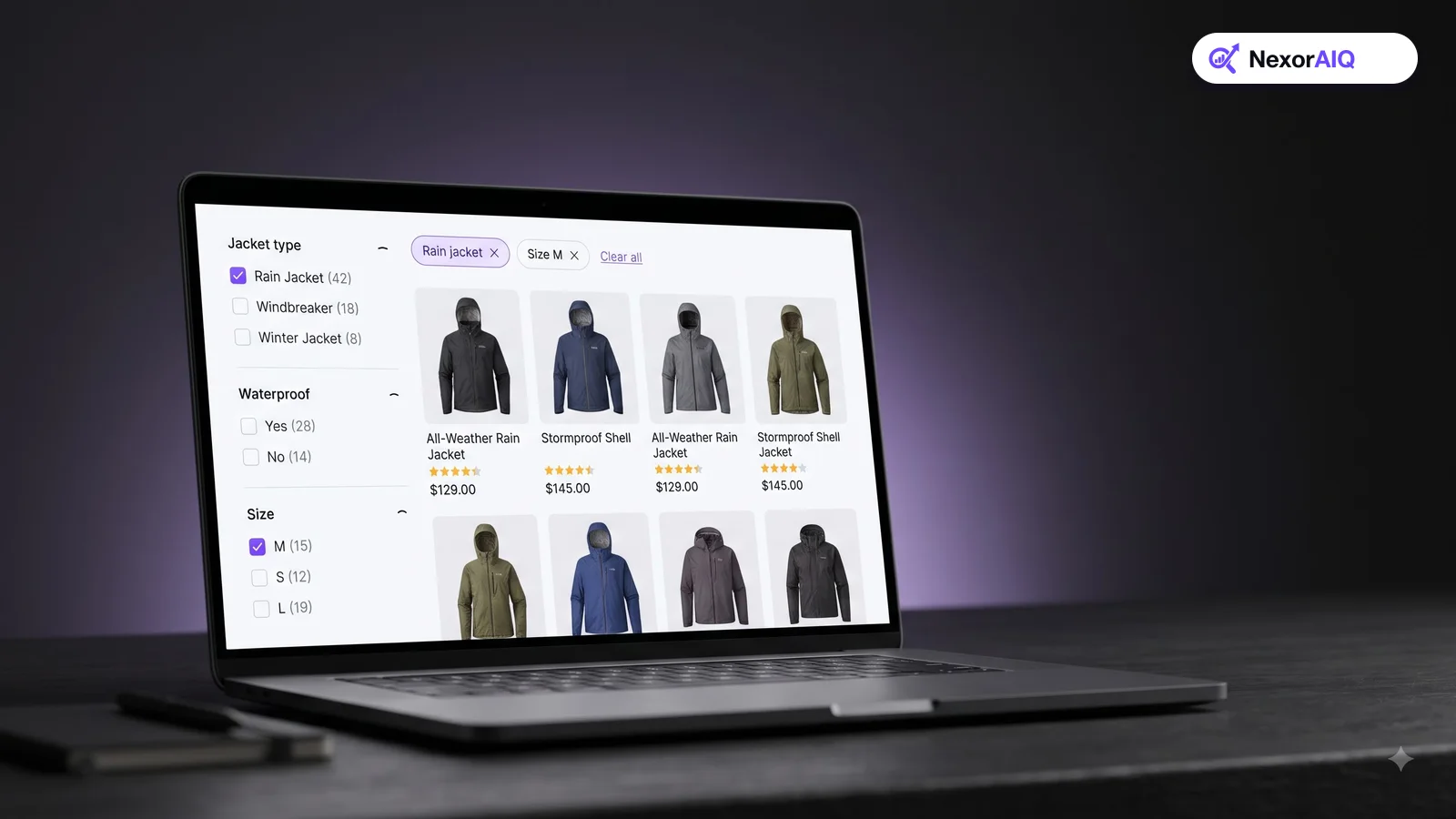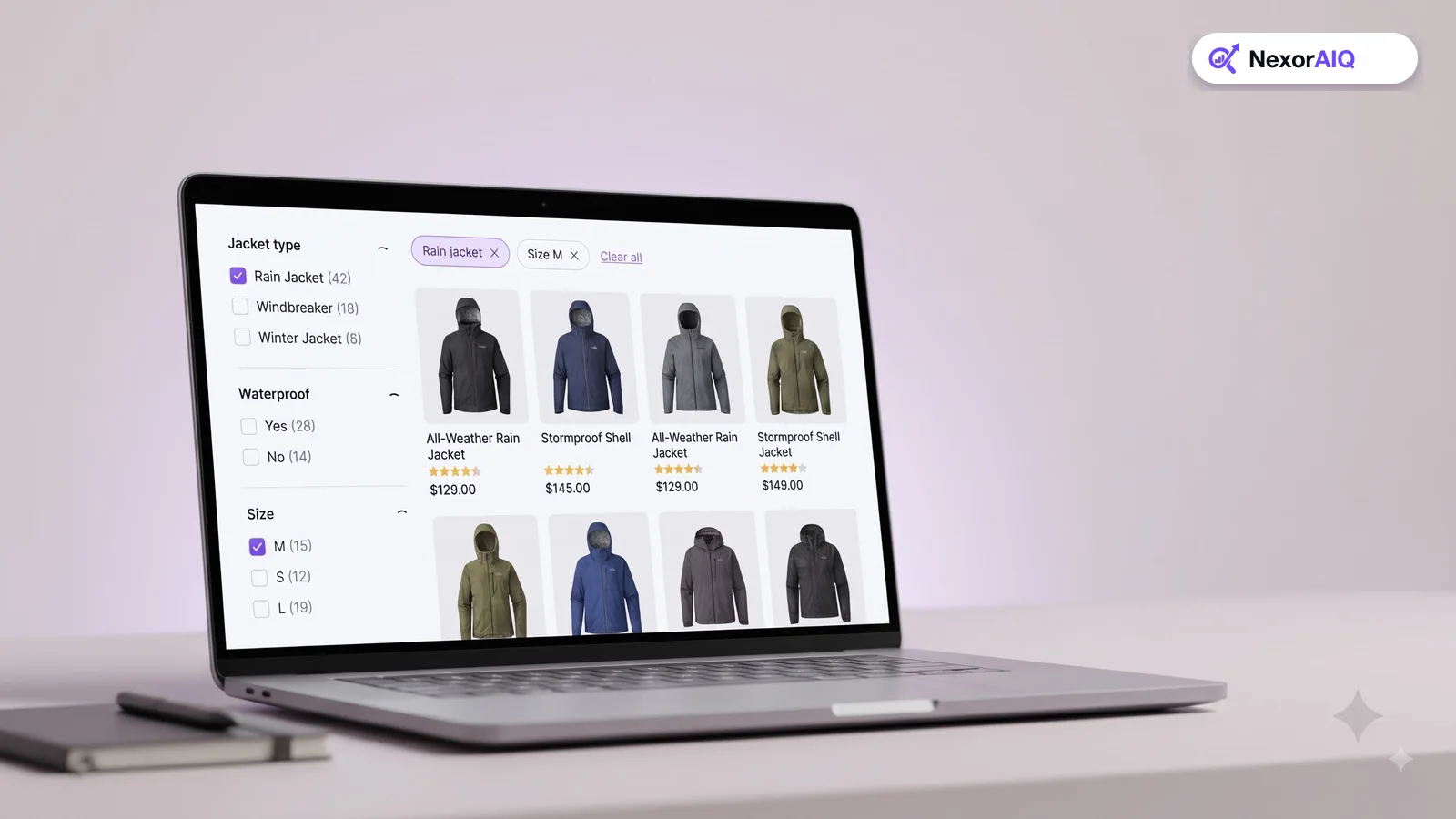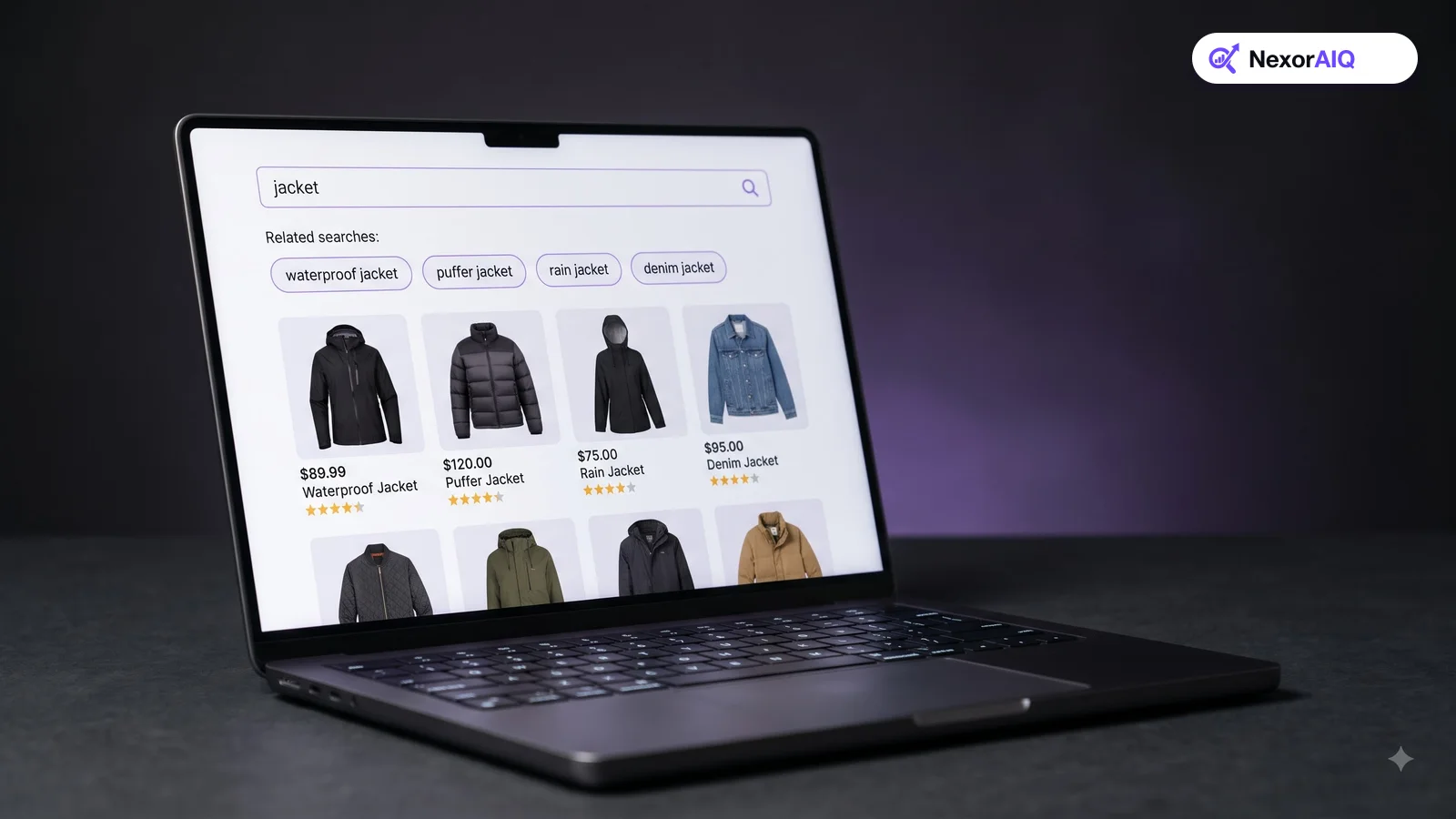
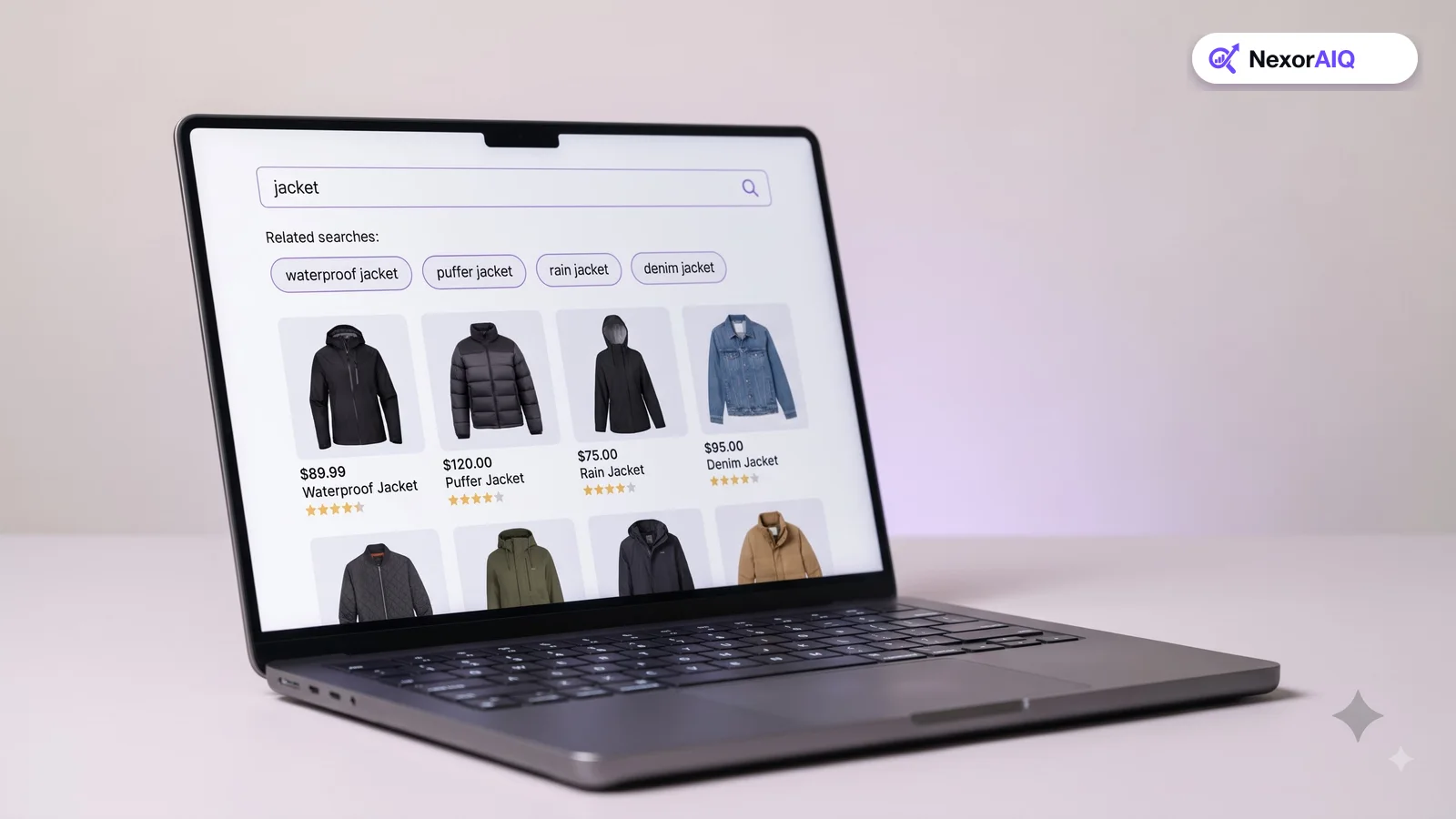
A shopper's first search is often a rough guess. They type "jacket", see 400 results, and aren't sure how to narrow it down. Related searches are the short row of suggested queries, such as "waterproof jacket", "puffer jacket" or "rain jacket women", that help them take the next step with one tap. Done well, they reduce dead ends and help shoppers find products they didn't know how to ask for. This guide explains how related searches work, where to place them and how to build good ones from your own data.
What related searches are, and what they are not
Related searches are suggested queries shown on or near the search results page, based on what the shopper just searched. Tapping one runs a new search.
They are easy to confuse with three other features:
- Autocomplete suggests queries while the shopper is still typing. Related searches appear after a search has run. See our autocomplete guide.
- Filters narrow the current results. Related searches start a different search, which can include products the current query missed.
- Product recommendations suggest products. Related searches suggest queries, which keeps the shopper in control.
Stores often need all four. Related searches fill the gap between "I typed something vague" and "I know which filter to use".
Why they matter
Related searches help in three situations:
- Broad queries. "Shoes" or "gifts" return hundreds of products. Suggestions such as "running shoes" or "gifts under $25" give shoppers an easy way to narrow down.
- Wrong words. A shopper searches "couch cover" and your catalog says "sofa slipcover". A related search for "sofa slipcover" shows the right term and the right products.
- Low or zero results. When a search returns few products, related searches give the shopper somewhere to go instead of leaving. They are one of the most useful parts of a zero-result page.
They also teach shoppers your store's vocabulary. Someone who taps "merino base layer" once will often type it next time.
Where to place them
Placement decides whether shoppers notice them:
- Desktop: a single row of chips directly above the results, below the result count. Shoppers see them before they start scrolling.
- Mobile: a horizontally scrolling row of chips under the search bar. Keep each chip to two or three words so four or five fit on screen. Our mobile search guide covers this in more detail.
- Zero and low results: make them larger and more prominent, alongside popular categories.
- End of results: a second row after the last product catches shoppers who scrolled everything without finding what they wanted.
Show five to eight suggestions. Fewer looks thin; more becomes noise.
How to generate good suggestions
The best related searches come from your own shoppers' behavior, not from a list someone writes by hand. Common sources, from strongest to weakest:
- Query refinements. When shoppers search "jacket" and then search "waterproof jacket" in the same session, that second query is a strong suggestion for the first.
- Shared clicks. Two different queries that lead to clicks on the same products are related, even if they share no words.
- Attribute expansion. Combine the query with the most popular filter values for its results: "jacket" plus "women", "black" or "waterproof".
- Semantic similarity. Vector search can find queries with similar meaning, which helps for new or rare queries with no behavior data yet.
- Manual entries. Use these only for campaigns and gaps the data can't fill.
Combine sources and rank suggestions by how often shoppers who used them went on to click or buy.
Quality checks before you show a suggestion
A bad related search is worse than none. Check every suggestion against these rules:
- It returns results. Never suggest a query that leads to zero products. Re-check automatically when stock changes.
- It is different enough. "Jacket" and "jackets" are not useful together. Remove plurals, reordered words and near-duplicates.
- It is spelled correctly. Suggestions built from search logs pick up shoppers' typos. Filter them out or replace them with the corrected form.
- It is appropriate. Remove offensive or embarrassing queries and anything that names a competitor.
- It is on topic. A suggestion should narrow, correct or broaden the original query, not jump to an unrelated category because two products happened to be bought together.
Run these checks as part of the same routine as your monthly search quality check.
How to measure them
Track three numbers for related searches:
- Click-through rate: the share of results pages where a shopper taps a related search. Compare it by query type; broad queries should have the highest rate.
- Conversion after click: whether shoppers who use a related search go on to add to cart or buy.
- Exit rate on low-result pages: this should fall once related searches are shown there.
Review suggestions with low clicks every month and replace them. Our search analytics guide explains how these fit into wider search reporting.
Where NexorAIQ fits
NexorAIQ builds related searches from your shoppers' query refinements and clicks, checks that every suggestion returns results, and uses AI vector search to cover new queries with no history yet. The same data powers trending searches on the empty search box and suggestions on the no-result page.
NexorAIQ is available now for Magento 2 and Adobe Commerce.
Related searches vs similar features
| Feature | When it appears | What it suggests | Main job |
|---|---|---|---|
| Autocomplete | While typing | Queries and products | Finish the query faster |
| Related searches | After results load | New queries | Refine, correct or broaden |
| Filters | After results load | Attribute values | Narrow the current results |
| Recommendations | Product and cart pages | Products | Increase basket size |
Frequently Asked Questions & Architecture Insights
What are related searches in ecommerce?
Related searches are suggested queries shown on the search results page, based on the shopper's current search. Tapping one runs a new search to help the shopper refine, correct or broaden what they asked for.
How are related searches different from autocomplete?
Autocomplete suggests queries while the shopper is typing. Related searches appear after a search has run, on the results page.
How many related searches should a results page show?
Five to eight is a good range. Fewer looks thin and more becomes hard to scan, especially on mobile.
Where do related search suggestions come from?
The best sources are shoppers' own behavior: queries they search next in the same session and queries that lead to clicks on the same products, supported by attribute combinations and semantic similarity.
Key Takeaway
Related searches are a small feature with a large effect on how shoppers move through your store. Place them where they are seen, build them from real shopper behavior, check every suggestion before it is shown, and measure what gets used. They turn a vague first search into a useful second one.