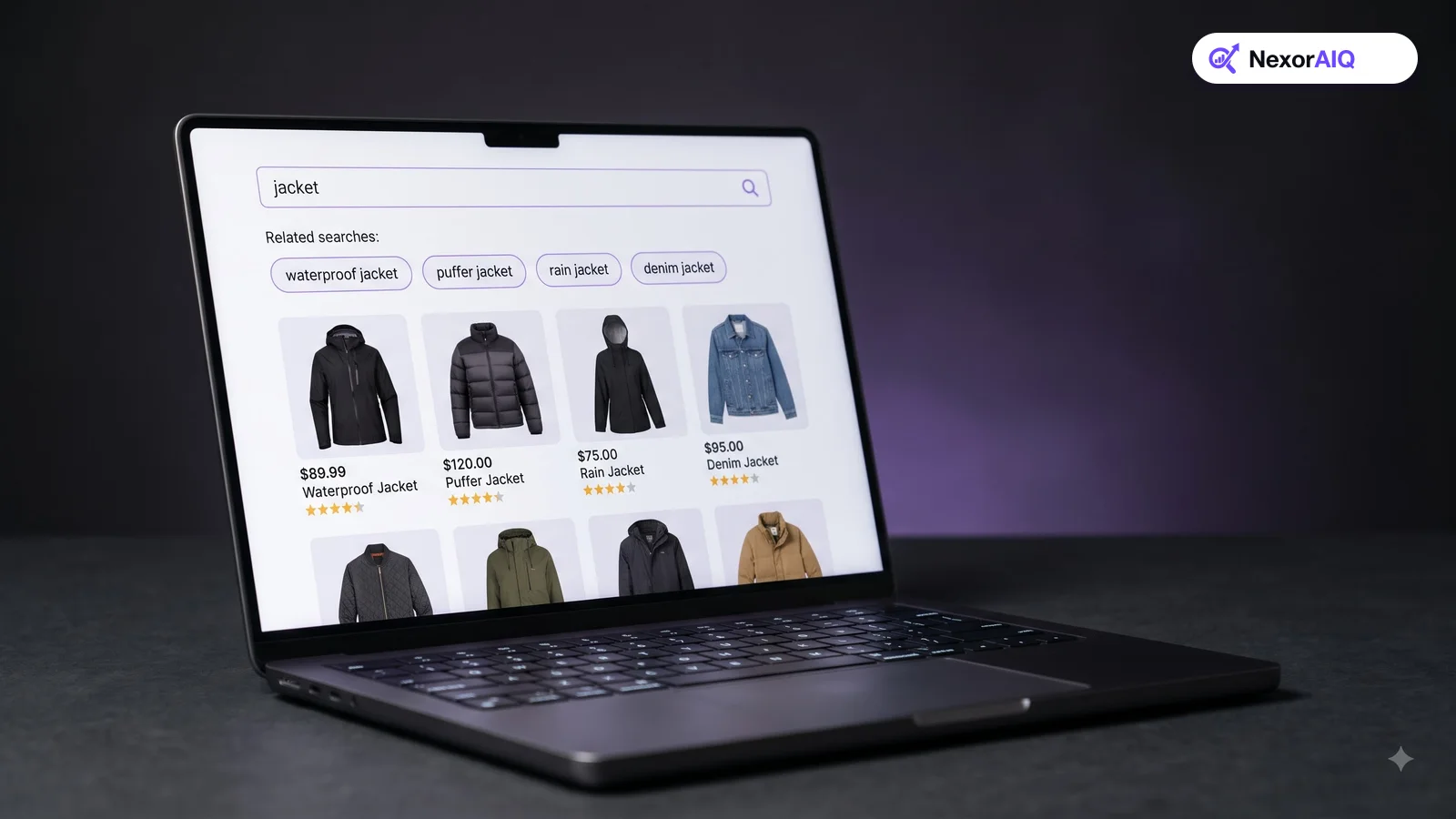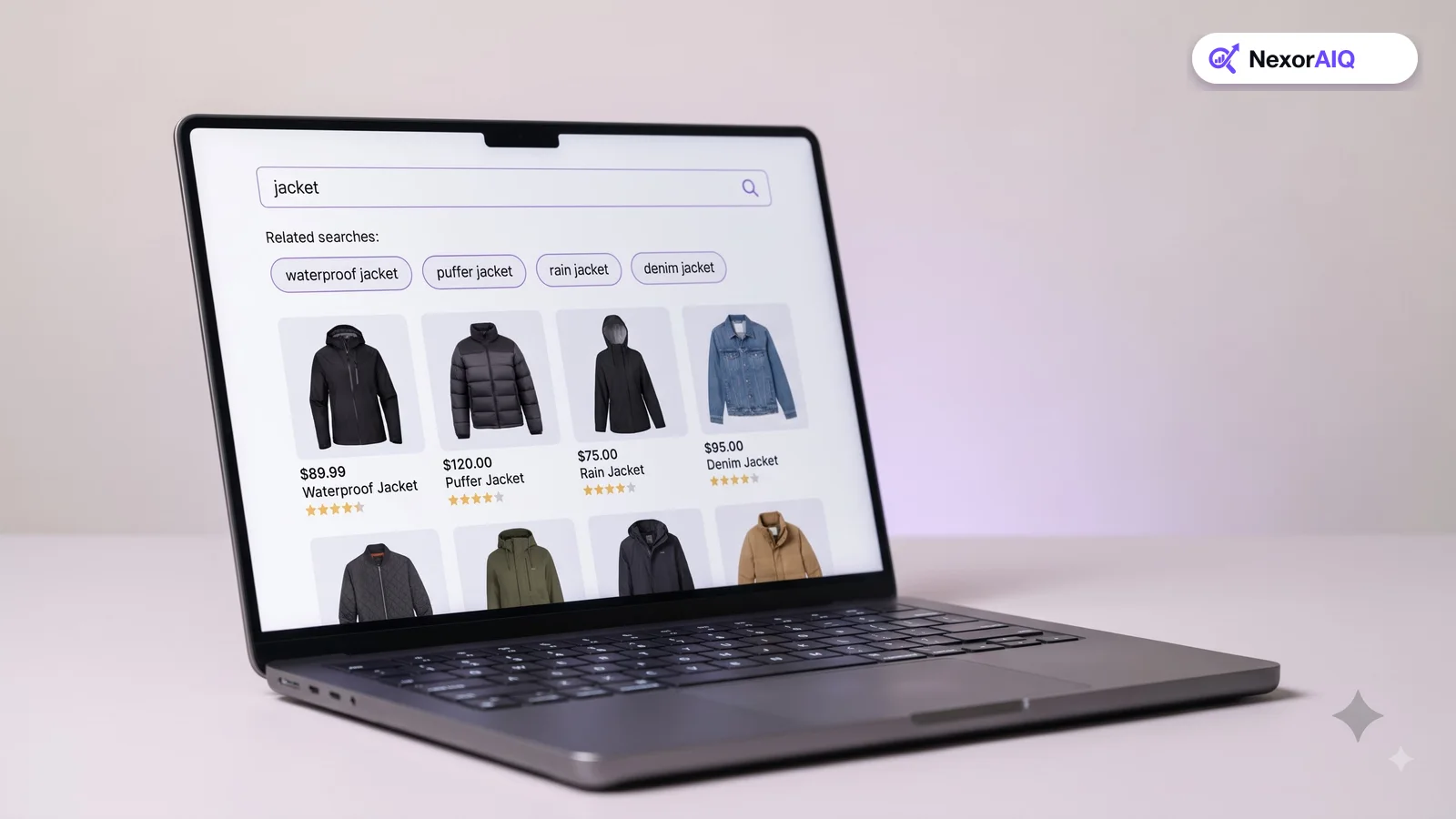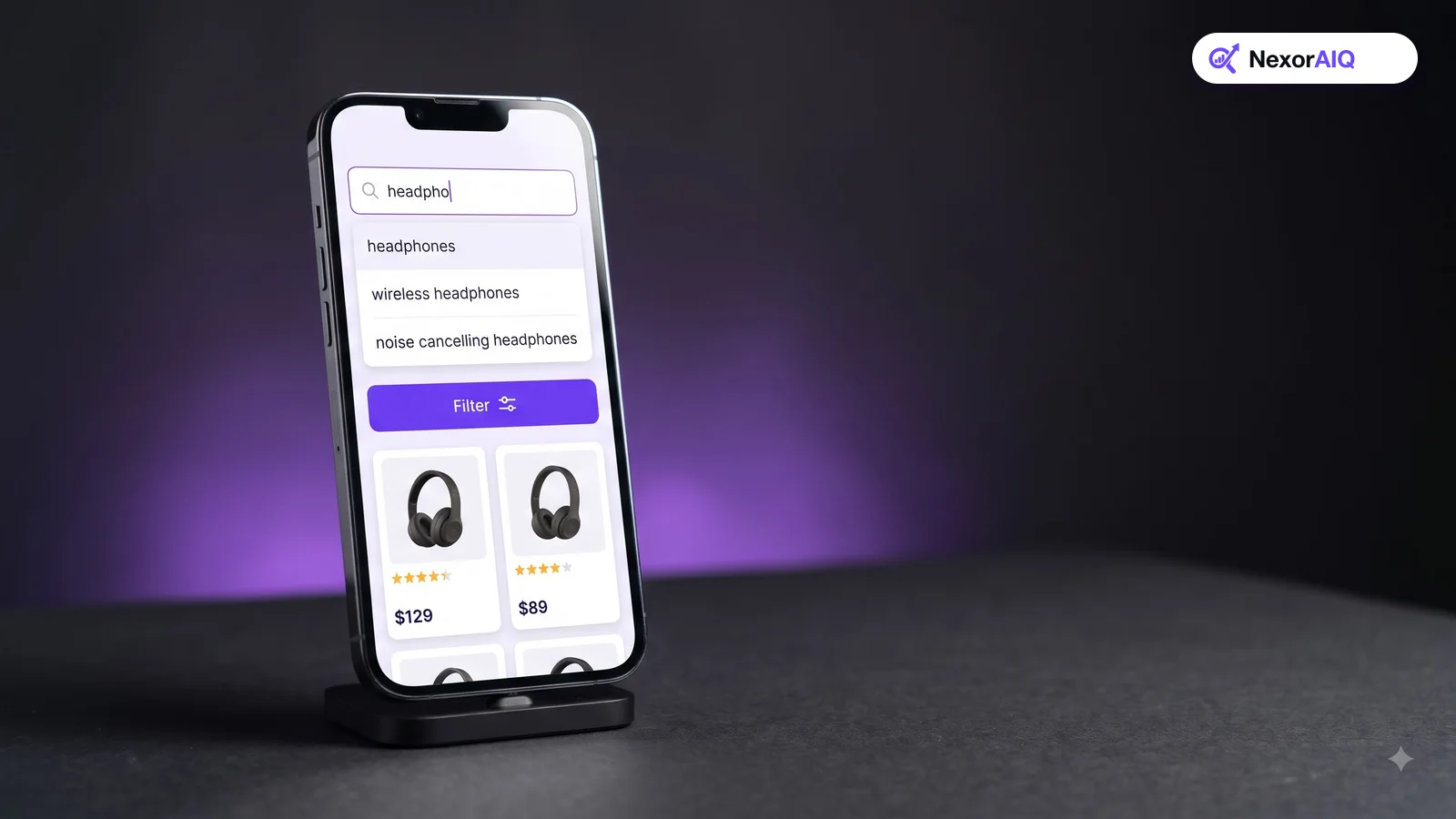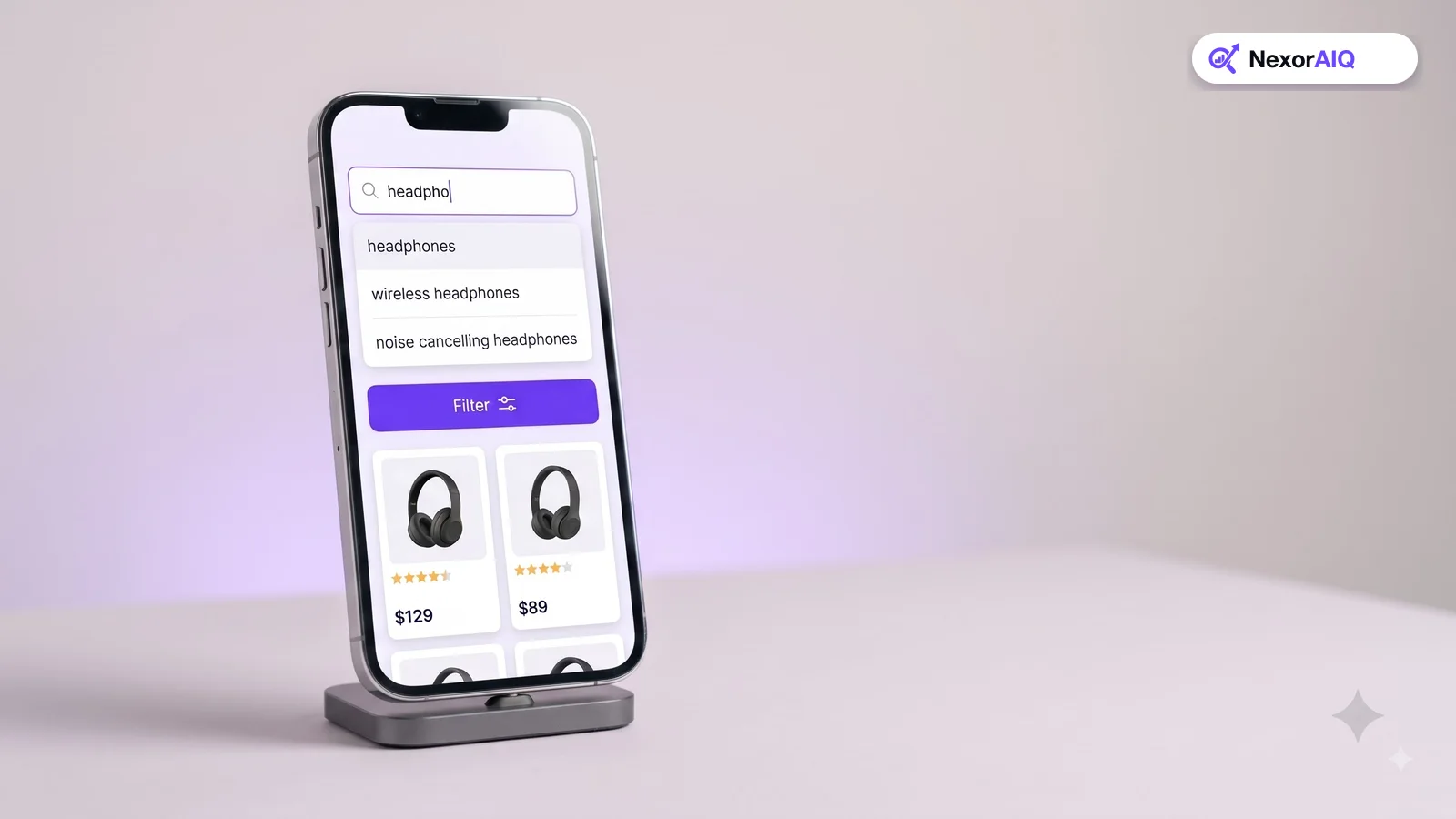
Autocomplete is the first thing a shopper sees after typing a single letter. Done well, it saves typing, corrects mistakes and guides people to queries that return good results. Done badly, it distracts, suggests dead ends, or hides the search button on mobile. Baymard Institute's benchmark found that 80% of ecommerce sites offer autocomplete, yet only 19% get all the implementation details right. Here are 12 practices to put your store in that 19%.
1. Start suggesting after the first character
Show suggestions from the first or second keystroke, and update them on every keystroke. Shoppers scan suggestions while they type, so a delay of even a fraction of a second makes autocomplete feel broken. This is one reason search speed matters so much: the engine has to answer on every key press.
2. Keep the list short
On desktop, around 8 to 10 query suggestions is plenty; on mobile, keep it to 4 to 8 so the list fits above the keyboard. A long list makes shoppers read instead of choose. If you show products as well, show a handful of them, not a full results page.
3. Only suggest queries that return results
Never suggest a query that leads to an empty results page. Build suggestions from your catalog and from past searches that converted, not from every query anyone ever typed. A suggestion is a promise that you have what the shopper wants.
4. Tolerate typos
A shopper who types "jakcet" or "bluetooh" should still see the right suggestions. Typo tolerance in autocomplete matters even more than in full search, because people type faster and look at the screen less while suggestions appear. See how to build a search dictionary for handling misspellings and slang.
5. Highlight the part the shopper didn't type
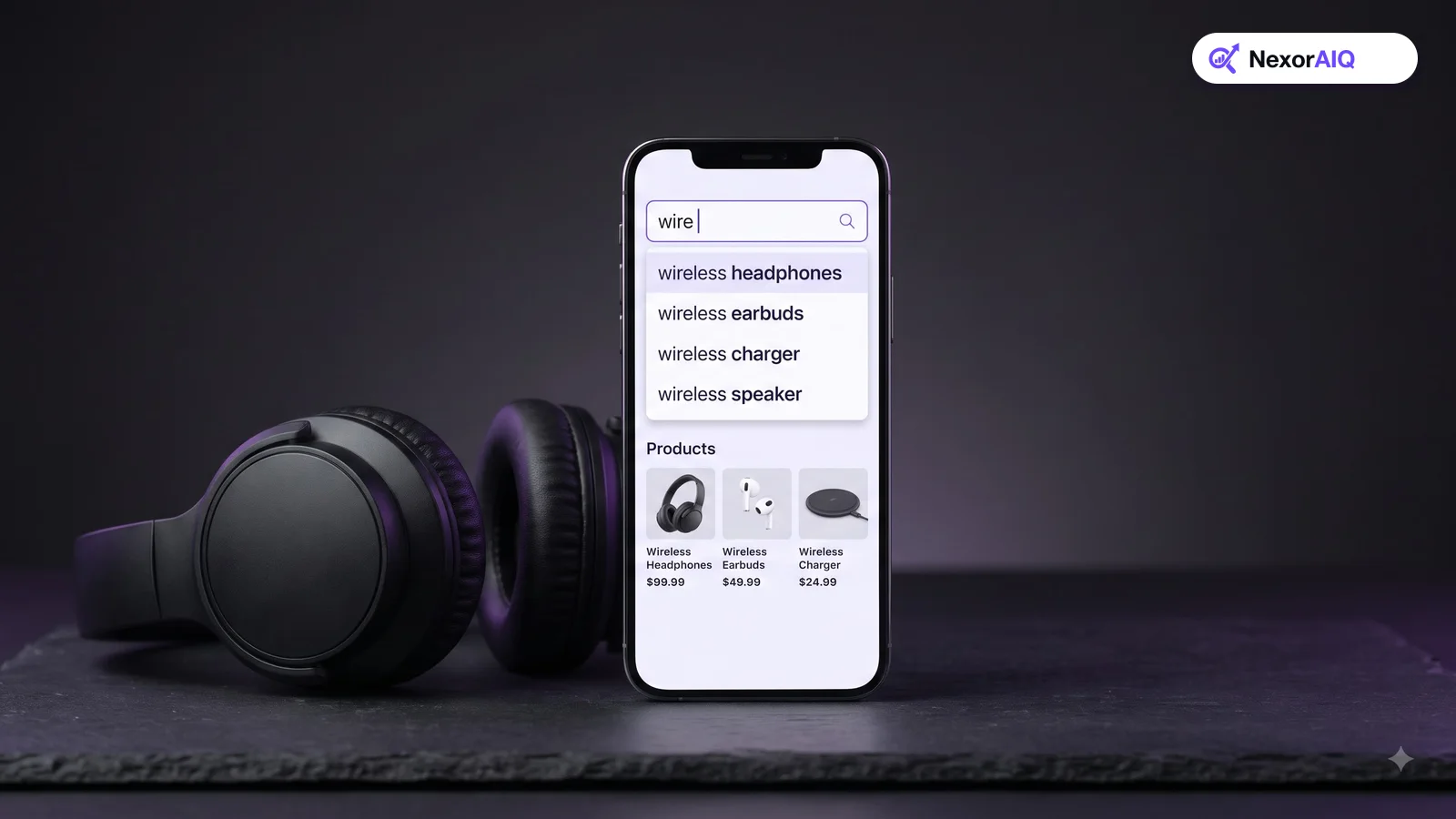
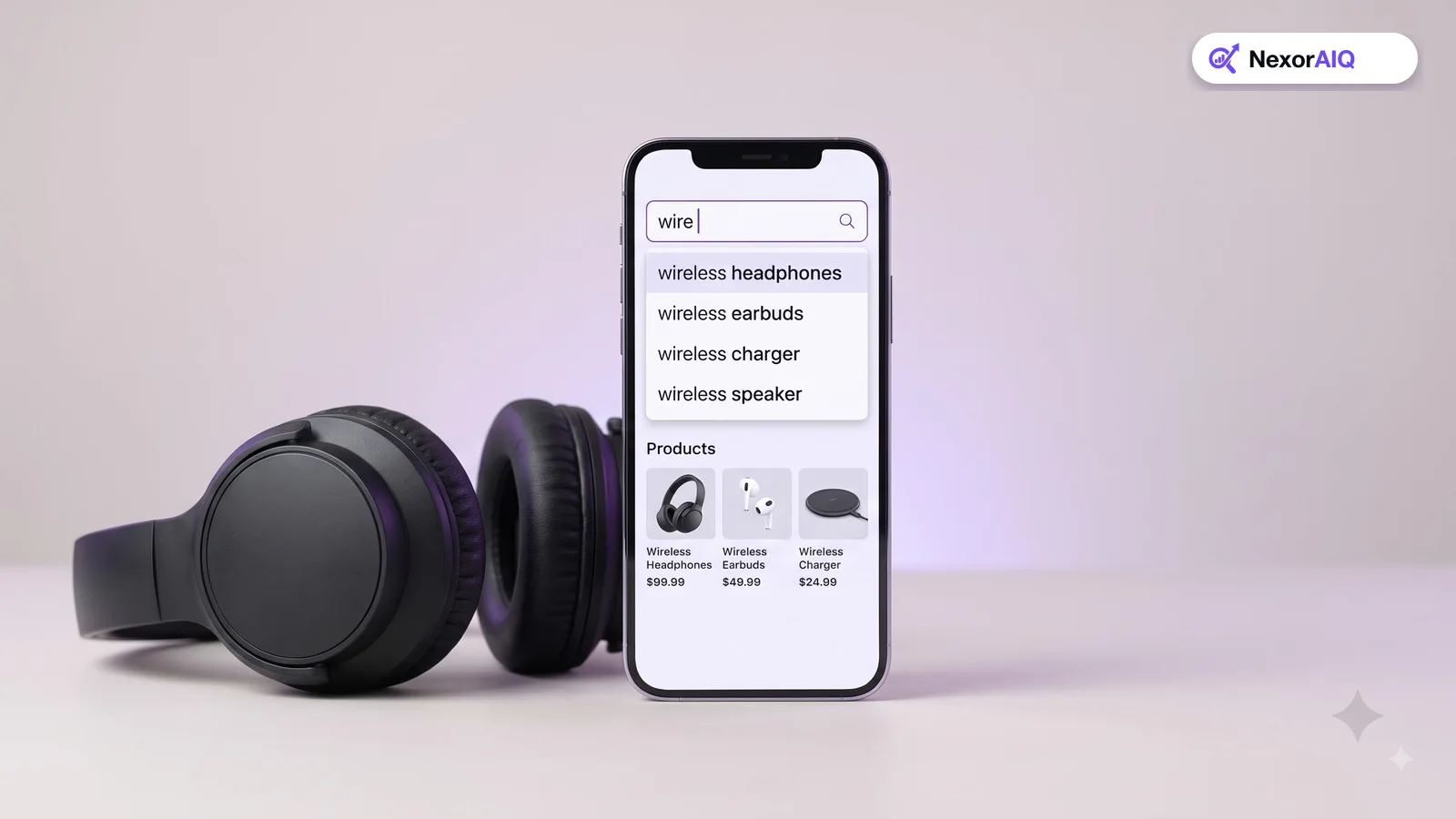
Baymard's research recommends styling the suggested completion differently from the text the shopper already typed, for example by making the completion bold. It makes the list faster to scan, because the eye goes straight to what's different between suggestions.
6. Suggest categories, not just queries
For broad queries such as "shoes", a scoped suggestion like "shoes in Women's Running" sends shoppers to a focused results page with the right filters. Keep scoped suggestions to the top one or two entries so they don't crowd out the rest of the list.
7. Show a few products with images
Product suggestions with a thumbnail, name and price let shoppers jump straight to a product page when they already know what they want. Images matter: shoppers recognize products faster than they read names. Keep product suggestions visually separate from query suggestions.
8. Make keyboard and touch navigation work
On desktop, the up and down arrow keys should move through suggestions, and the active suggestion should be copied into the search field. On mobile, suggestions need large touch targets. Both should be accessible to screen readers using standard combobox patterns.
9. Handle the empty search field
When a shopper taps the search field before typing, use the space. Show recent searches (with a way to clear them) and a few trending queries. NexorAIQ's trending default feature fills this state with what's popular in your store right now.
10. Don't let autocomplete hide the search button
On mobile especially, the suggestion list can cover the search button or the keyboard's submit key. Shoppers must always be able to search for exactly what they typed. Test this on a small phone, not just a large one.
11. Rank suggestions by what converts
Alphabetical suggestions waste the most valuable spot in your store. Rank suggestions by popularity and conversion, and adjust for stock so you don't promote queries that mostly return sold-out products. Merchandisers should be able to promote a suggestion during a campaign.
12. Measure autocomplete separately
Track how often shoppers use a suggestion instead of typing their full query, and how those sessions convert. Useful measures include:
- Suggestion click-through rate.
- Conversion rate of sessions that used a suggestion versus those that didn't.
- Searches that ended with no click on any suggestion or result.
Our guide to search analytics metrics explains how to set these up.
Autocomplete in NexorAIQ
NexorAIQ's AI autocomplete shows instant query suggestions, typo-tolerant matching and live product thumbnails from the first keystroke, and merchandisers can promote suggestions for campaigns. It's available now for Magento 2 and Adobe Commerce.
Frequently Asked Questions & Architecture Insights
How many autocomplete suggestions should an ecommerce site show?
Around 8 to 10 query suggestions on desktop and 4 to 8 on mobile is a good range. Fewer, better suggestions are easier to scan than long lists.
Should autocomplete show products or just search terms?
Both work well together. Query suggestions help shoppers who are exploring; a few product suggestions with images help shoppers who already know what they want.
Does autocomplete improve conversion?
Good autocomplete helps shoppers reach queries that return relevant results, which reduces dead ends. Measure the conversion rate of sessions that used a suggestion to see the effect on your own store.
Key Takeaway
Autocomplete is small, but it's the first step of almost every search. Start fast, keep the list short, only suggest queries that work, tolerate typos, and measure it on its own. Each of these is a modest fix, and together they make search feel effortless.