Search gets shoppers to the right neighborhood. Filters get them to the right house. In Baymard Institute's product list research, sites with mediocre filtering saw 67–90% of shoppers abandon their product-finding tasks, while sites with only slightly better tools saw 17–33% abandonment for the same tasks. Filters are one of the cheapest places to win back sales. Here are 10 practices that make the difference.
1. Use filters that match the product type
A shopper looking at TVs needs screen size, resolution and refresh rate. A shopper looking at dresses needs size, length, sleeve style and occasion. Generic filters (price, brand, color) aren't enough. Baymard found that shoppers expect a filter for every key attribute shown on the product list. Build filter sets per category, and switch them based on what the search returned.
2. Make search results faceted
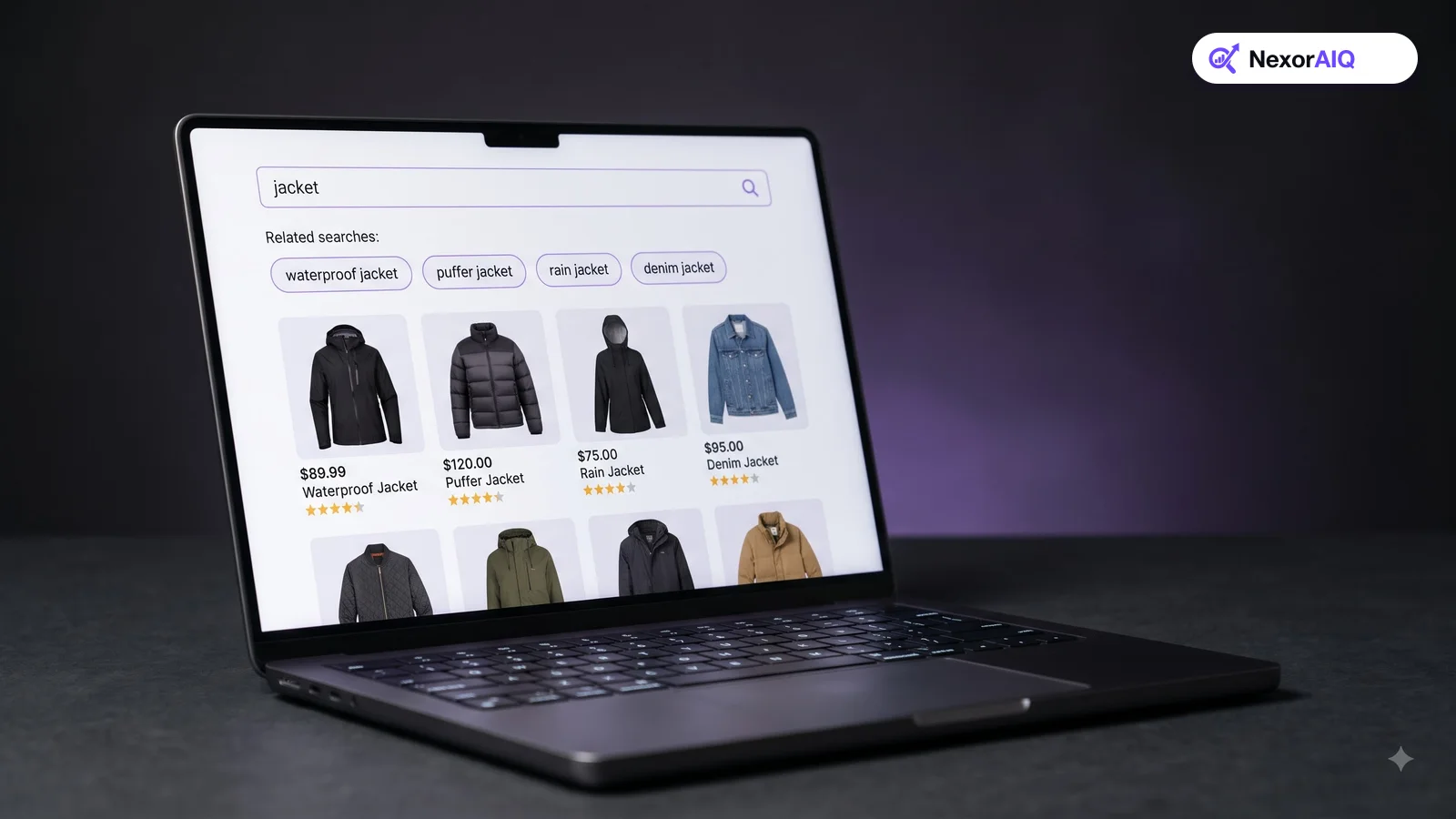
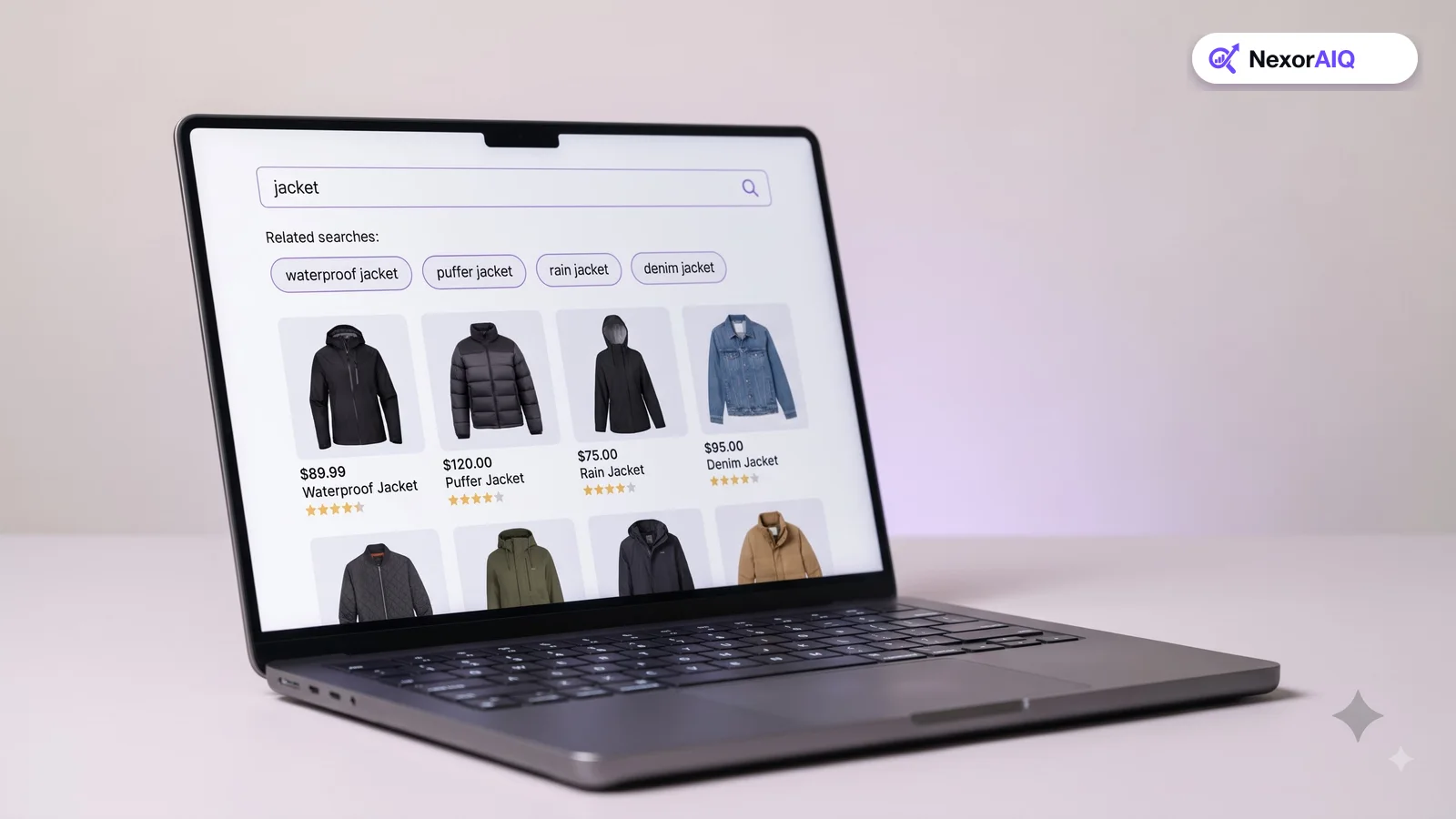
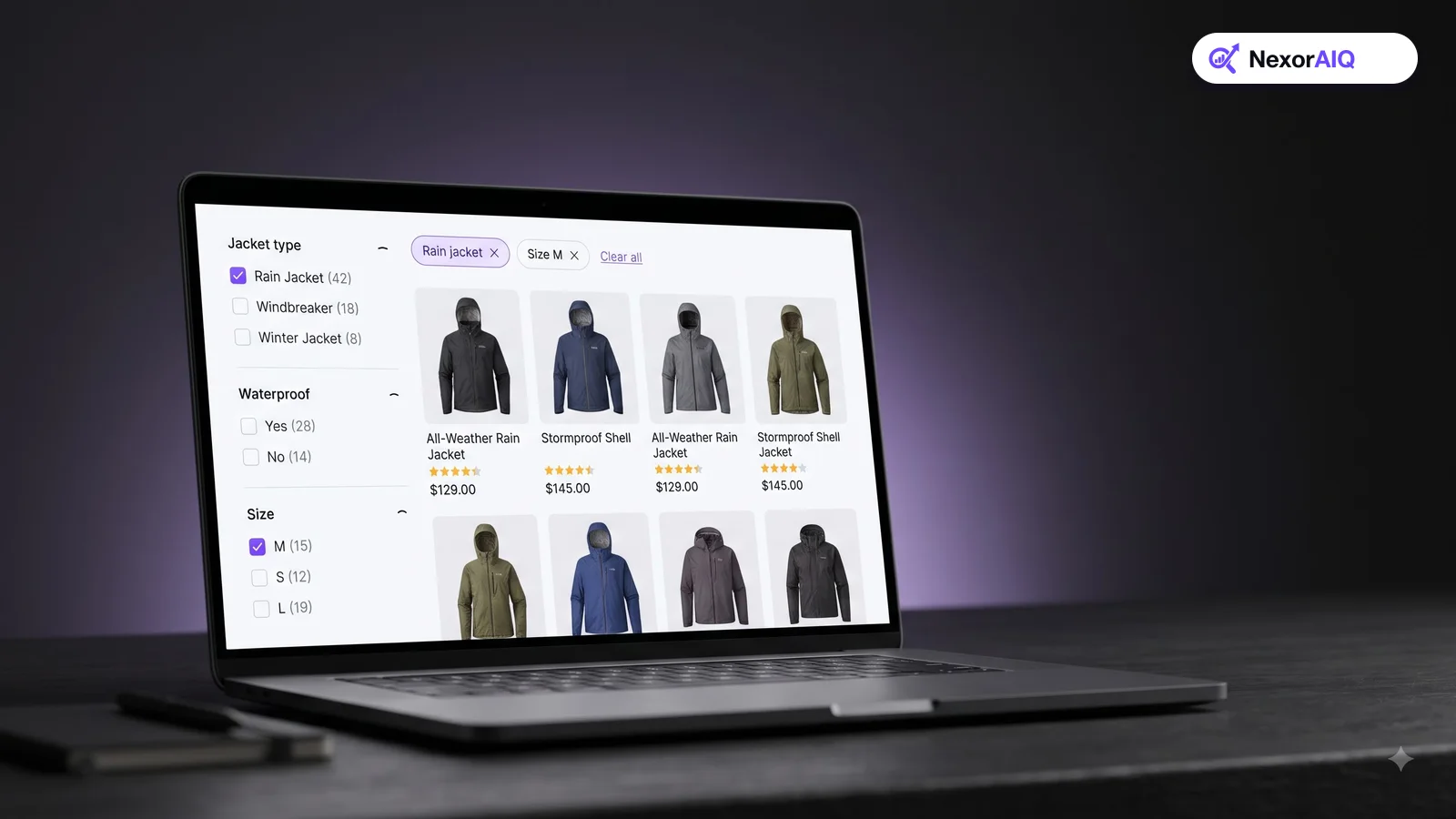
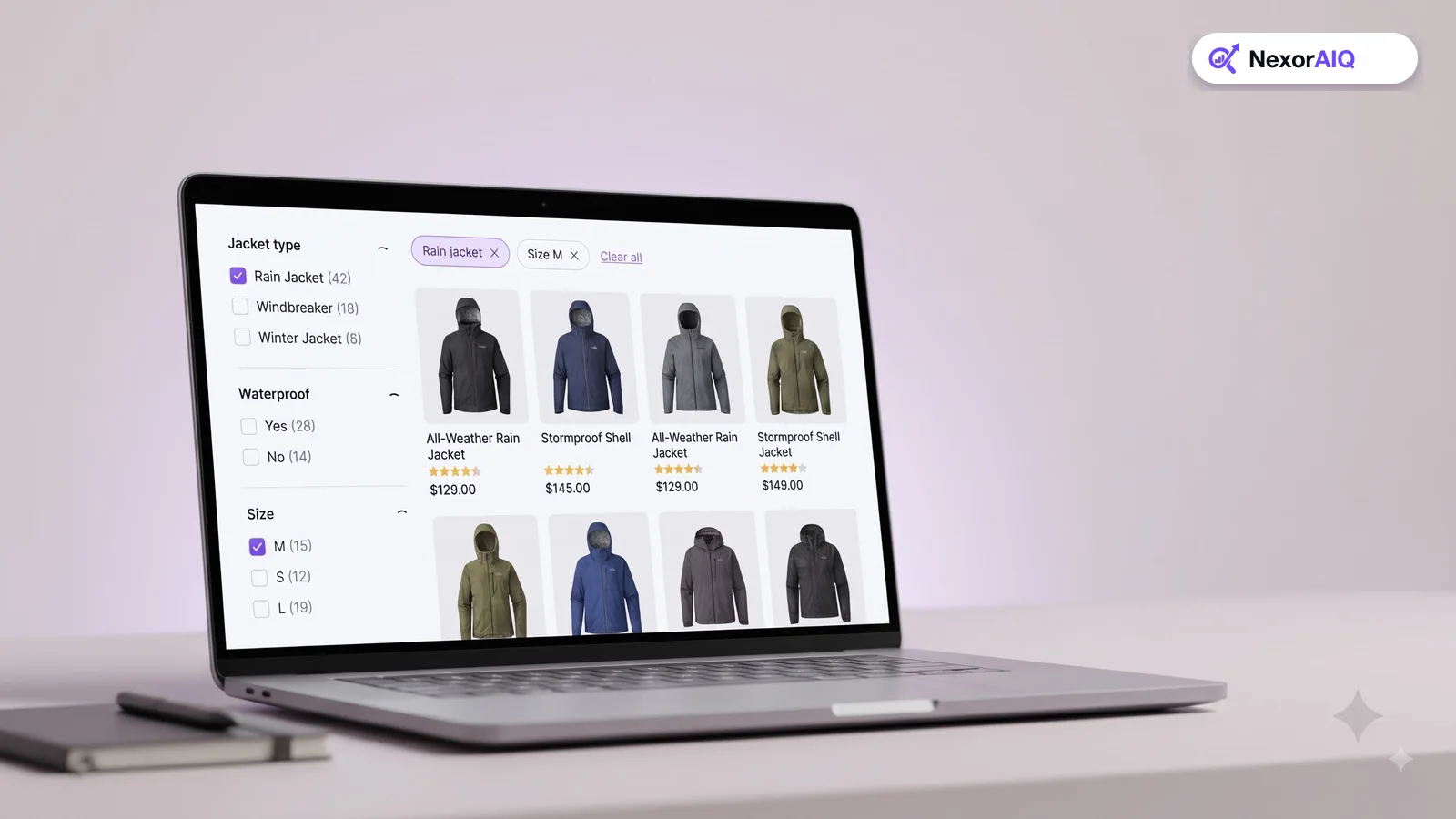
Faceted search means the available filters change with the results. Search "jacket", and you should see filters for jacket type, insulation and waterproof rating, not a generic list for the whole store. When results contain several product types, offer a category filter first, then show the specific filters once the shopper picks one. NexorAIQ's dynamic filters reorder and adapt facets to the query automatically.
3. Use labels shoppers understand
Baymard found that 25% of desktop sites and 40% of mobile sites use unclear filter labels, and shoppers simply skip filters they don't understand. Avoid internal jargon and supplier codes. If a technical term is unavoidable, such as "denier" or "lumen", add a short explanation.
4. Show product counts and hide dead ends
Show how many products each filter value will return, and hide or disable values that would return nothing. Few things are as frustrating as clicking a filter and landing on an empty page. Counts also help shoppers judge whether a filter is worth applying.
5. Let shoppers pick more than one value
Shoppers often want "blue or black" or "size 9 or 9.5". Within a filter type, use checkboxes, not single-choice links. Across filter types, combine selections (blue and size 9). It's the behavior most shoppers expect.
6. Show applied filters clearly
Above the results, show every applied filter as a removable chip, plus a "Clear all" option. Shoppers forget what they selected, especially after scrolling. Without clear applied filters, they think products are missing when they've actually filtered them out.
7. Order filters and values by usefulness
Put the most-used filters at the top and expand them by default. Within a filter, order values logically: sizes in size order, prices as ranges, and long brand lists by popularity with a search box. Your search analytics show which filters shoppers actually use.
8. Design filters for mobile first
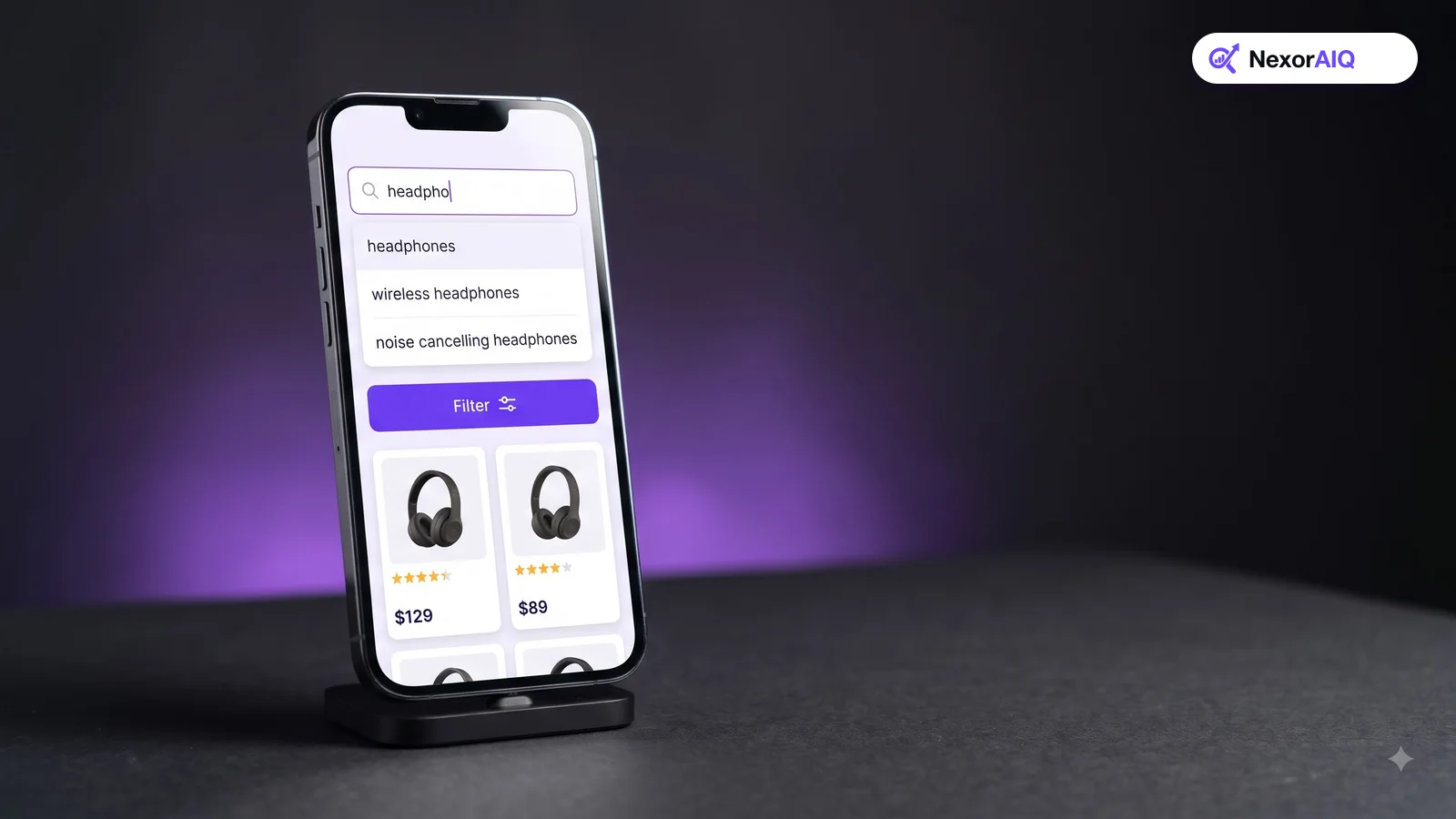
On mobile, filters usually open in a panel or sheet. Keep the "Filter" button visible as shoppers scroll, show the number of results before they close the panel, and make tap targets large. Applying filters shouldn't reload the page and drop the shopper back at the top.
9. Keep sorting relevant
Sorting by price across an entire search result can push accessories and loosely related items to the top, because they're often cheaper. Baymard calls out this problem in its research on sorting search results. Encourage shoppers to narrow the category first, or apply price sorting only within the selected product type.
10. Fix the data behind the filters
Filters are only as good as your product attributes. If half your jackets have no "waterproof" value, filtering for it hides good products. Audit attribute coverage for your top categories, standardize values ("Navy", "navy blue", "Dark blue"), and use catalog enrichment to fill gaps at scale.
Filters and search work together
The best experiences connect search and filters. When a shopper types "red dress under $100", the engine should apply the color and price filters automatically and show them as chips the shopper can remove. That's query understanding, which we explain in what is AI product search. It saves taps and shows shoppers that the store understood them.
Filter checklist
| Check | Good | Needs work |
|---|---|---|
| Filters per category | Specific to the product type | Same generic list everywhere |
| Labels | Plain language, explained | Jargon or supplier codes |
| Counts | Shown; empty values hidden | No counts; dead-end clicks |
| Multi-select | Checkboxes within a filter | One value at a time |
| Applied filters | Chips above results with Clear all | Hidden in the side panel |
| Mobile | Sticky button, result count, no reload | Page reloads on every tap |
Frequently Asked Questions & Architecture Insights
What is faceted search in ecommerce?
Faceted search shows filters based on the products in the current results, such as size, color or material, so shoppers can narrow results by the attributes that matter for that product type.
What's the difference between filters and facets?
The terms are often used interchangeably. Strictly, facets are filters that adapt to the current result set, while static filters are the same regardless of what is shown.
How many filters should a product list show?
Show all filters that matter for the product type, but expand only the most-used few by default. Order the rest by how often shoppers use them.
Key Takeaway
Filters decide whether shoppers can narrow a big result set down to the product they want. Make them specific to the product type, label them plainly, show counts, allow multiple choices, and keep them easy on mobile. Most of these fixes are small, and Baymard's research suggests the payoff can be large.