Magento 2 and Adobe Commerce ship with capable catalog search, but most stores never tune it, and many outgrow it as their catalogs and traffic grow. This guide explains how native Magento search works, the admin settings that control relevance, the limits you'll hit, and how to move to AI search without disrupting your store.
How Magento 2 search works
Since Magento 2.4, catalog search runs on a separate search engine rather than the MySQL database. Current releases use OpenSearch. Magento indexes your product data into it, then sends each storefront query to it and shows the results.
Two things follow from that:
- Changes need reindexing. After you change searchable attributes or search weights, the catalog search index (catalogsearch_fulltext) has to be rebuilt before results change.
- The search server is part of your stack. It needs memory, monitoring and upgrades like any other service. Slow search on Magento is often a sign the search server is under-resourced.
# Rebuild the catalog search index after changing search settings
bin/magento indexer:reindex catalogsearch_fulltext
bin/magento cache:clean
The relevance settings you already have
Before replacing anything, make sure you're using the native controls well.
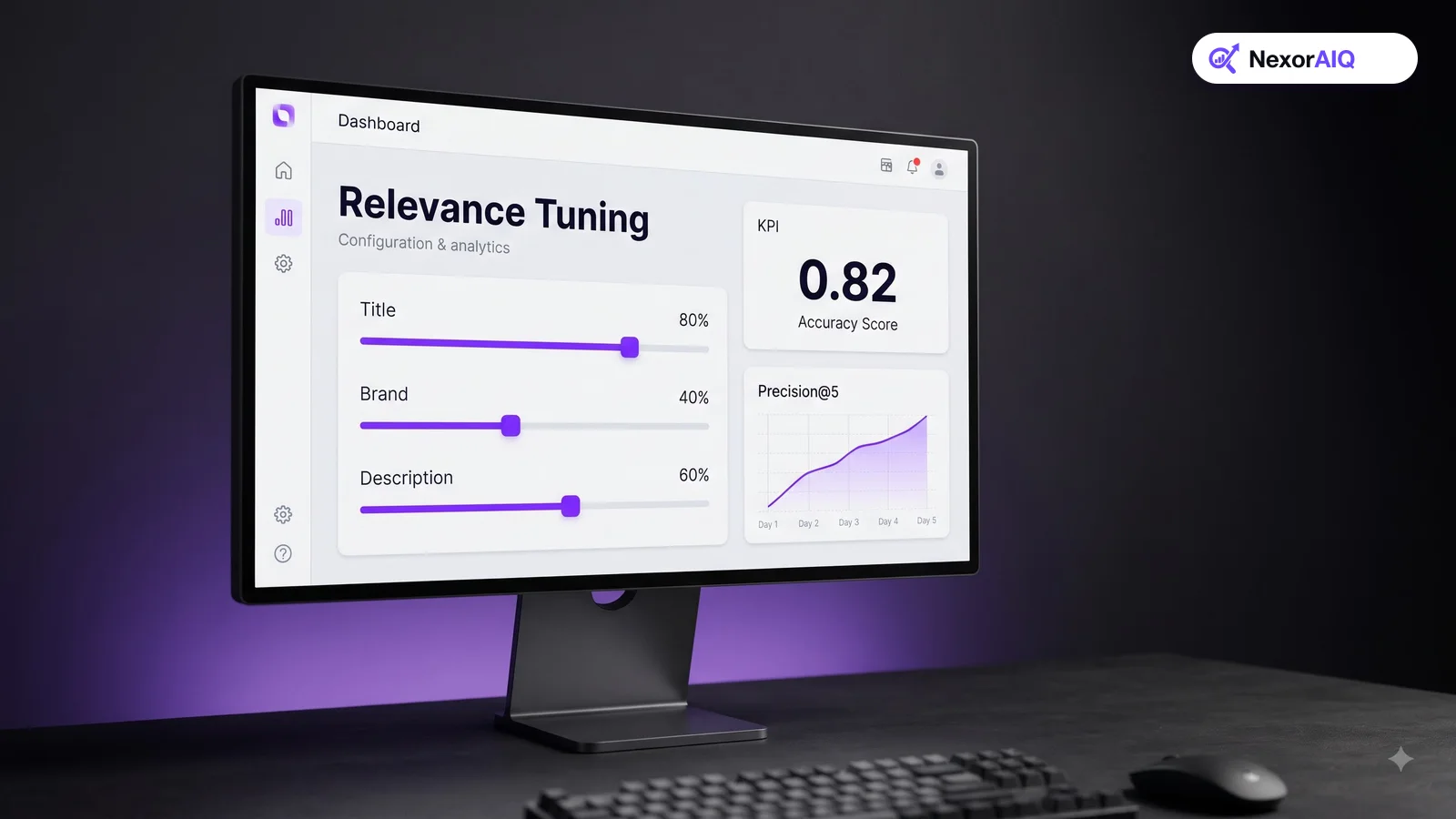
- Use in Search and Search Weight. In Stores > Attributes > Product, each attribute can be included in search and given a weight from 1 to 10. Give product name and SKU high weights, brand and category medium weights, and long descriptions low weights. Turn search off for attributes that only add noise.
- Search Synonyms. In Marketing > SEO & Search > Search Synonyms, create synonym groups such as "sofa, couch, settee" and scope them to the right store views. Start with your top zero-result queries.
- Search Terms. In Marketing > SEO & Search > Search Terms, you can see what shoppers searched for and redirect specific terms to a landing page, which is useful for "returns" or "gift cards".
- Query length limits. In the catalog search configuration you can set minimum and maximum query length and the number of autocomplete suggestions. Make sure the minimum length allows short model codes.
- Stopwords. Magento ships stopword lists per locale. Check that important words in your niche aren't being dropped.
Where native Magento search falls short
Tuned native search is a solid base, but growing stores tend to hit the same limits:
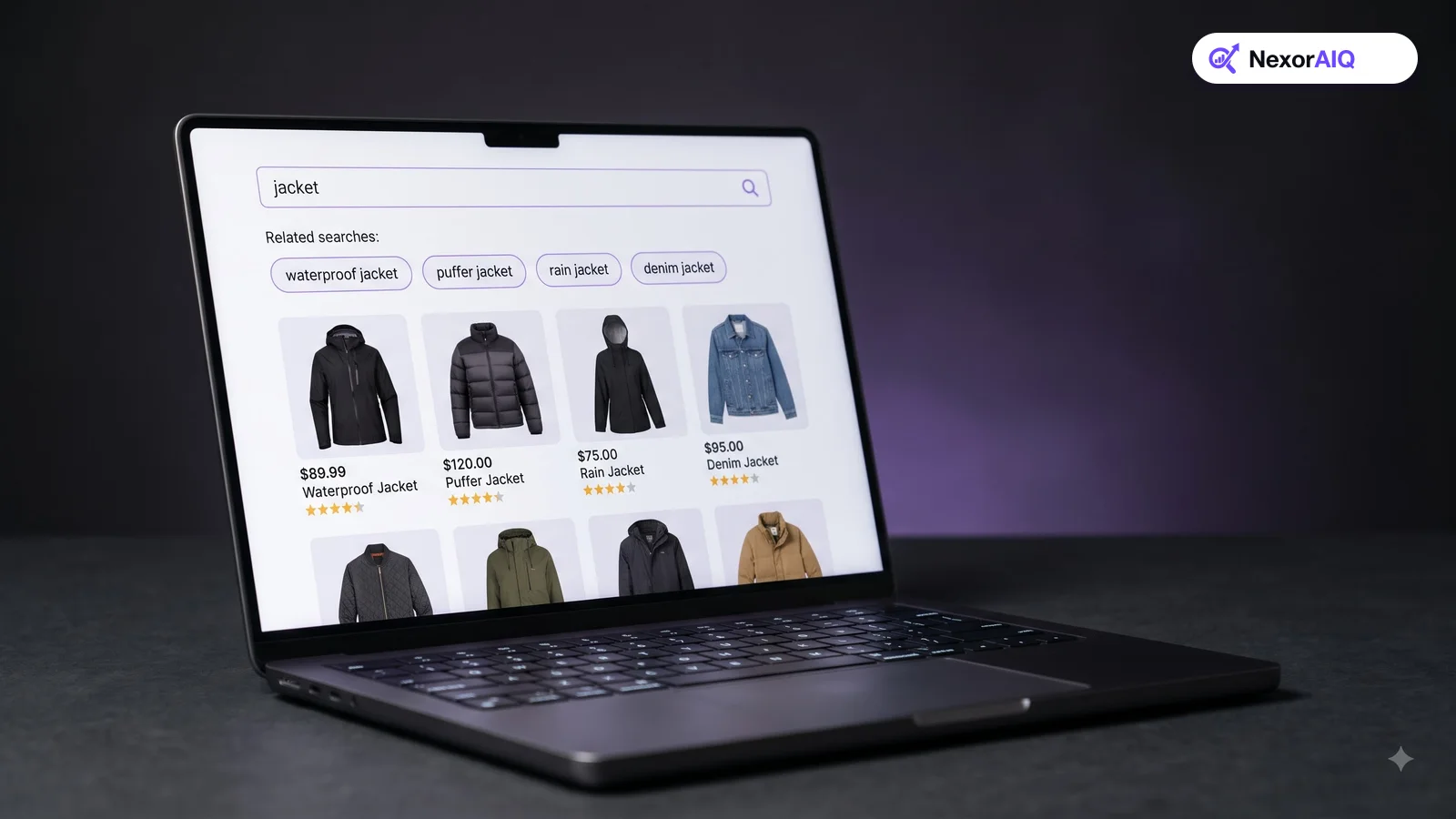
- No real understanding of meaning. Native search matches words. Descriptive queries such as "dress for a summer wedding" depend entirely on the words appearing in your product text. See what AI product search adds.
- Manual synonym upkeep. Every new slang term or misspelling needs a human to notice it and add it.
- Limited merchandising for search results. Pinning, boosting and burying products for specific queries usually needs custom development.
- Basic analytics. Search Terms shows query counts, but not conversion, revenue per search or exit rates.
- Infrastructure work. Keeping the search server fast through peak season is your team's job.
Quick wins for any Magento store this week
- Export your Search Terms report and fix the top 20 queries that return nothing, using synonyms or redirects.
- Set search weights so name and SKU outrank description.
- Make sure SKUs match with and without dashes and spaces, for example "AB-1234" and "AB1234".
- Hide out-of-stock products from search, or push them lower, if your catalog changes quickly.
- Check that layered navigation filters on the search results page match the product types shoppers search for.
- Test search on a phone and time it.
How to upgrade Magento search without a big project
If you've done the quick wins and still see high zero-result rates or flat search conversion, it's time to add AI search. A low-risk path looks like this:
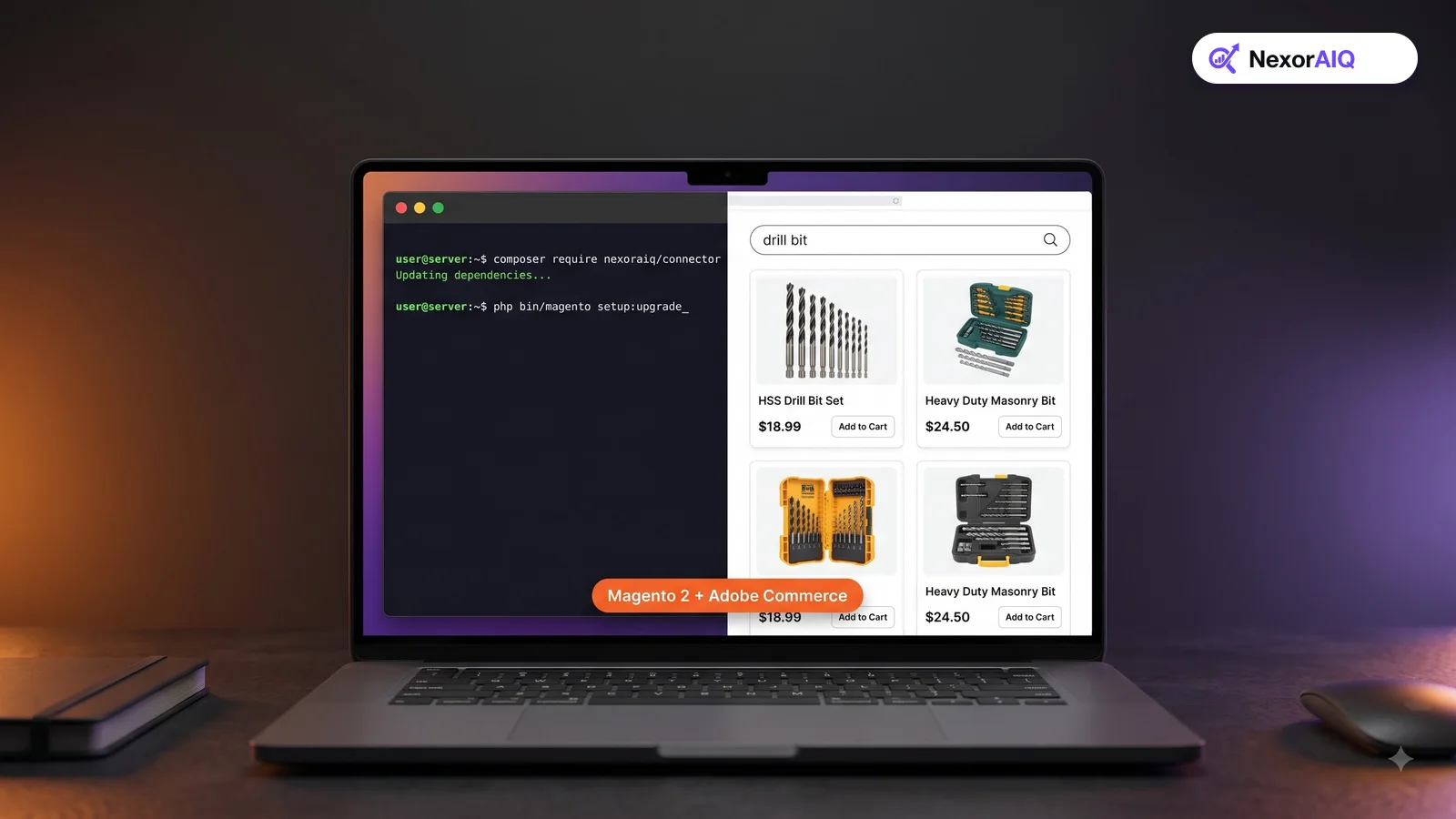
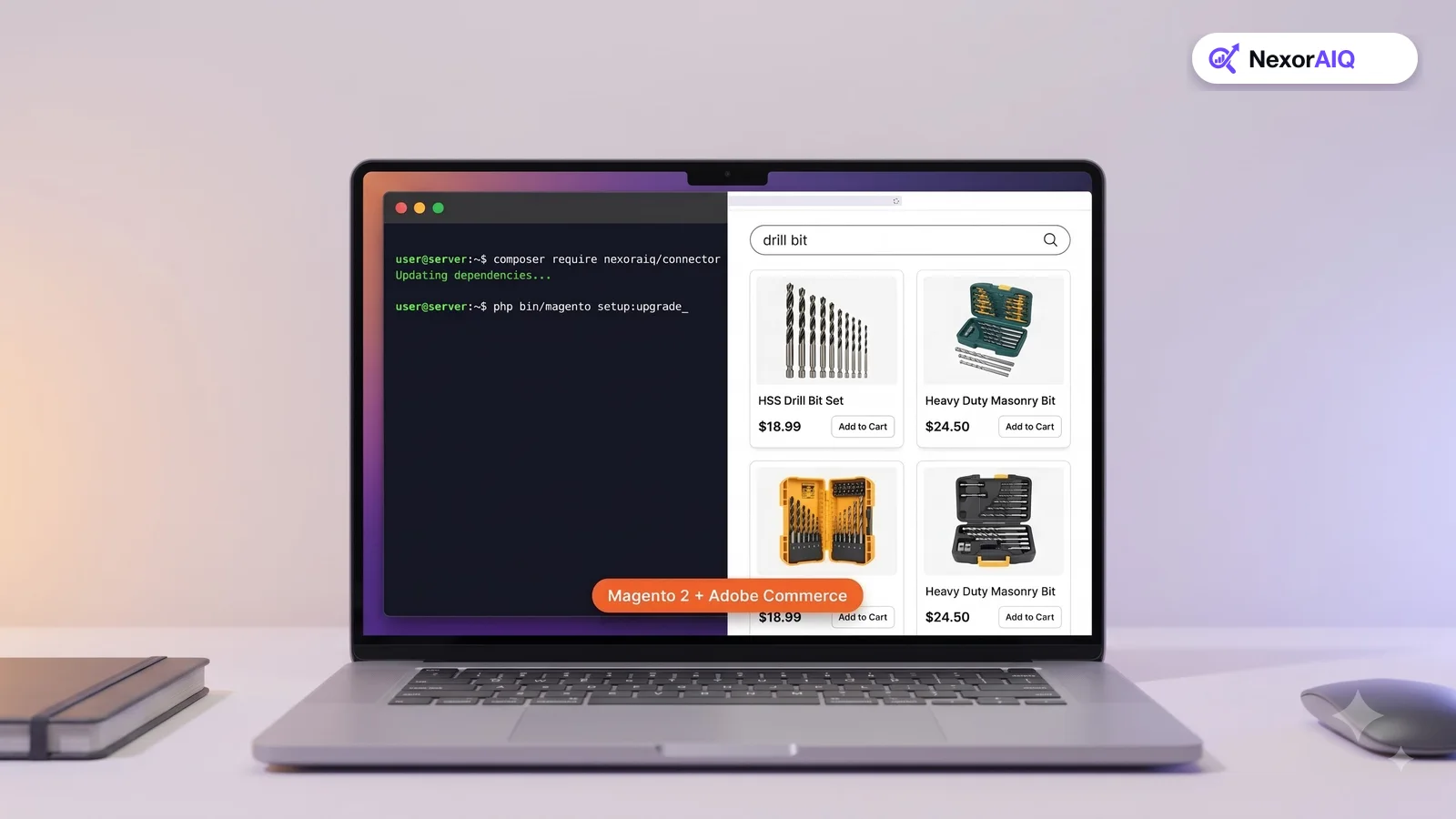
- Install the connector in a staging environment. NexorAIQ's Magento module is installed with Composer like any other extension.
- Sync the catalog. Products, attributes, prices and stock are indexed. Updates then stream in as they happen.
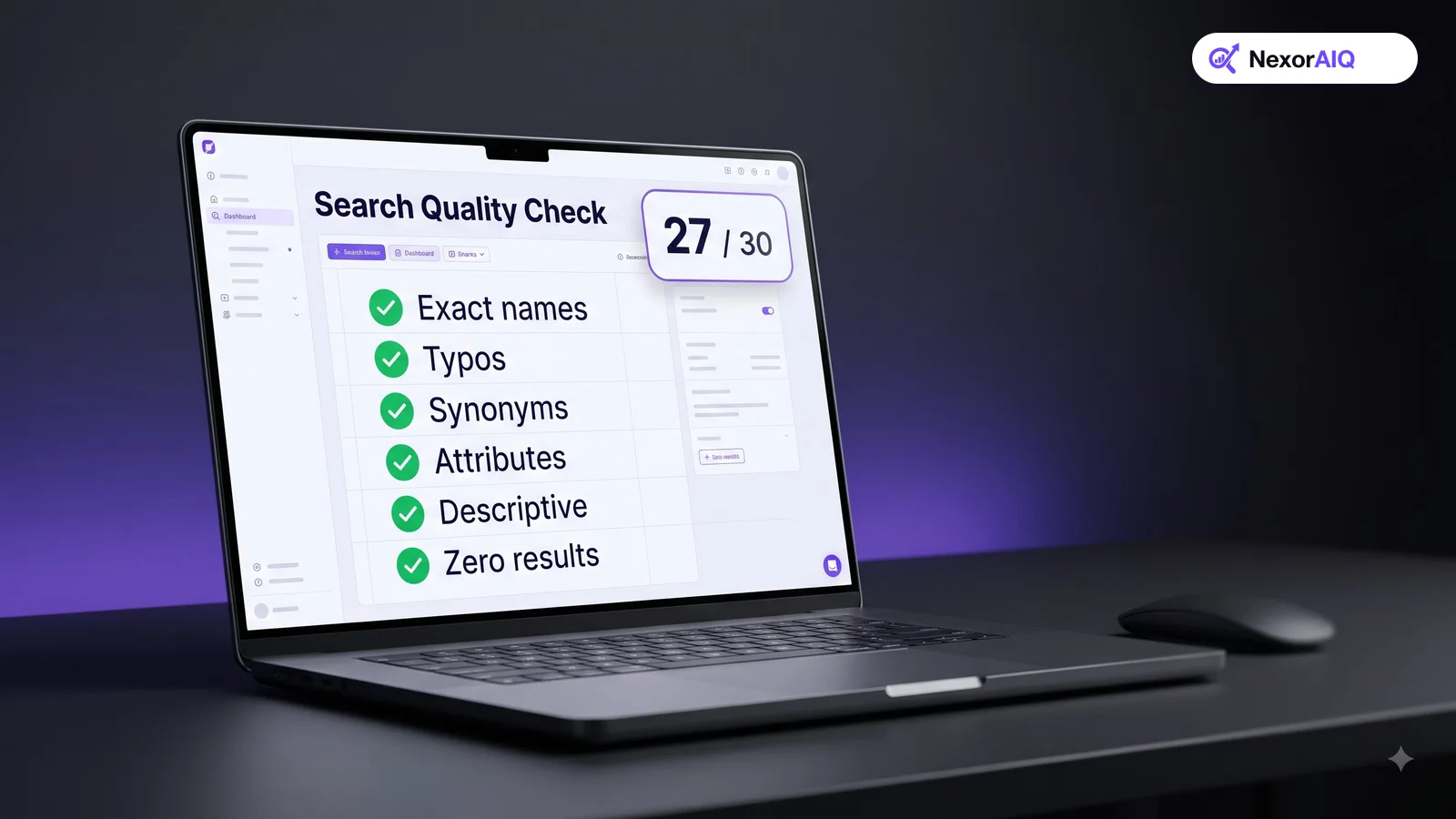
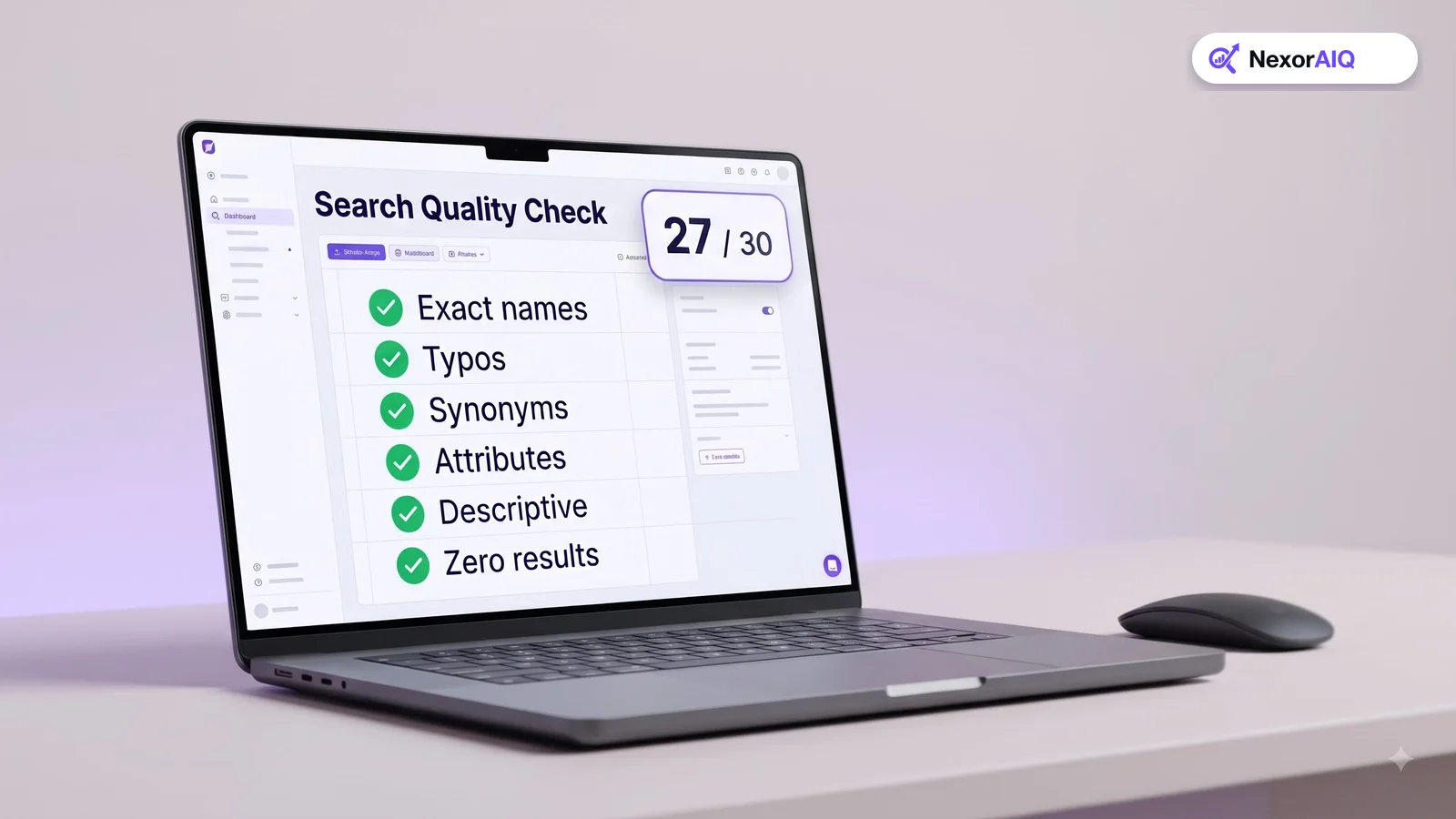
- Compare side by side. Run your 100 most important queries through both engines and score the first page of results.
- Launch to a share of traffic. Start with part of your traffic and compare revenue per search.
- Hand over to merchandisers. Set up synonyms, pins and boosts in a visual console instead of in code.
# Install the NexorAIQ connector (run in your Magento root)
composer require nexoraiq/connector
bin/magento setup:upgrade
bin/magento cache:clean
Adobe Commerce: multi-store and B2B considerations
Adobe Commerce stores often run several websites, store views and languages, plus B2B features such as shared catalogs and customer-specific pricing. When you evaluate search, check that:
- Each store view gets its own index, language handling and synonyms.
- Customer-specific catalogs and prices are respected in results.
- SKU and part number search is exact. Our B2B ecommerce search guide covers this in detail.
NexorAIQ for Magento 2 and Adobe Commerce
NexorAIQ is available now for Magento 2 and Adobe Commerce. It adds hybrid AI search, AI autocomplete, a search dictionary for synonyms and slang, visual merchandising and search analytics, with 95% of searches answered in under 25 ms. If you're moving from another search setup, see our migration guide.
Native Magento 2 search vs NexorAIQ
| Capability | Native Magento 2 search | With NexorAIQ |
|---|---|---|
| Matching | Keywords with attribute weights | Hybrid keyword + semantic |
| Synonyms | Manual synonym groups | Search dictionary with suggestions |
| Typos | Basic fuzzy matching | Typo and phonetic correction |
| Merchandising on search results | Mostly custom development | Pins, boosts and banners in a visual console |
| Search analytics | Query counts in Search Terms | Conversion, zero results, exits, revenue per search |
| Search infrastructure | Your OpenSearch server | Managed service |
Frequently Asked Questions & Architecture Insights
What search engine does Magento 2 use?
Since version 2.4, Magento 2 and Adobe Commerce use a separate search engine for catalog search. Current releases use OpenSearch.
How do I add synonyms in Magento 2?
Go to Marketing > SEO & Search > Search Synonyms in the Admin, create a new synonym group, set its scope, and list the terms. Changes apply to catalog search for that scope.
Why is my Magento search returning poor results?
Common causes are equal search weights on all attributes, missing synonyms, descriptions outranking names, and an outdated search index. Check search weights first, then reindex catalogsearch_fulltext.
Does NexorAIQ work with Adobe Commerce?
Yes. NexorAIQ is available now for both Magento 2 Open Source and Adobe Commerce.
Key Takeaway
Start by getting the most out of native Magento search: weights, synonyms, redirects and clean SKUs. When you outgrow it, add AI search through a connector, compare it on your own queries, and roll it out gradually. Your merchandisers get control, and your shoppers get results that understand them.