A B2B buyer doesn't browse. They arrive with a part number on a work order, a list of 40 items to reorder, or a spec sheet. They need the exact item, at their negotiated price, in stock, now. Search built for consumer shopping often fails them: it fuzzes part numbers, ignores customer-specific catalogs and makes bulk ordering painful. Here's how to build search that works for professional buyers.
How B2B search differs from B2C
- Queries are precise. Part numbers, SKUs, manufacturer codes and exact specs make up a large share of searches.
- Buyers repeat themselves. The same customer orders the same items again and again.
- Each account sees something different. Catalogs, prices and stock availability can vary by customer.
- Orders are bigger. Buyers add dozens of lines at once, often from a spreadsheet or an ERP export.
- Mistakes are expensive. A wrong part means a returned shipment and a stopped job.
Search has to be strict where buyers are strict, and helpful everywhere else.
Make part number search exact and forgiving at once
Part numbers are written in many formats. "AB-1234-X", "AB1234X", "ab 1234 x" and "AB-1234X" are all the same part to the buyer. Your search should:
- Normalize codes by removing spaces, dashes, dots and case differences, both in the index and in queries.
- Rank exact code matches first, above any text match.
- Support partial codes so "AB-12" shows a short list of matching parts.
- Never apply typo tolerance to codes. "AB-1234" and "AB-1235" are different parts.
- Search every code field: your SKU, the manufacturer part number, supplier codes and GTIN/EAN barcodes.
Handle cross-references and superseded parts
Buyers often search with a code your catalog doesn't use: another supplier's part number, an old part that's been replaced, or an OEM number. Store these as additional searchable codes on each product.
- Superseded parts: when a part is replaced, the old number should find the new part, with a note explaining the change.
- Equivalent parts: map OEM and alternative numbers to your matching product.
- Discontinued items: show the recommended replacement instead of an empty page.
Search by specification
Not every buyer has a part number. Many search by spec: "M8 stainless hex bolt 40mm" or "3/4 inch brass ball valve".
- Extract attributes from the query (size, material, thread, length) and apply them as filters. We explain query understanding in what is AI product search.
- Normalize units and fractions, so "3/4 in", "0.75″" and "19mm" can be matched where appropriate. Our search dictionary guide covers unit handling.
- Offer technical filters with clear labels and units. See our filter best practices.
Respect each customer's catalog and prices
In B2B, search results must reflect the logged-in account:
- Only show products the customer is allowed to buy.
- Show their negotiated price, not the list price.
- Show stock for their warehouse or region.
- Boost products the account has bought before.
If search ignores these rules, buyers lose trust quickly and go back to emailing their sales rep.
Make bulk ordering fast
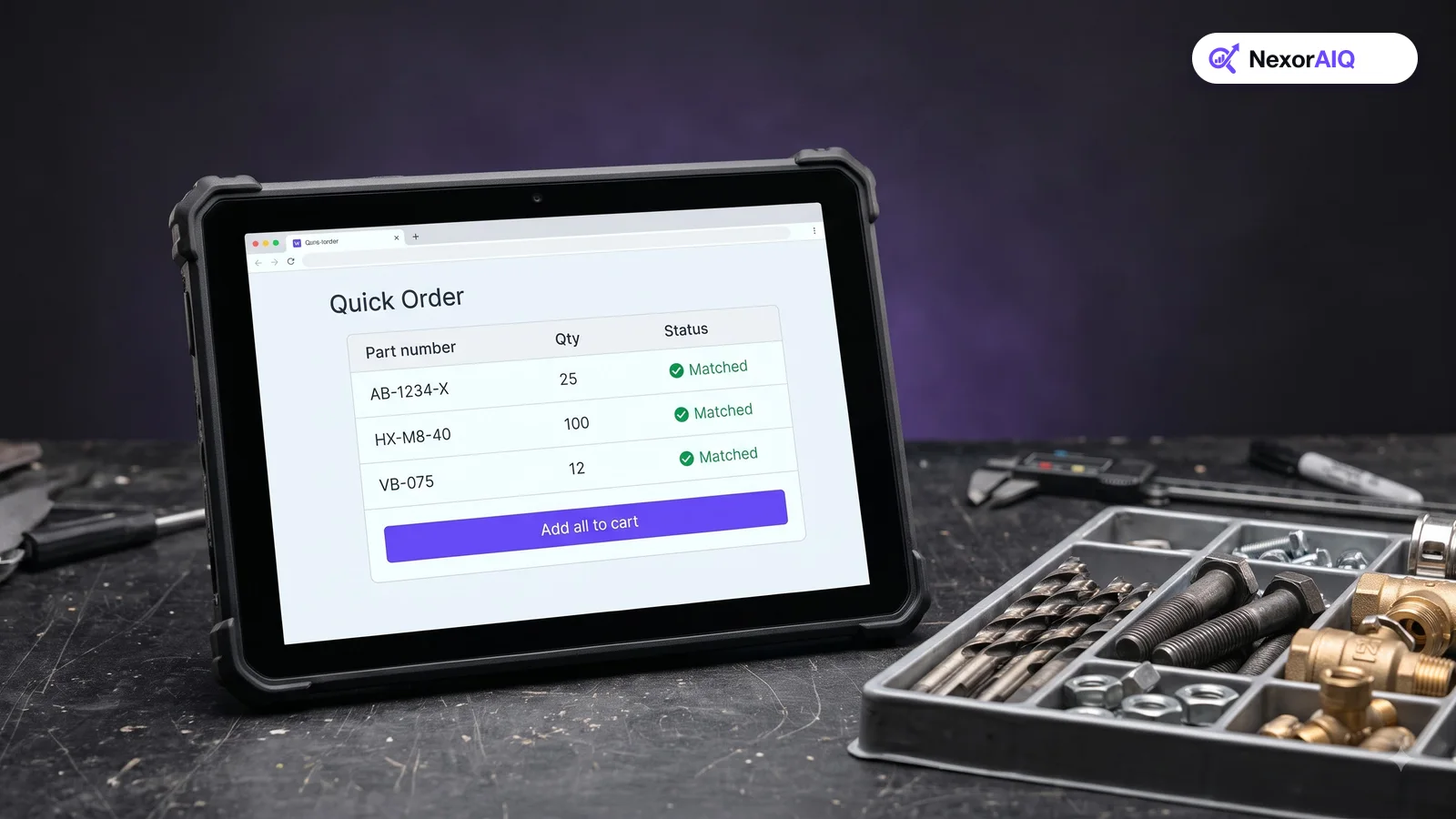
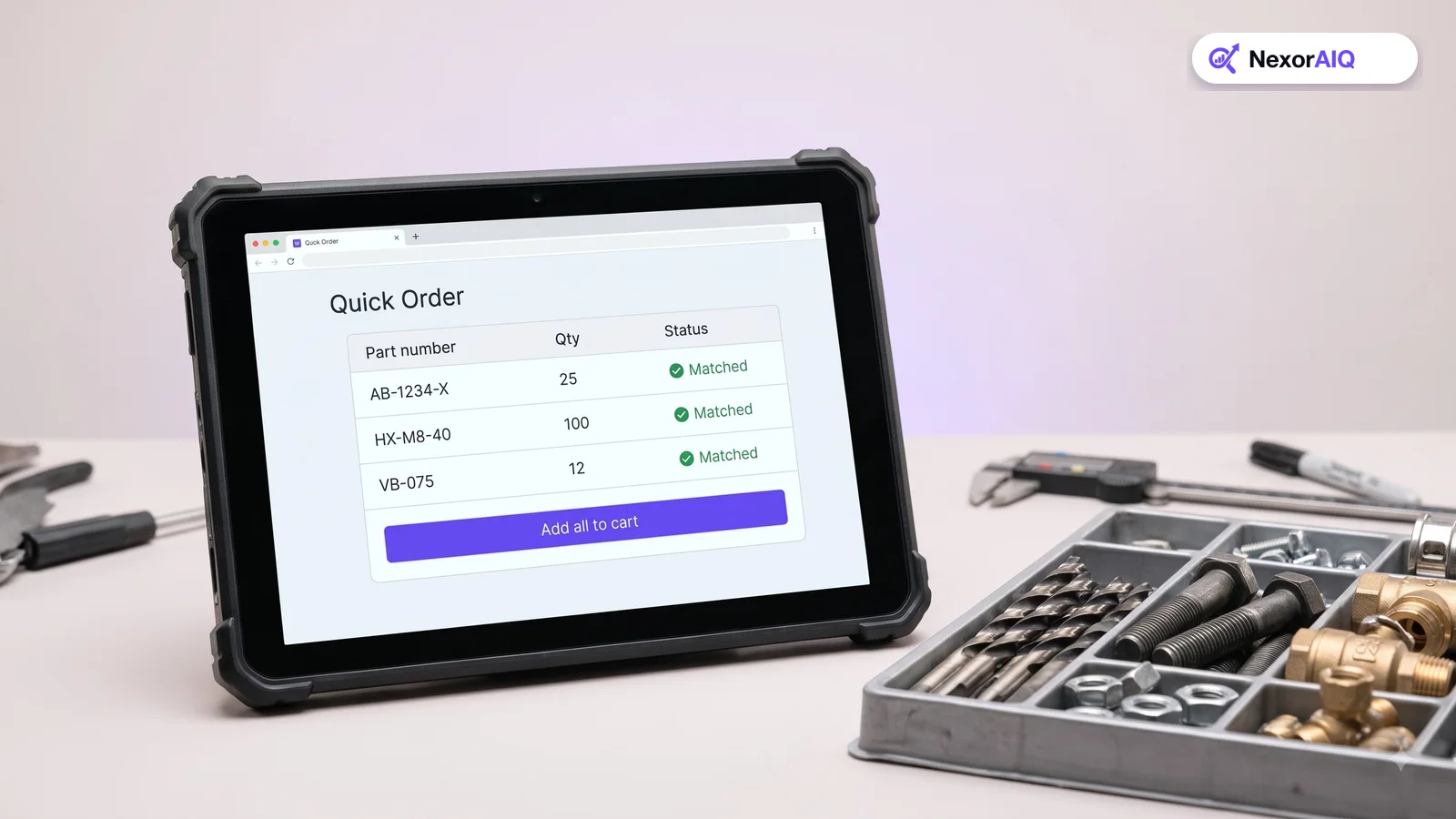
- Quick order: a form where buyers type or paste part numbers and quantities, with instant matching for each line.
- Paste from a spreadsheet: accept two columns (code and quantity) and flag lines that didn't match, with suggestions.
- Reorder lists: let buyers search within their past orders and saved lists.
- Add to cart from search results: quantity fields directly on the results page save a page view per item.
Measure what matters for B2B search
Track the usual search metrics, plus a few B2B-specific ones:
- Exact-match rate for code searches (how often the first result is the exact part).
- Zero-result rate for code searches specifically.
- Quick order match rate (the share of pasted lines matched automatically).
- Time from login to order for repeat buyers.
NexorAIQ for B2B and wholesale
NexorAIQ combines exact code matching with semantic search, supports customer-specific catalogs, and lets teams tune ranking for repeat buyers. See our B2B and wholesale solution for details. It's available now for Magento 2 and Adobe Commerce, including B2B setups with shared catalogs.
B2B search requirements checklist
| Requirement | Why it matters | How to test |
|---|---|---|
| Code normalization | Buyers type codes in many formats | Search one part 4 ways; same first result |
| No typos on codes | Similar codes are different parts | Search a code with one digit changed |
| Cross-references | Buyers use OEM and old numbers | Search a superseded part number |
| Spec search | Not every buyer has a code | Search "M8 stainless bolt 40mm" |
| Account-aware results | Catalogs and prices differ per customer | Log in as two accounts and compare |
| Quick order | Orders have many lines | Paste 20 codes with quantities |
Frequently Asked Questions & Architecture Insights
How should B2B ecommerce search handle part numbers?
Normalize part numbers by removing spaces, dashes and case differences, rank exact code matches first, support partial codes, and avoid typo tolerance on codes because similar codes are usually different parts.
What is a quick order form in B2B ecommerce?
A quick order form lets buyers type or paste a list of part numbers and quantities and add them all to the cart at once, with automatic matching and suggestions for unmatched lines.
Can search show customer-specific prices?
Yes. B2B search should apply the logged-in account's catalog, negotiated prices and stock rules to every result, so buyers only see what they can order at the price they pay.
Key Takeaway
B2B buyers judge your store on one thing: can they find the exact item and order it fast? Make code search exact and format-tolerant, support cross-references and specs, respect each account's catalog and prices, and make bulk ordering effortless.