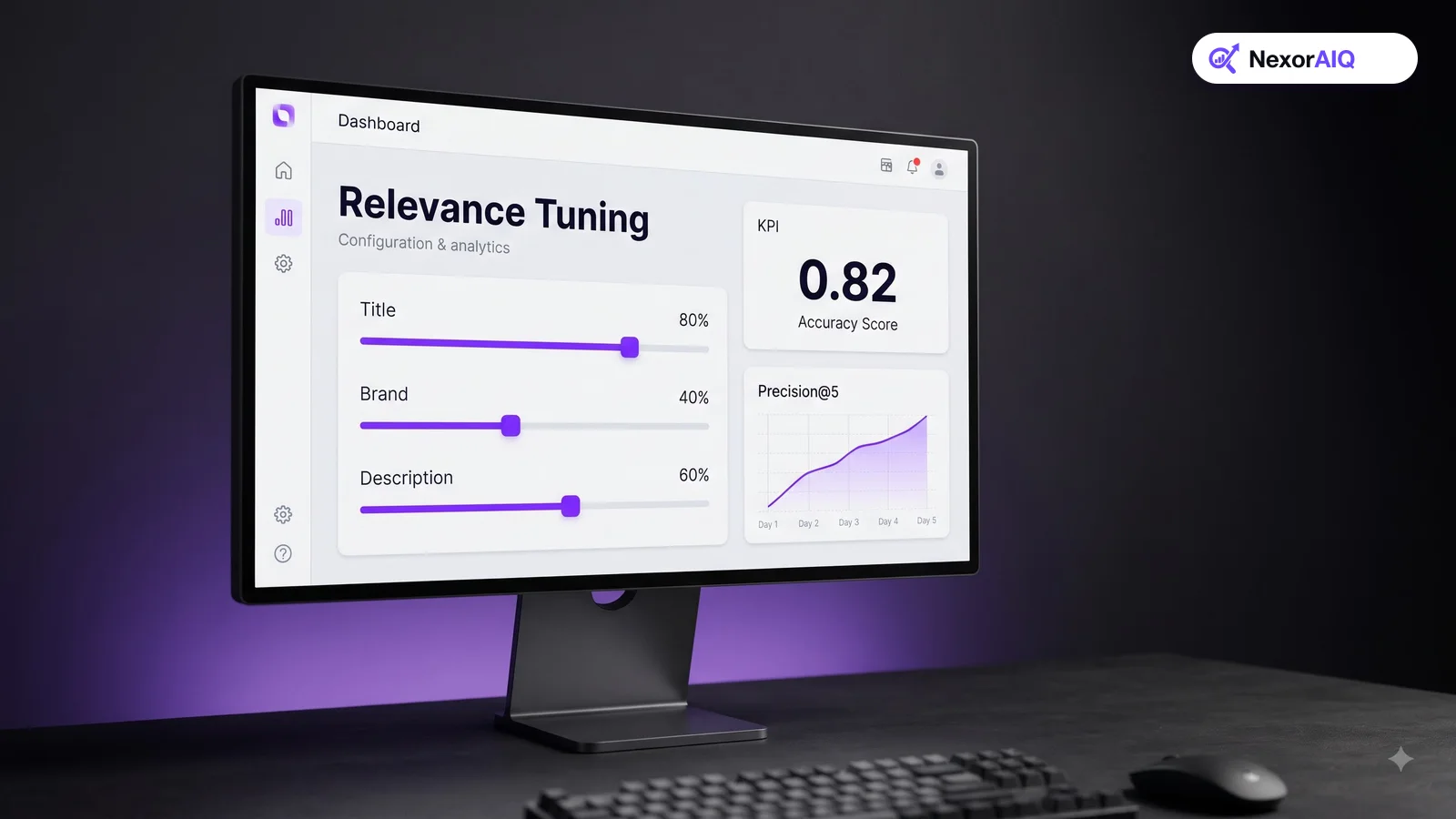
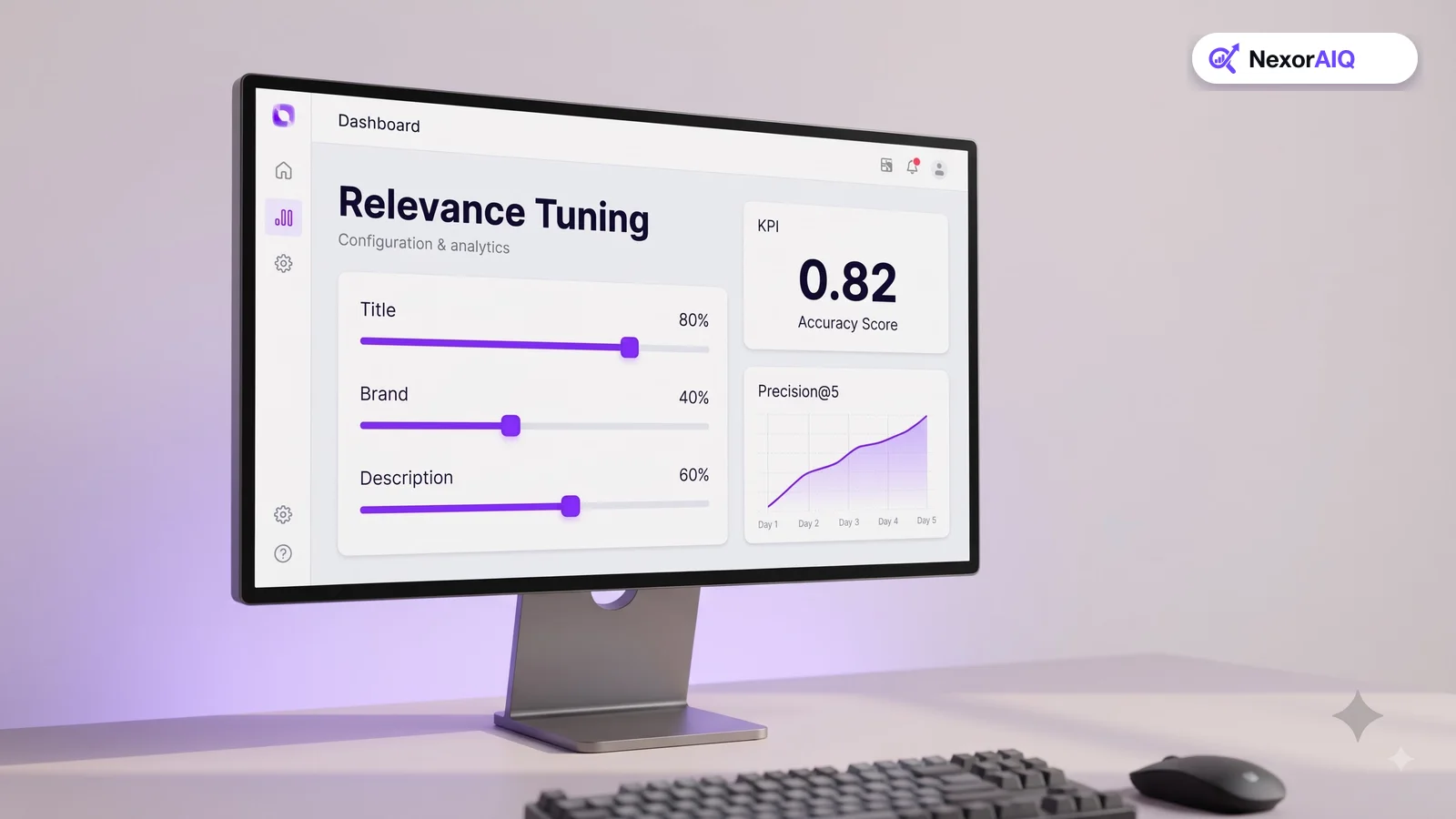
Most teams tune search by reacting to complaints. Someone searches "black dress", sees a black handbag in position one, and a rule gets added. A month later there are fifty rules nobody remembers, and fixing one query quietly breaks three others. Relevance tuning works much better as a repeatable process: a fixed set of test queries, a clear way to score results, and small changes measured before they ship. This guide walks through that process step by step.
What "relevant" means in a store
In web search, a relevant result answers the question. In a store, a relevant result is a product the shopper would actually consider buying. That adds conditions text matching alone can't check:
- It matches the product type. "Running shoes" should return shoes, not shoe laces or socks, even if those mention running.
- It matches stated attributes. "Waterproof jacket" should not show a jacket that isn't waterproof.
- It is available. An out-of-stock product in position one is technically relevant and practically useless.
- It is a sensible choice. Among fifty matching products, the best-selling, well-reviewed ones usually belong at the top.
Keep these four in mind. Every tuning decision below is about getting one of them right.
Step 1: Build a test set from real queries
You can't tune what you can't measure, and you can't measure relevance with one query at a time. Build a test set of 100 to 200 queries from your search log:
- Your top 50 queries by volume. These carry most of your search revenue.
- 50 mid-volume queries across different categories.
- 25 zero-result or low-click queries. These show where search is failing.
- 25 long or descriptive queries, such as "warm jacket for winter hiking under $200".
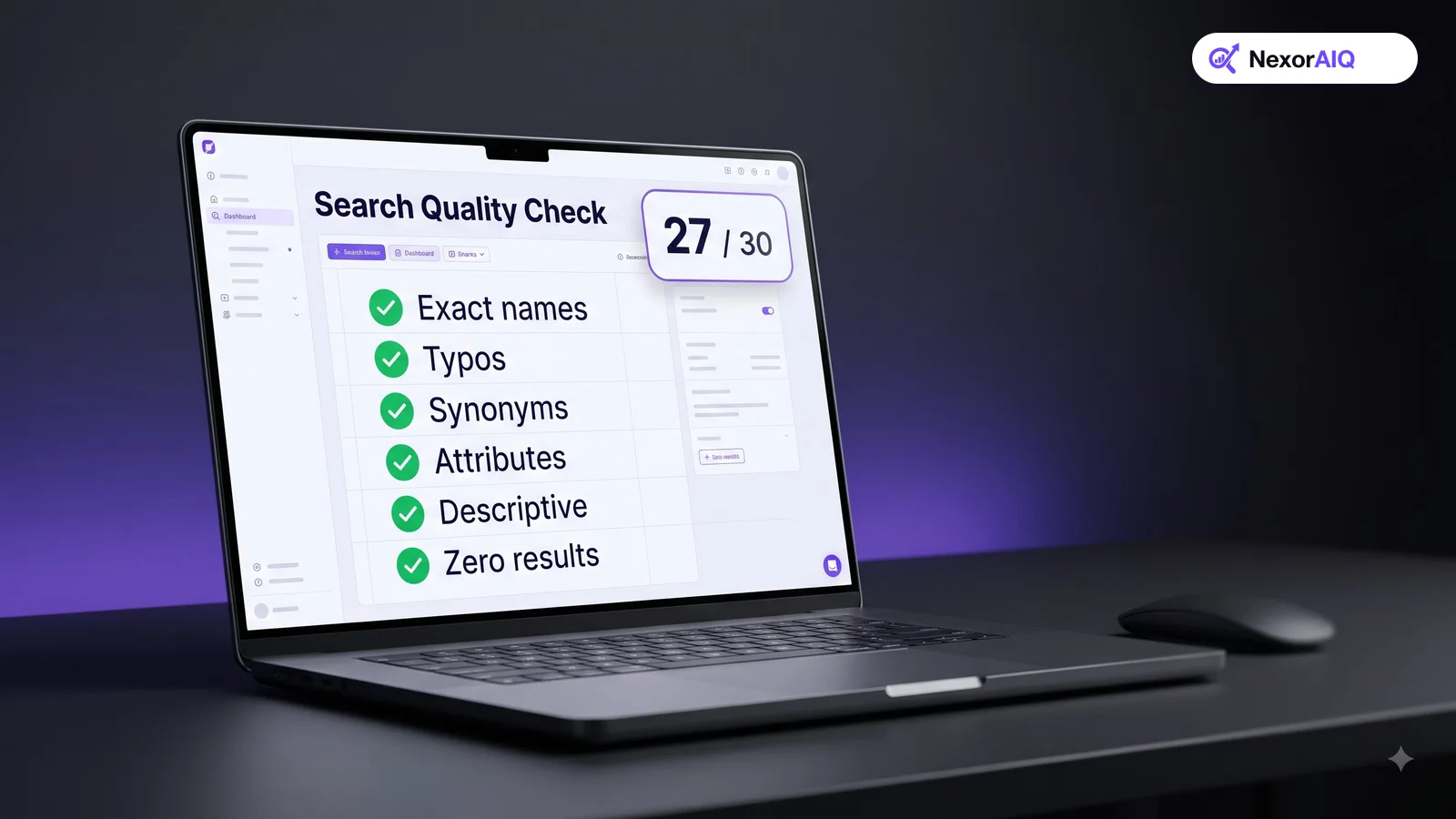
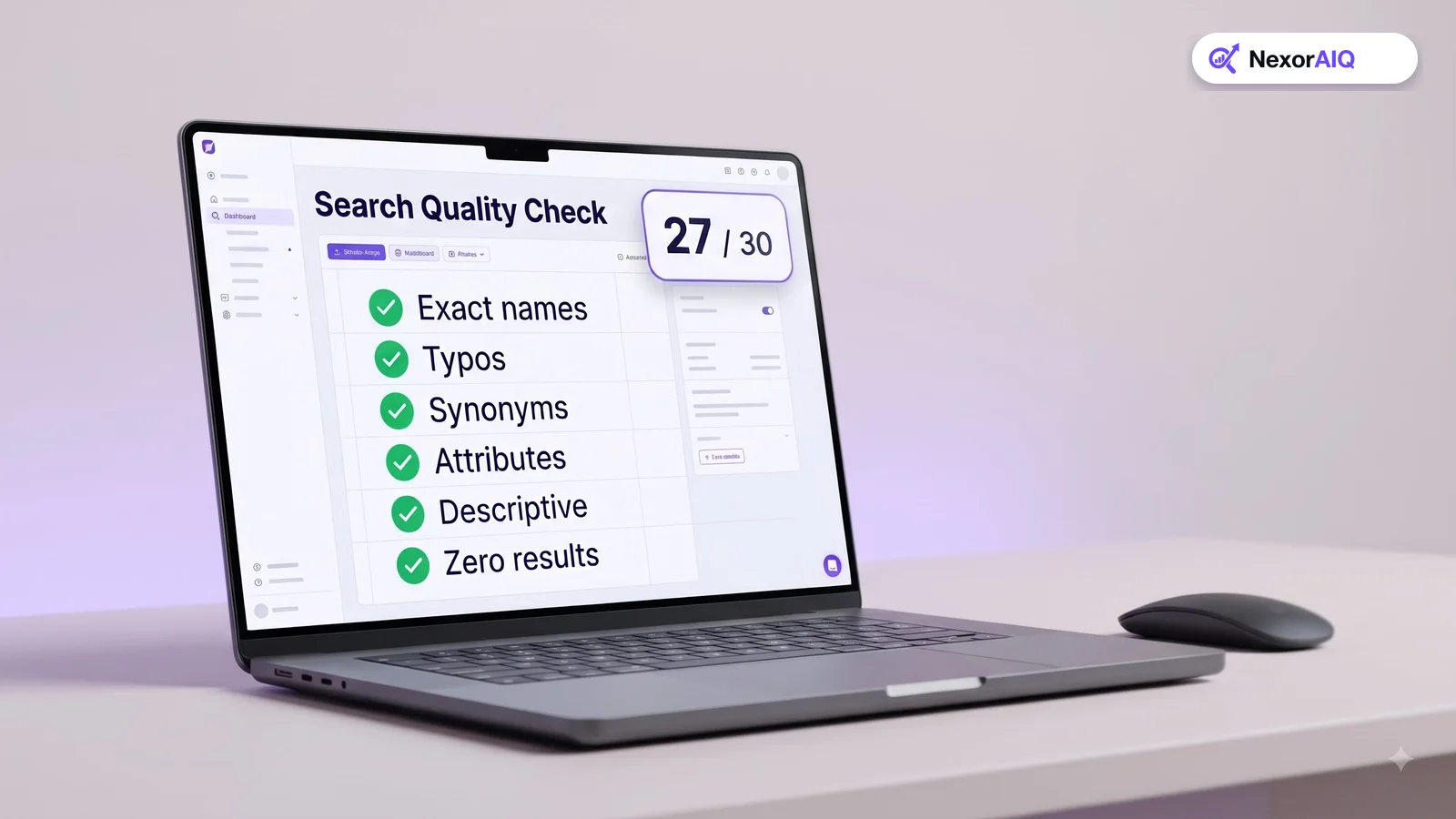
Include each query type shoppers use: exact product names, product types, features, themes and problem-based queries. Our ecommerce site search guide lists them. Save the set in a spreadsheet. It becomes your benchmark for every change you make from now on.
Step 2: Score the results you have today
For each test query, look at the top 10 results and rate each product on a simple scale:
- 3 – Perfect: exactly what the shopper wants.
- 2 – Good: a reasonable alternative.
- 1 – Weak: related, but not what was asked for.
- 0 – Wrong: should not appear for this query.
Then calculate a score per query. A simple and widely used choice is precision at 5: the share of the top five results rated 2 or 3. If you want a measure that rewards putting the best products first, use NDCG (normalized discounted cumulative gain), which most search tools and spreadsheets can compute.
Have two people rate the same 20 queries and compare. If they disagree often, write down short rating guidelines before rating the rest. Consistent scores matter more than perfect ones.
Step 3: Fix the matching before the ranking
Look at the queries that scored worst. Most failures come from a few causes, and the order you fix them matters.
- Missing products. The right product never appears. Usually a vocabulary gap: the shopper says "sofa", the catalog says "couch". Fix it with synonyms and typo handling. Our search dictionary guide shows how.
- Wrong product type. Accessories outrank the main product. Fix it by weighting the product type or category field more heavily than the description.
- Ignored attributes. "Red" or "size 10" is treated as plain text. Fix it by detecting attributes and applying them as filters.
- Thin product data. The product has no color, material or use case recorded, so no search engine can match it. Fix the data. Our product data guide covers this.
Only once the right products are in the result set does it make sense to tune their order.
Step 4: Tune field weights
Search engines score a match by where the query words appear. A word in the product title is much stronger evidence than the same word buried in a long description. A sensible starting order, from strongest to weakest:
- Product name and SKU
- Brand and product type or category
- Key attributes (color, material, size)
- Short description and tags
- Long description
Change one weight at a time and re-score your full test set. If precision at 5 rises overall and none of your top 50 queries gets worse, keep the change. If it helps some queries and hurts others, look at why before deciding. Raising the weight of the long description, for example, often helps descriptive queries and hurts short product-type queries.
Step 5: Add business signals carefully
Text relevance decides which products match. Business signals help decide which matching products come first. The common ones:
- Popularity: clicks, add-to-carts and sales for this query or overall.
- Stock: demote or hide out-of-stock products.
- Freshness: a small lift for new arrivals on broad queries.
- Margin or strategic priority: a controlled boost for products the business wants to sell.
Keep these signals as boosts on top of relevance, not replacements for it. A heavy popularity boost makes best-sellers show up for queries they don't match, which is the fastest way to make search feel broken. Cap each boost and check the test set after every change. Our search merchandising playbook covers rules and guardrails in more detail.
Step 6: Ship changes safely
A change that improves your test set can still hurt real revenue. Ship in stages:
- Offline check: the full test set improves and no top query gets worse.
- A/B test: send part of your traffic to the new ranking for one to two weeks and compare search conversion rate and revenue per search.
- Roll out and record: keep a simple changelog of what changed, when and why. When something breaks later, you'll know where to look.
Re-score the test set every month and add new queries from the latest search log. Shopper language changes with seasons and trends, and the test set should change with it.
Where NexorAIQ fits
NexorAIQ combines keyword and AI vector search so the right products are found even when shoppers use different words. Merchandisers can adjust ranking with search rules and boosts without code, and the AI search optimizer flags queries with poor click-through so you know what to tune next.
NexorAIQ is available now for Magento 2 and Adobe Commerce.
Common relevance problems and where to fix them
| Symptom | Likely cause | Fix |
|---|---|---|
| Right product missing | Vocabulary gap or typo | Synonyms, typo tolerance, semantic search |
| Accessories above main products | Description weighted too heavily | Raise product type and title weight |
| "Red" returns other colors | Attribute not detected | Attribute extraction and filtering |
| Best-sellers for unrelated queries | Popularity boost too strong | Cap the boost; apply only to matching products |
| Out-of-stock items on top | No stock signal in ranking | Demote or hide unavailable products |
Frequently Asked Questions & Architecture Insights
What is search relevance tuning?
Search relevance tuning is the process of adjusting how a search engine matches and ranks products, using a fixed set of test queries and a scoring method to check that each change makes results better.
How many queries do I need to test search relevance?
Start with 100 to 200 real queries from your search log: your top queries by volume, a spread of mid-volume queries, and a sample of zero-result and long descriptive queries.
What is a good metric for search relevance?
Precision at 5, the share of the top five results that are good matches, is simple and easy to explain. NDCG is better when you want to reward putting the best products first.
Should popularity affect search ranking?
Yes, but only as a capped boost among products that already match the query. Too much popularity weight pushes best-sellers into unrelated searches.
Key Takeaway
Relevance tuning works when it is a process, not a stream of one-off fixes. Build a test set from real queries, score it, fix matching before ranking, tune one thing at a time, and confirm the result with an A/B test. A monthly routine keeps search improving as your catalog and your shoppers change.