Adobe forecasts that US shoppers will spend $275.1 billion online this holiday season, with $47.5 billion during Cyber Week alone and a record 63% of Cyber Week spending on mobile. Black Friday falls on 27 November 2026 and Cyber Monday on 30 November. Traffic spikes, shoppers are in a hurry, and many arrive knowing exactly what they want. That makes search the busiest and most valuable part of your store. Work through this checklist in the next two weeks.
Weeks before: get the basics right
- 1. Load-test search. Simulate several times your normal search traffic and confirm response times stay fast. Search that slows down under load costs sales at the worst moment.
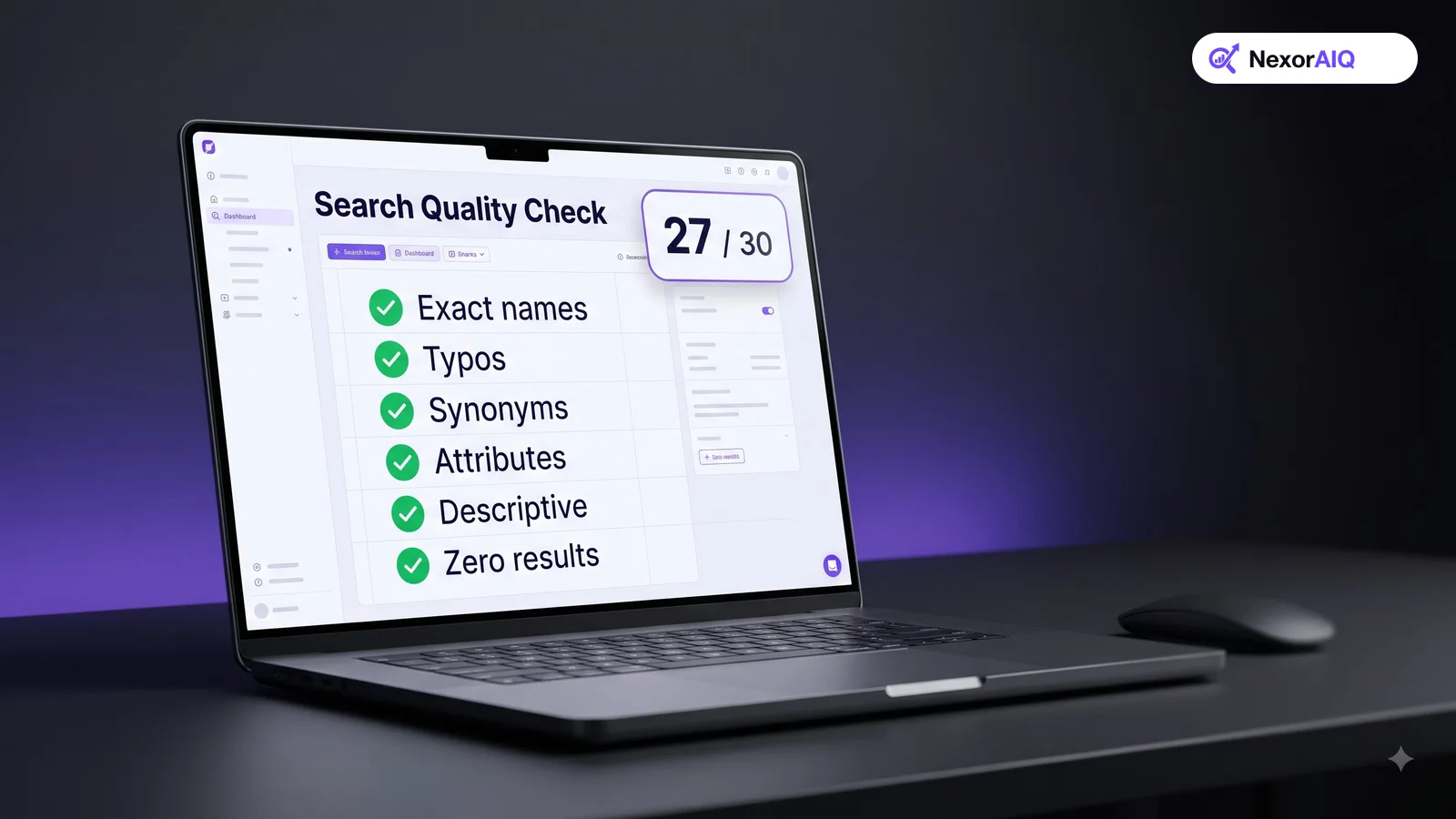
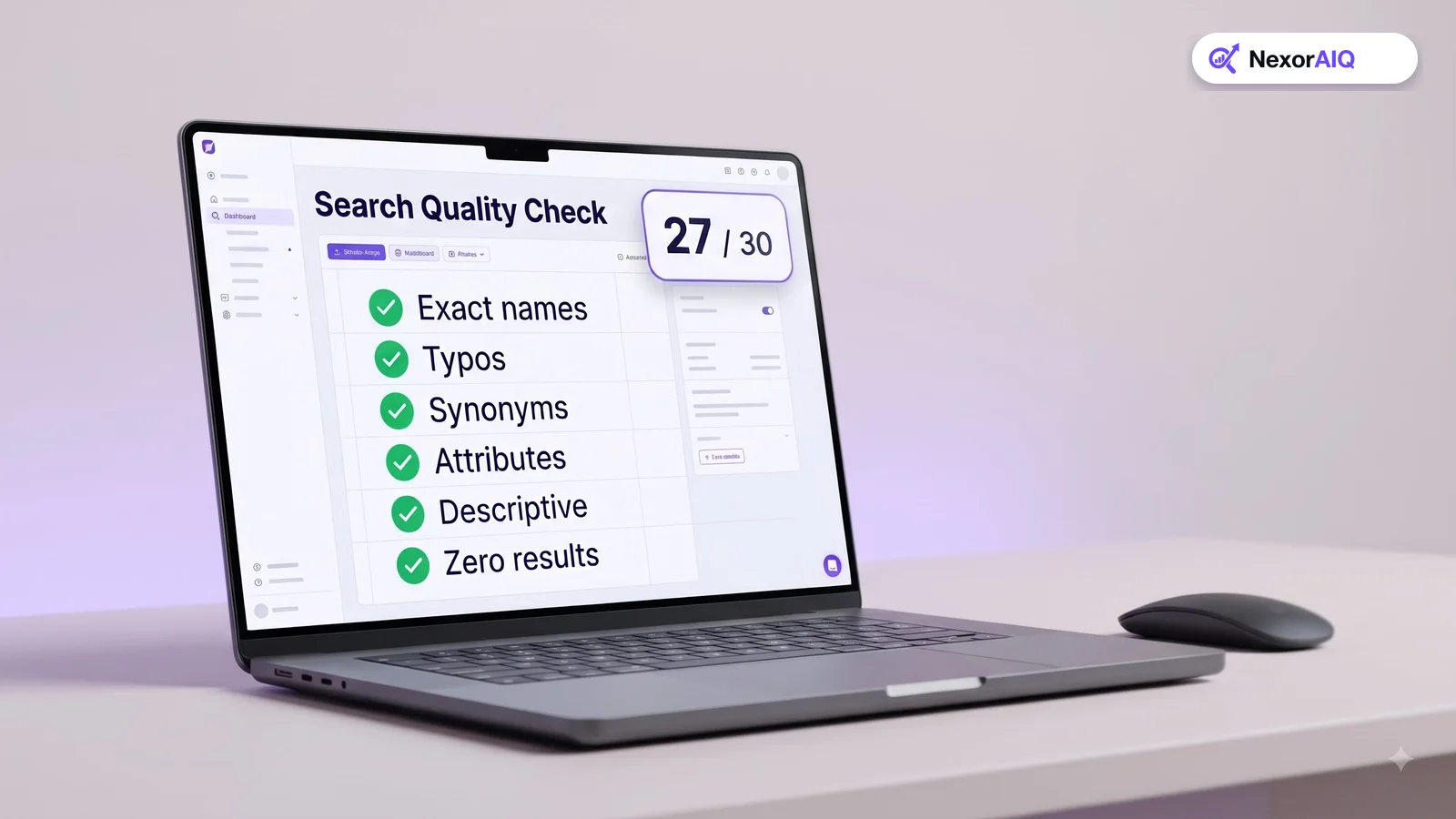
- 2. Fix last year's failed queries. Pull last November's zero-result queries and make sure each one now returns good products.
- 3. Add seasonal synonyms. "Black Friday deals", "doorbusters", "stocking stuffers", "secret santa", "gifts for dad". Map them to the right products or landing pages. Our search dictionary guide explains how.
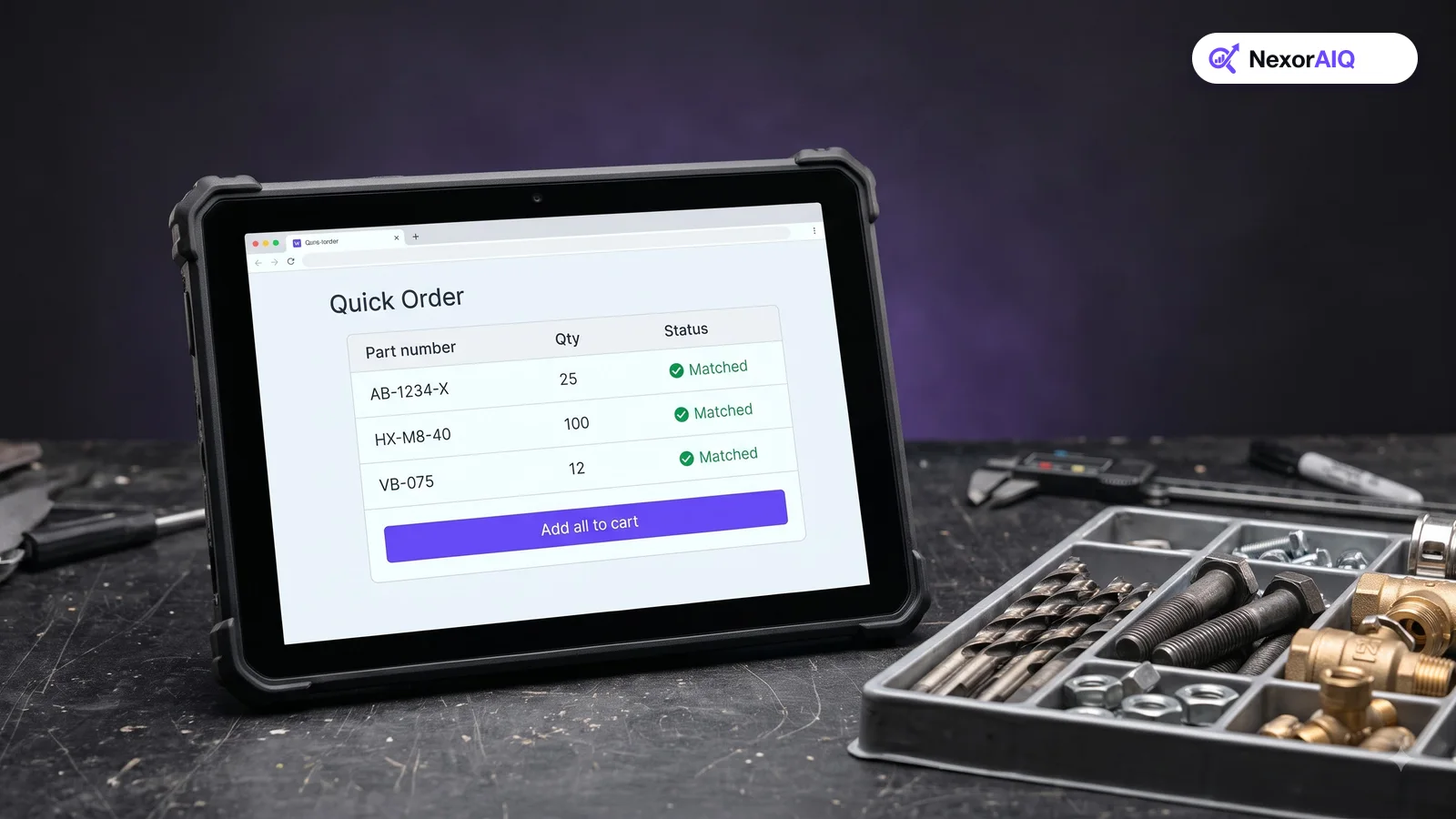
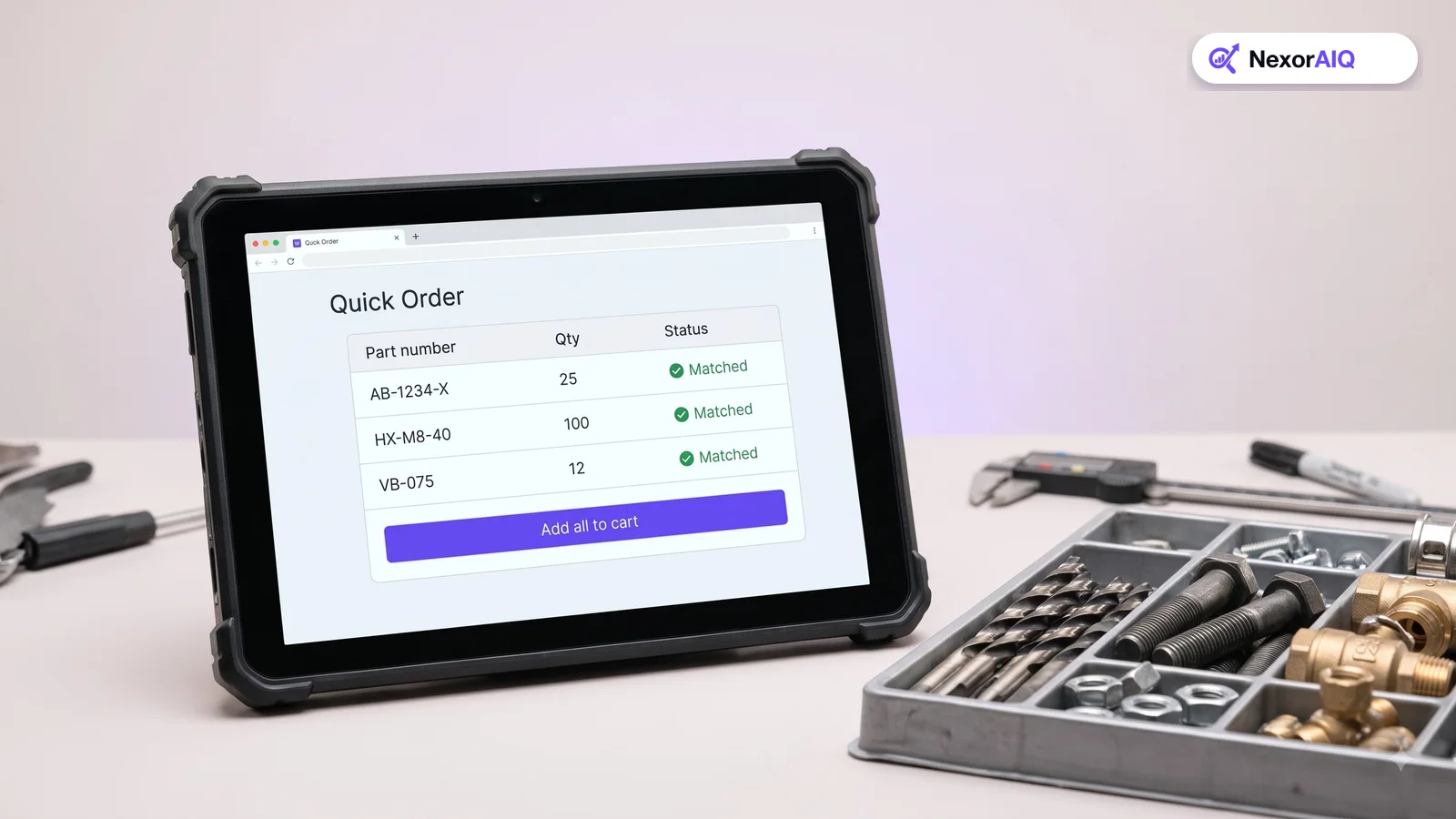
- 4. Check SKU and model search. Deal hunters copy model numbers from ads and comparison sites. Test 20 promoted model numbers, with and without dashes.
- 5. Clean up product data for promoted items. Titles, prices, images and attributes must be correct for every product in your campaign.
Merchandising: set it up before the rush
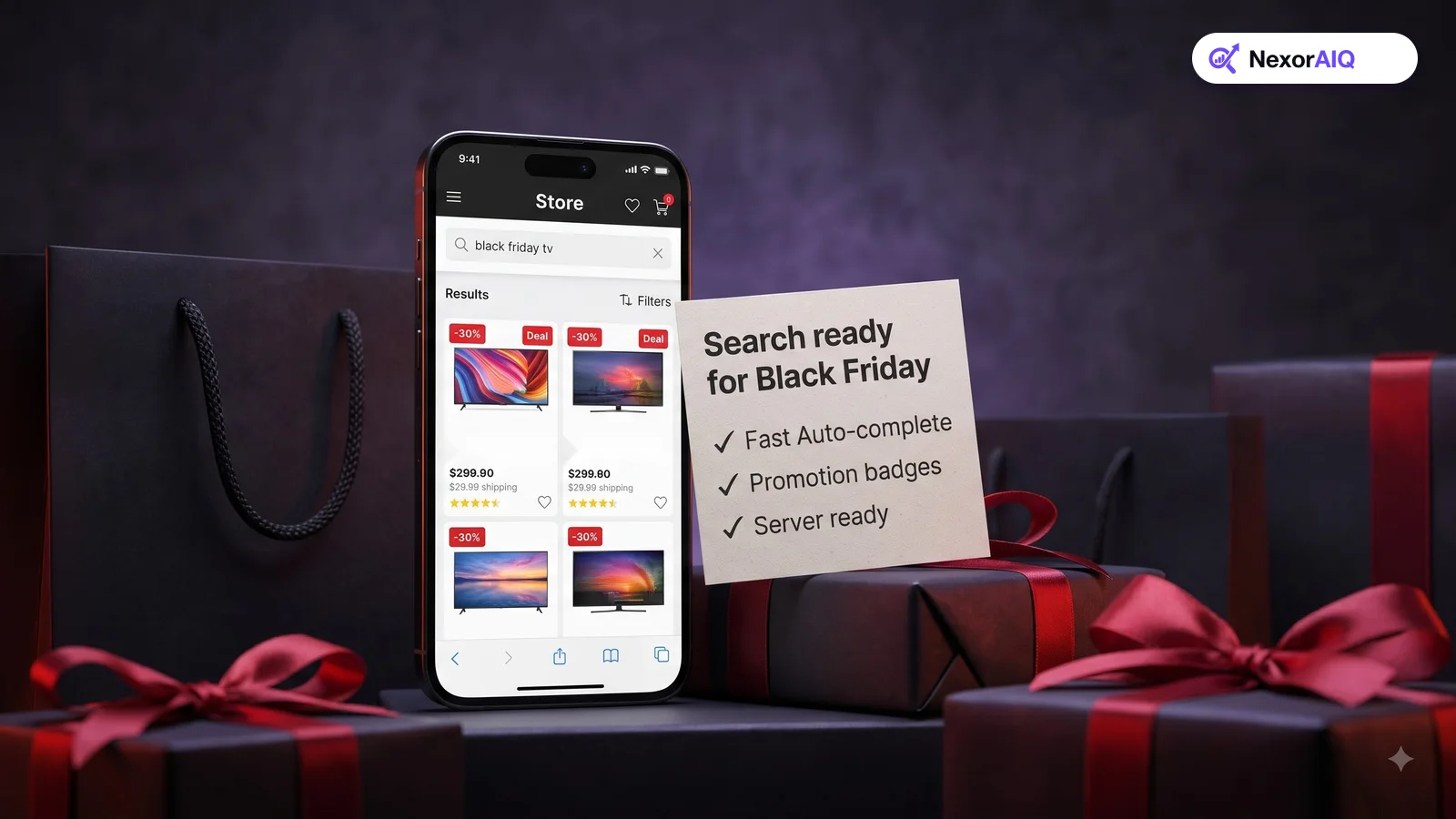
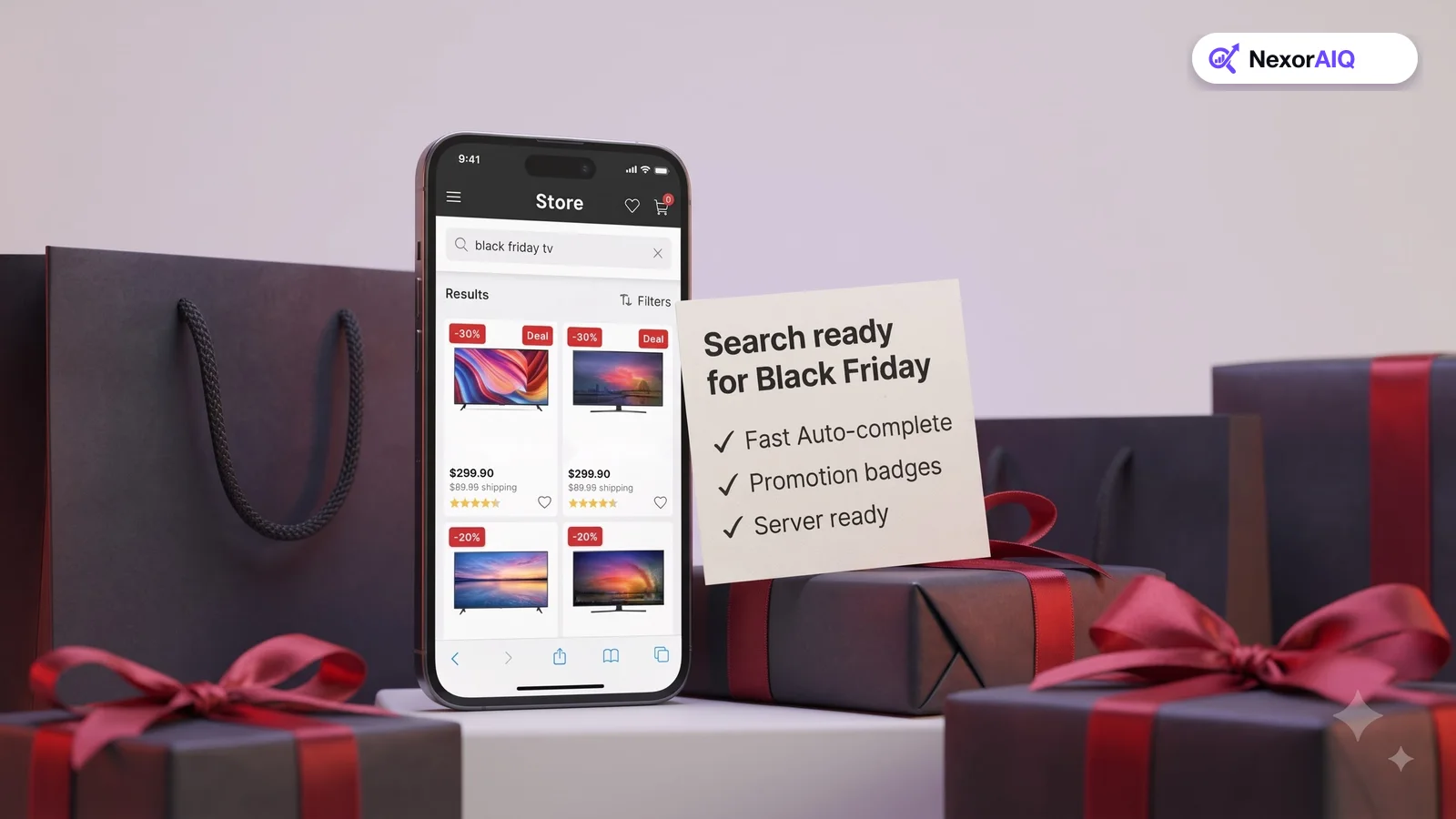
- 6. Create "deals" results. Make "deals", "sale" and "black friday" return discounted products, sorted with best-sellers first, or redirect them to a deals page.
- 7. Pin hero products. For your top 20 queries, pin the products you're promoting, but keep pins to one or two per query.
- 8. Schedule rules with start and end times. Set campaign boosts and banners to switch on and off automatically, so nobody has to edit rules at midnight.
- 9. Bury out-of-stock items automatically. Fast-selling deals sell out. Make sure sold-out products drop out of the top positions without manual work.
- 10. Add campaign banners for key queries. A short banner on "tv" or "headphones" that points to the deal page can help shoppers who search instead of browsing.
Our search merchandising playbook covers these rules in more detail.
Mobile and speed: where peak sales happen
- 11. Test search on a mid-range phone. On a mobile connection, check autocomplete, results, filters and the path to the cart.
- 12. Make autocomplete campaign-aware. Promote deal-related suggestions and make the empty search field show trending deals. See autocomplete best practices.
- 13. Check filters for deal shoppers. Add or surface "On sale", "Discount %" and price-range filters on search results.
During the week: watch and react
- 14. Watch zero-result queries every few hours. New queries appear during sales, often from ads, social posts or influencer codes. Fix them the same day.
- 15. Track revenue per search hourly. If it drops suddenly, check for a broken rule, a sold-out pinned product or a slow search server.
After Cyber Monday, export the week's top queries and zero-result queries. They're the best input for next year's checklist.
How NexorAIQ helps during peak season
NexorAIQ handles load as a managed service, answers 95% of searches in under 25 ms, and lets merchandisers schedule campaign banners, pins and boosts in advance. No-result recovery catches new queries automatically while your team is busy. It's available now for Magento 2 and Adobe Commerce.
Cyber Week 2026 at a glance (Adobe forecast)
| Measure | Forecast | What it means for search |
|---|---|---|
| Full holiday season (Nov–Dec) | $275.1B online, +6.7% YoY | More searches, more long-tail gift queries |
| Cyber Week | $47.5B, 17.3% of season | Load-test and pre-schedule rules |
| Cyber Monday (30 Nov) | $15.1B | Peak traffic; monitor hourly |
| Black Friday (27 Nov) | $12.9B, +9.2% YoY | Deal and model-number searches |
| Mobile share of Cyber Week spend | 63% | Test search on phones first |
Frequently Asked Questions & Architecture Insights
When should I prepare my site search for Black Friday?
Start at least two to three weeks before. Load testing, synonym work and campaign rules all take time, and you want them in place before traffic rises.
What search queries increase during Black Friday?
Expect more searches for deals and sale terms, gift queries such as "gifts for dad", and exact model numbers copied from ads and comparison sites.
How do I stop sold-out deals from appearing at the top of search?
Use an automatic rule that buries or hides out-of-stock products, and make sure pinned products give up their position when they sell out.
Key Takeaway
Peak season rewards stores whose search is fast, campaign-aware and closely watched. Load-test early, fix last year's failed queries, schedule your merchandising, test on mobile, and check zero-result queries throughout the week. Every fix on this list protects sales during the busiest days of the year.