The search bar is the one place on your store where shoppers tell you, in their own words, exactly what they want. Roughly half of shoppers in Baymard Institute's usability testing reach for search first instead of the menu. When search understands them, they buy. When it doesn't, most of them leave, and many buy the same product somewhere else. This guide covers how ecommerce site search works, where it usually breaks, and a practical 30-day plan to improve it.
What ecommerce site search is (and why it isn't web search)
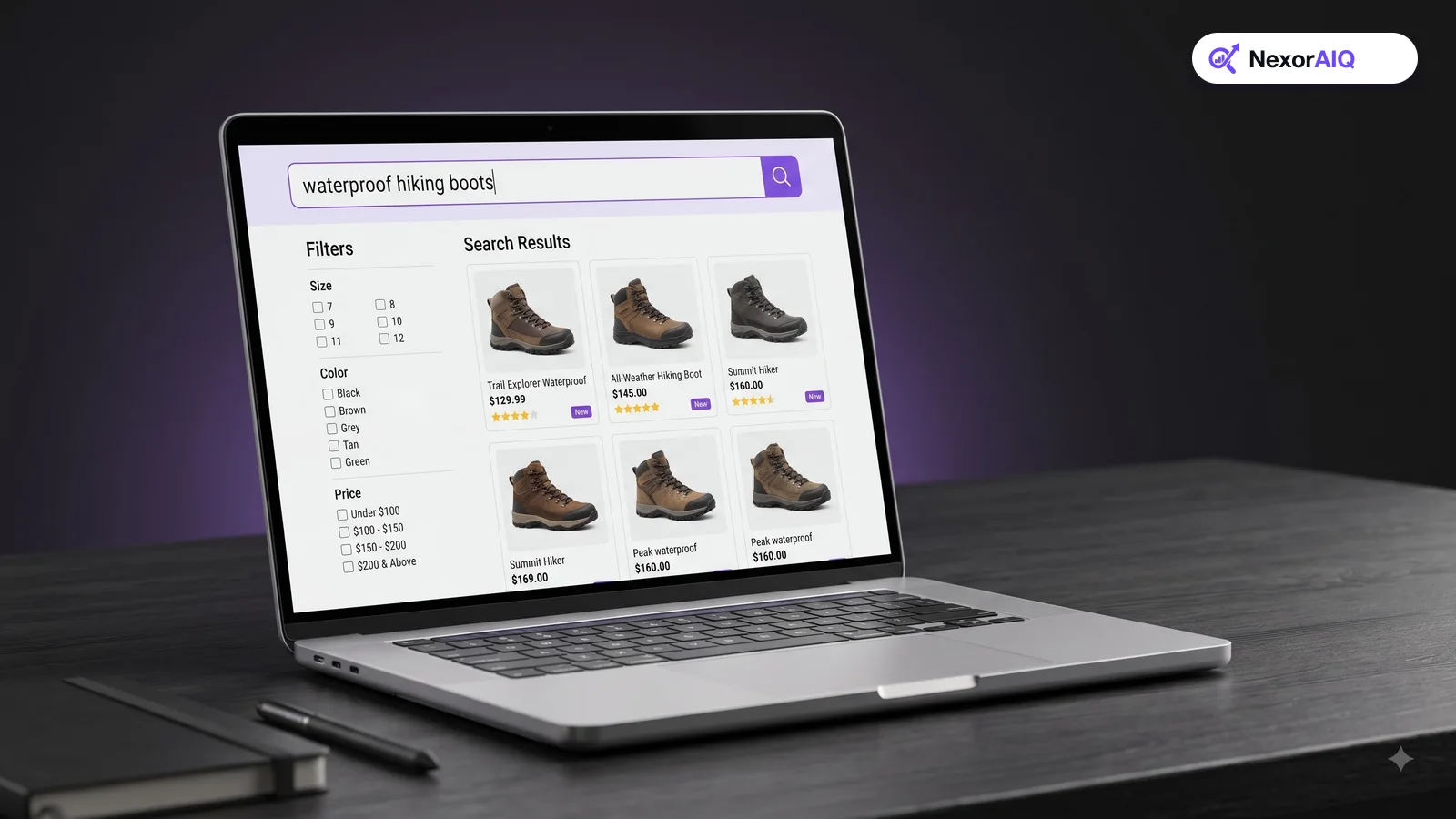
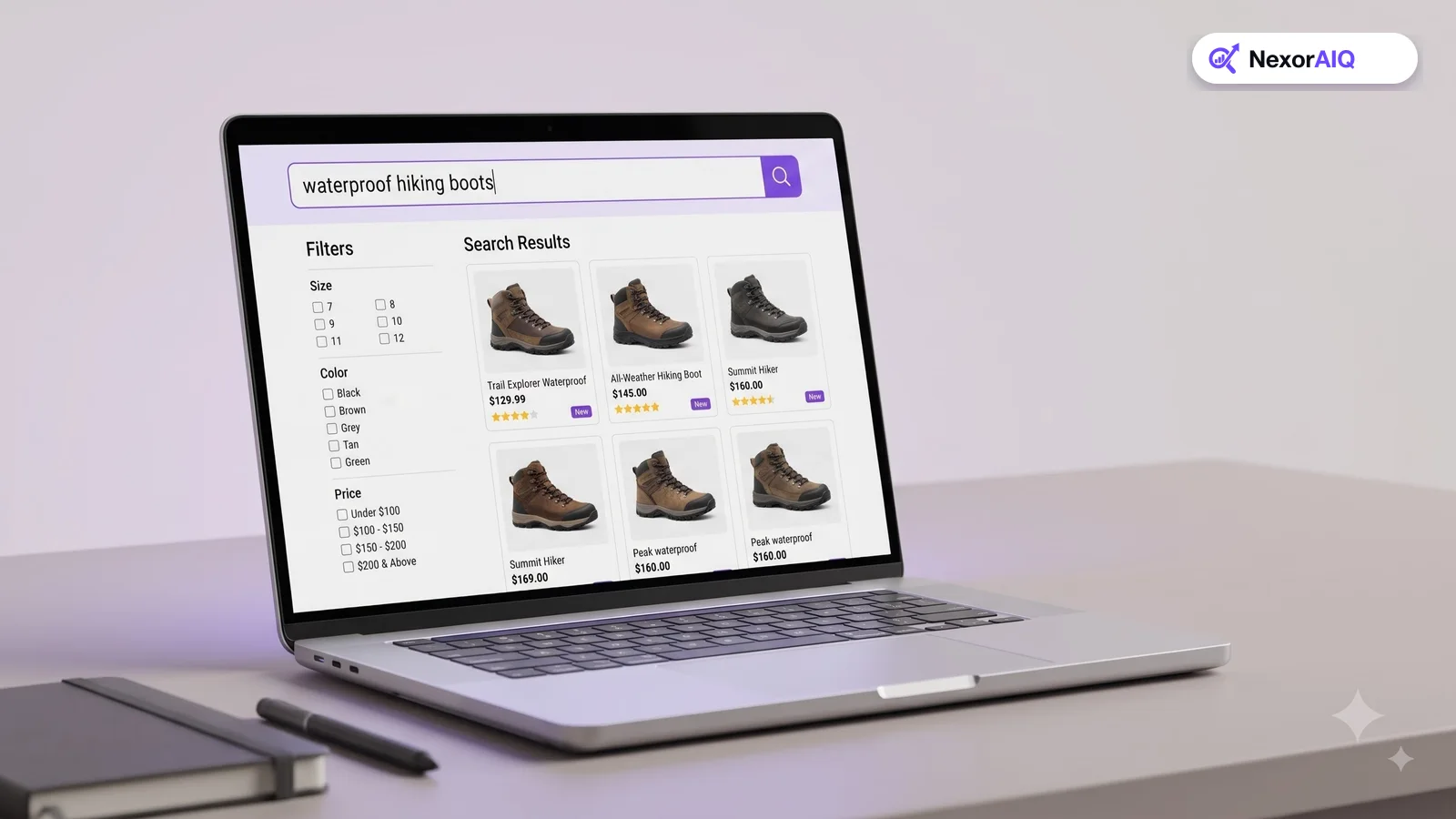
Ecommerce site search is the search engine inside your store. It takes a query like "waterproof hiking boots size 10", finds the matching products in your catalog, ranks them, and shows them with filters and sorting.
It looks like a small version of web search, but the job is different. A web search engine ranks documents by how well they answer a question. A store search engine ranks products, and products have structure: categories, brands, sizes, colors, prices, stock levels and variants. A good result is not just relevant text. It's a product that matches the shopper's constraints, is in stock, and is one your business wants to sell.
That's why store search needs its own rules: attribute-aware matching, stock-aware ranking, and merchandising controls that web search never has to think about.
Why site search deserves your attention
Shoppers who search have already told you what they want, so they behave differently from browsers.
- In an Econsultancy study, visitors who used site search converted at 4.63% against a site average of 2.77%, about 1.8 times higher.
- In research by The Harris Poll for Google Cloud, 76% of US shoppers said an unsuccessful site search had cost the retailer a sale, and 48% said they bought the item elsewhere.
- The same research put the cost of search abandonment at more than $300 billion a year for US retailers.
- Baymard's 2026 benchmark found that only 44% of desktop and mobile sites have a "decent" or "good" search experience.
The opportunity is the gap between those numbers: high-intent shoppers, and search experiences that mostly let them down.
The five layers of a site search engine
When search fails, it usually fails in one of five places. It helps to think about them separately.
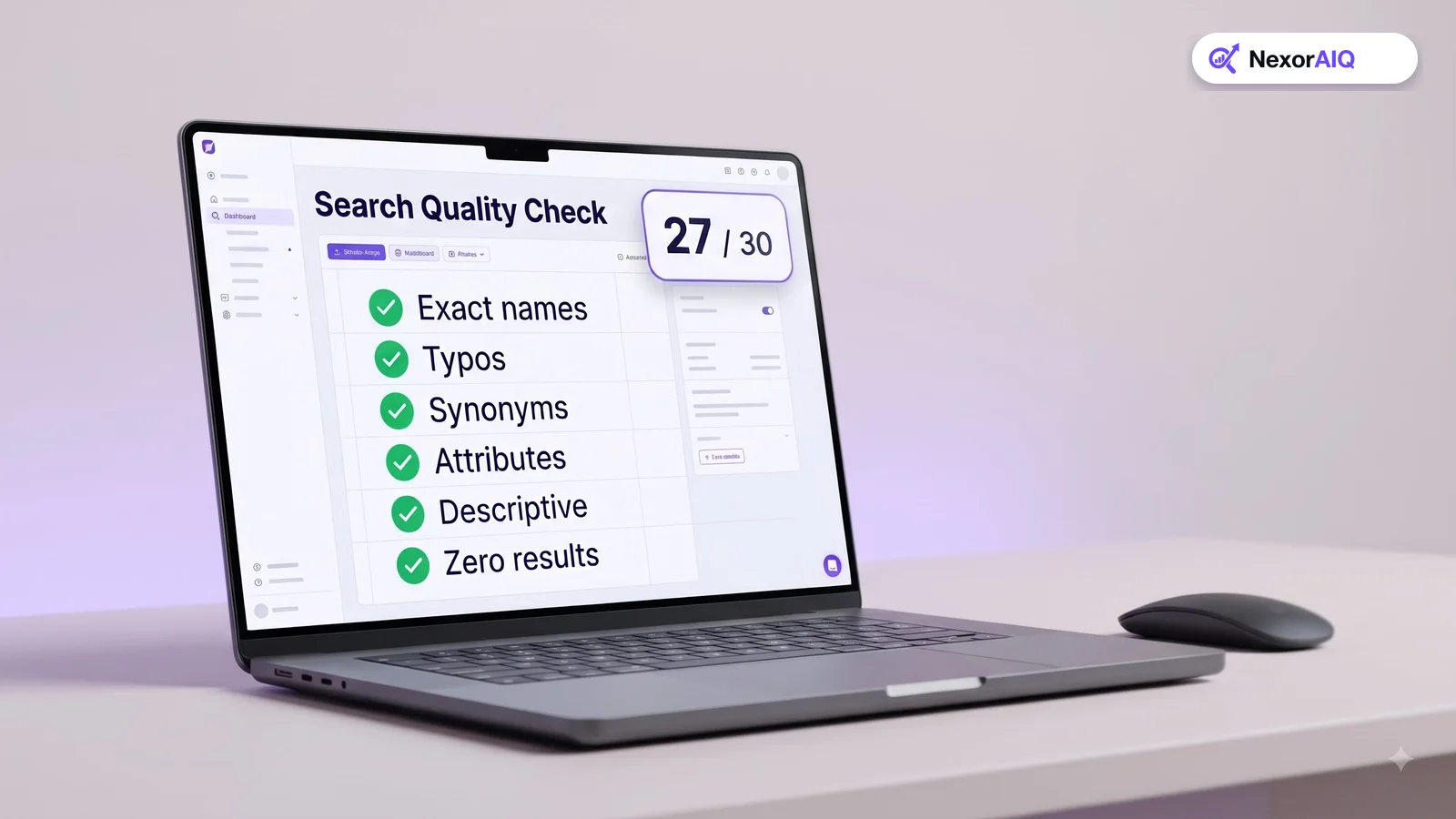
- Query understanding: cleaning up the query, fixing typos, expanding synonyms, and spotting attributes such as "red", "under $50" or "size 10".
- Retrieval: finding every product that could match. Keyword matching finds exact words; semantic (vector) matching finds products that mean the same thing. Most modern stores use both. Our vector vs keyword search guide explains the trade-offs.
- Ranking: putting the best products first, using relevance, popularity, stock, margin and any rules your team sets.
- Presentation: autocomplete, the results grid, filters, sorting and the no-results page.
- Measurement: knowing which queries convert, which fail, and what to fix next.
A slow search engine with a beautiful results page still fails. So does a smart engine behind a bad filter panel. Improve the weakest layer first.
Know the kinds of queries your shoppers type
Baymard's research groups real shopper queries into types, and most stores handle only the first one or two well. Look at your own search log and you'll find all of these:
- Exact: a product name or model number, such as "ZX-450 blender".
- Product type: a category word, such as "sofa" or "running shoes".
- Feature: an attribute, such as "waterproof jacket" or "16GB laptop".
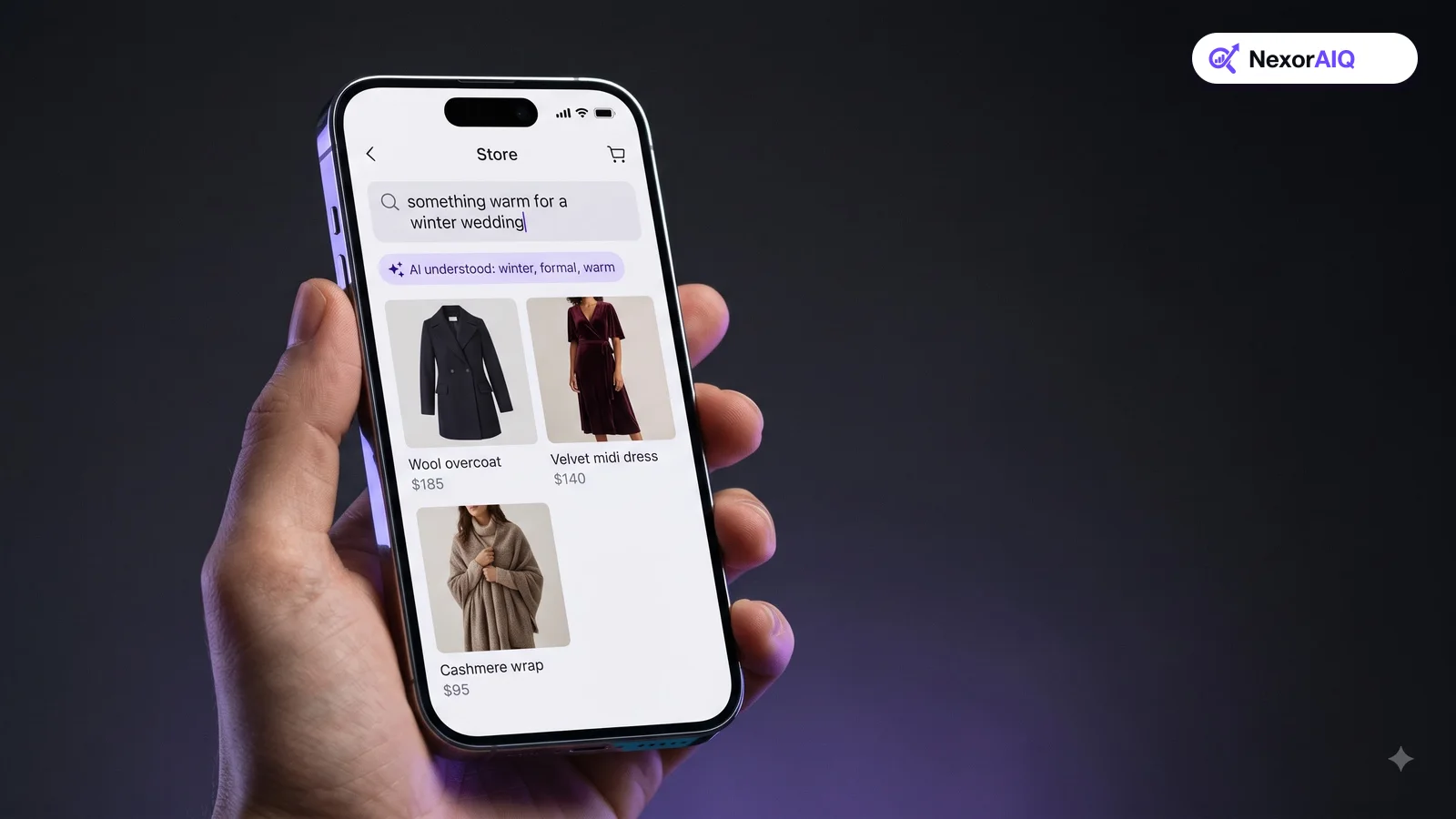
- Thematic: an occasion or style, such as "beach wedding outfit".
- Symptom or problem: a need, such as "stain remover for red wine".
- Compatibility: "charger for model X", "filter for my vacuum".
- Non-product: "returns", "shipping", "store hours".
Each type needs different handling. Exact queries need precise matching on SKUs and model numbers. Thematic and problem queries need semantic understanding. Non-product queries need a link to the right help page, not an empty product grid.
The search experience shoppers expect
Four parts of the interface do most of the work:
- Autocomplete that suggests queries, categories and products from the first few keystrokes. See our 12 autocomplete best practices.
- Filters that match the product type being searched, with clear labels and counts. See our faceted search best practices.
- A no-results page that never ends the session. Suggest corrected spellings, related categories and popular products. Our zero-result recovery guide covers this in depth.
- A mobile layout built for thumbs. Mobile drives most holiday spending now, so test search on a phone first.
Relevance is the baseline; merchandising is the advantage
Once search returns the right products, your team will want a say in their order. A new collection should show up first for "jackets". Out-of-stock items should drop. A high-margin house brand might deserve a boost.
That's search merchandising: rules, boosts, pins and banners layered on top of relevance. Done well, it lifts revenue without making results feel less relevant. Done badly, it buries the products shoppers actually want. Our search merchandising playbook shows how to set rules with guardrails.
Measure search like a product, not a feature
You can't improve what you don't track. At a minimum, track search usage rate, search conversion rate, zero-result rate, search exit rate and revenue per search. Review your top 100 queries and your top zero-result queries every week.
Google Analytics 4 can record site searches with its enhanced measurement setting, which is a good starting point. Our guide to 10 ecommerce search analytics metrics lists formulas and healthy ranges.
A 30-day plan to improve your site search
You don't need a rebuild to see results. Here's a plan a small team can run in a month.
- Week 1: Measure. Turn on search tracking, export your top 200 queries and your top 50 zero-result queries, and record your baseline metrics.
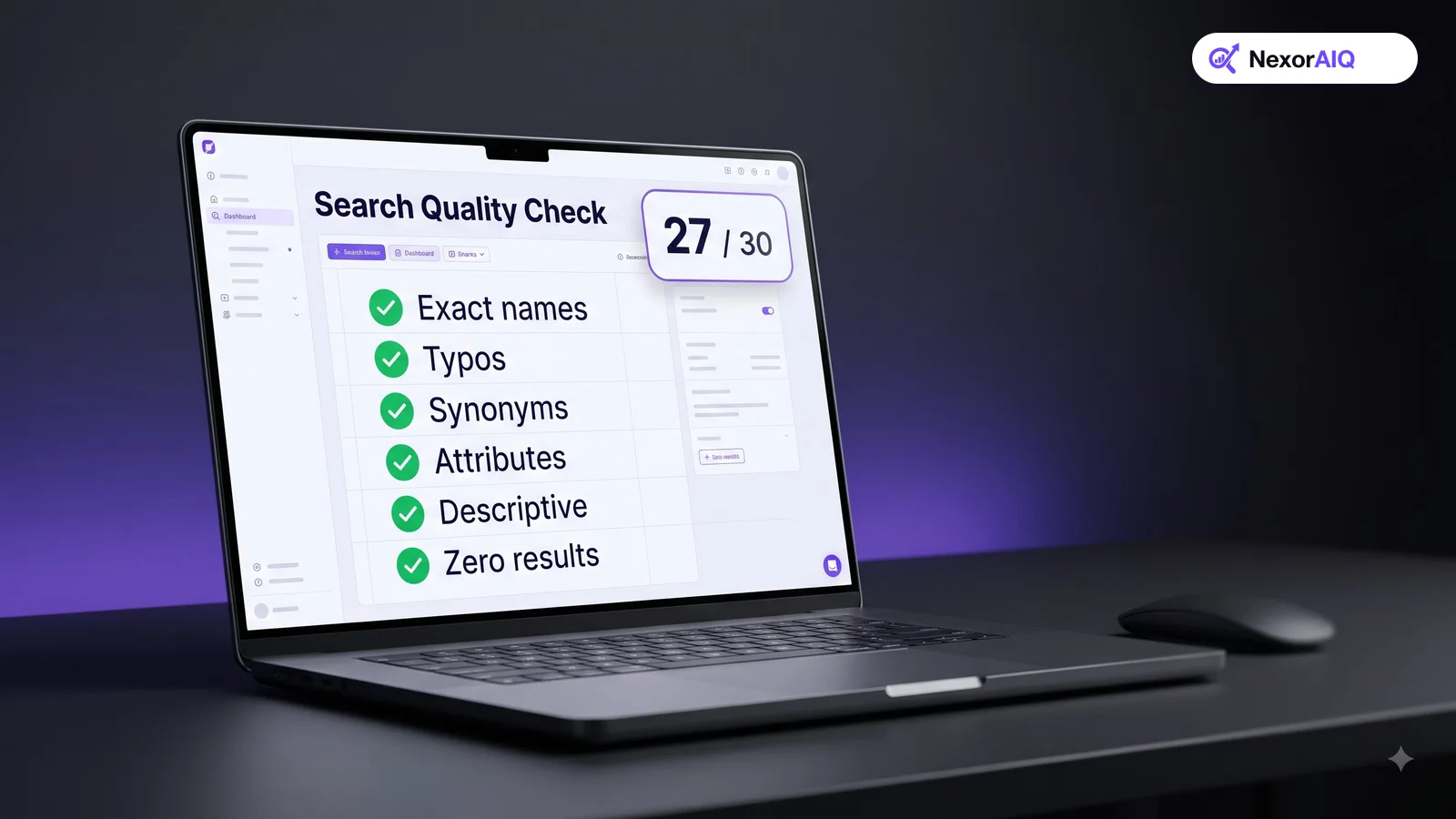
- Week 2: Fix query handling. Add synonyms and spelling fixes for the zero-result queries. Make sure SKUs and model numbers match exactly, with and without dashes or spaces.
- Week 3: Fix the interface. Improve autocomplete, add category-specific filters, and replace the empty no-results page with suggestions.
- Week 4: Add merchandising. Demote out-of-stock products, boost new arrivals for broad queries, and pin best-sellers for your top 10 queries. Then compare against week 1.
Repeat the cycle every month. Search improves through small, steady fixes far more than through big launches.
Where NexorAIQ fits
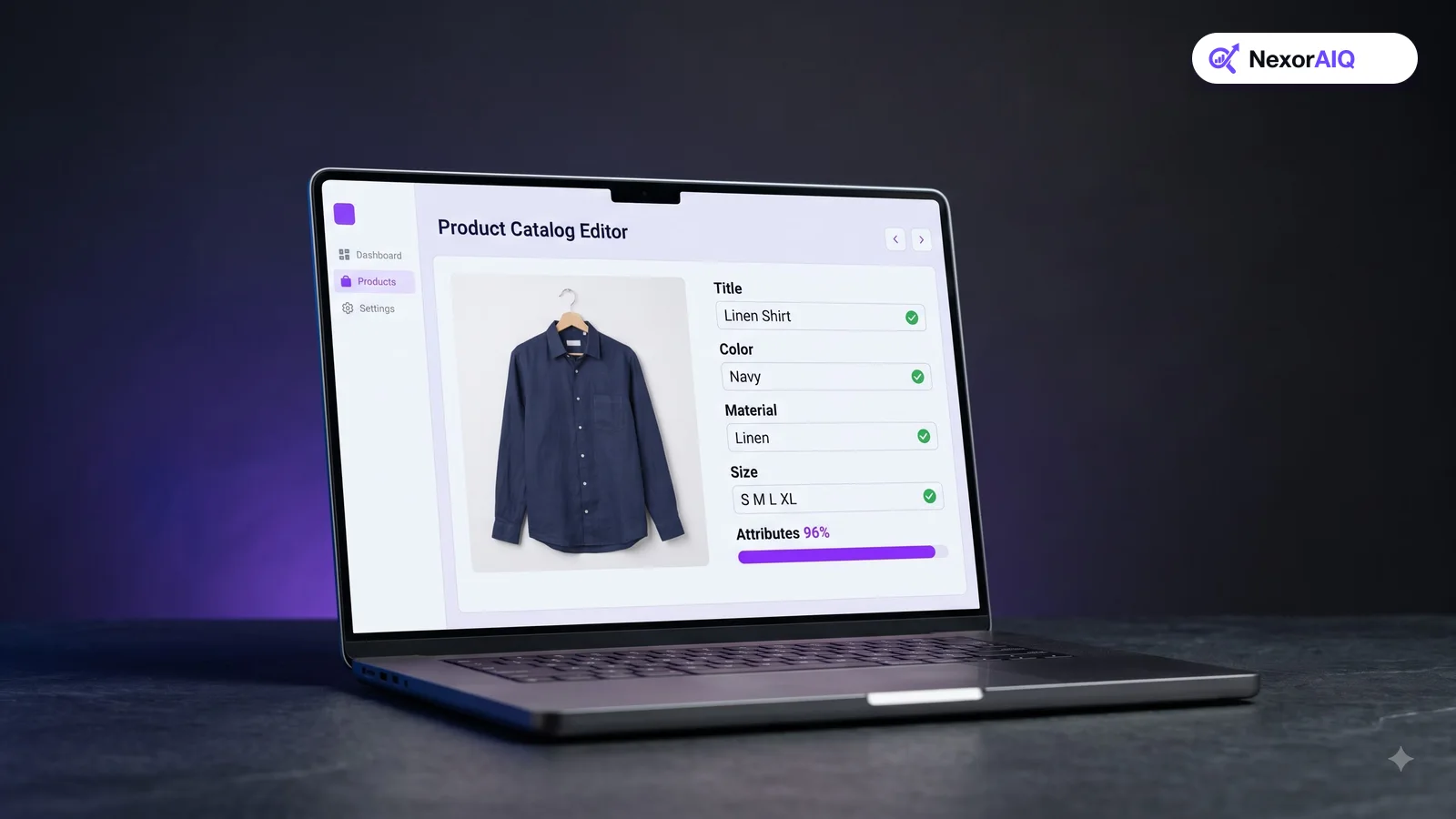
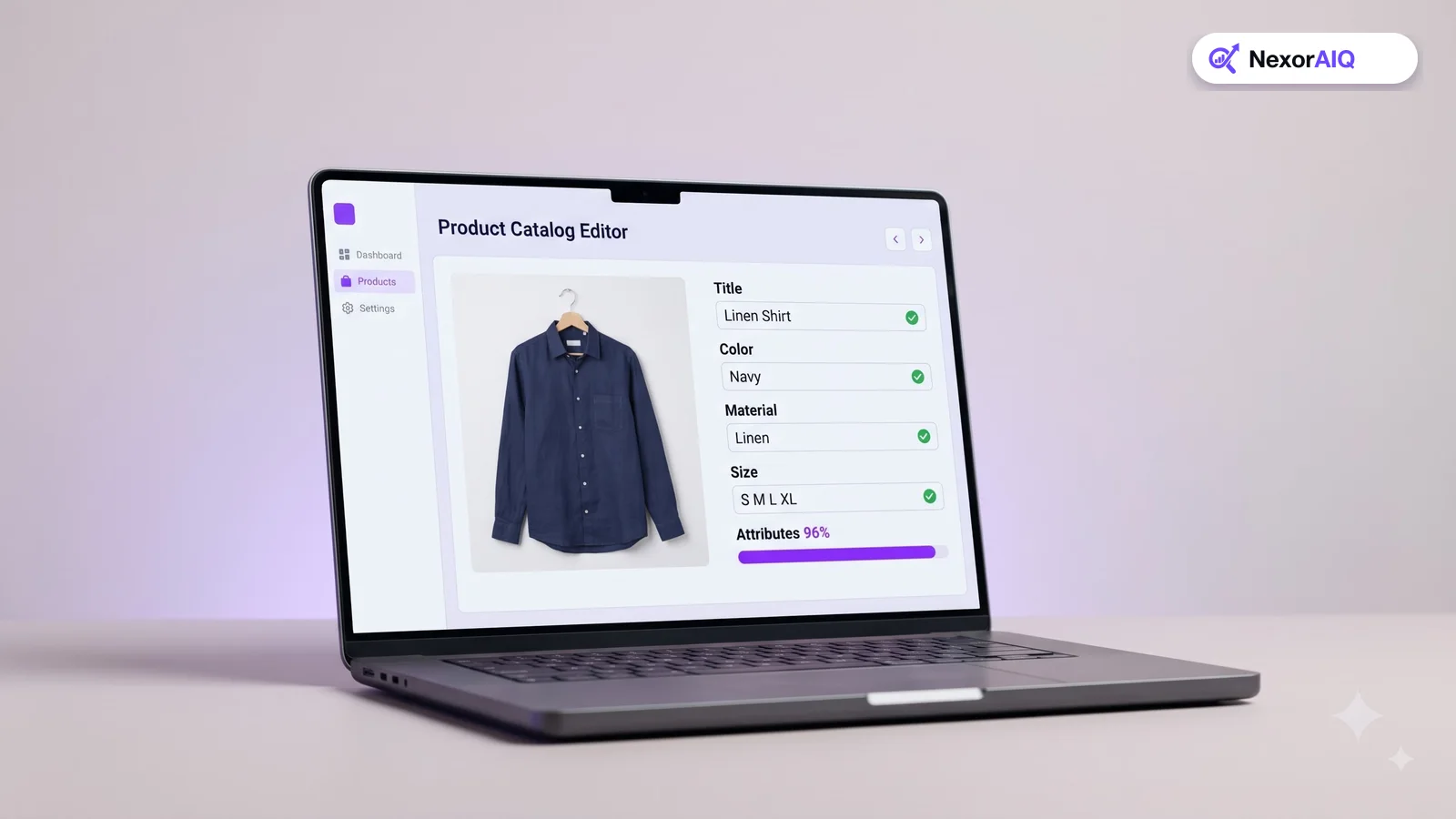
NexorAIQ is an AI search and merchandising platform for ecommerce. It combines keyword and semantic retrieval, typo and synonym handling, AI autocomplete, dynamic filters, no-result recovery and visual merchandising in one place. In our production data, 95% of searches return in under 25 ms.
NexorAIQ is available now for Magento 2 and Adobe Commerce. Connectors for other platforms are coming soon.
Site search maturity: where is your store today?
| Level | What it looks like | Next step |
|---|---|---|
| 1. Basic | Keyword match only; typos and synonyms return nothing; empty no-results page | Add synonyms, typo tolerance and a helpful no-results page |
| 2. Tuned | Synonyms and typo handling; autocomplete; generic filters | Category-specific filters; weekly zero-result review |
| 3. Smart | Semantic retrieval; attribute detection; stock-aware ranking | Merchandising rules with A/B tests |
| 4. Optimized | Rules, personalization and analytics working together | Continuous testing against revenue per search |
Frequently Asked Questions & Architecture Insights
What is ecommerce site search?
Ecommerce site search is the search engine inside an online store. It matches a shopper's query to products in the catalog, ranks them, and displays them with filters, sorting and suggestions.
Why do shoppers who use site search convert better?
They have already described what they want, so they arrive with higher purchase intent. In an Econsultancy study, searchers converted at 4.63% against a 2.77% site average.
What is a good zero-result rate for site search?
Aim to keep zero-result searches well under 5% of all searches, and review the remaining ones weekly. Most can be fixed with synonyms, spelling corrections or better product data.
Should I use keyword search or AI search?
Use both. Keyword matching is precise for SKUs, brands and model numbers. Semantic AI search handles natural language, synonyms and descriptive queries. A hybrid engine combines the strengths of each.
Key Takeaway
Site search is where your highest-intent shoppers tell you what they want. Measure it, fix the queries that fail, make the interface helpful, and add merchandising on top of strong relevance. A month of steady fixes is enough to see a difference in conversion.